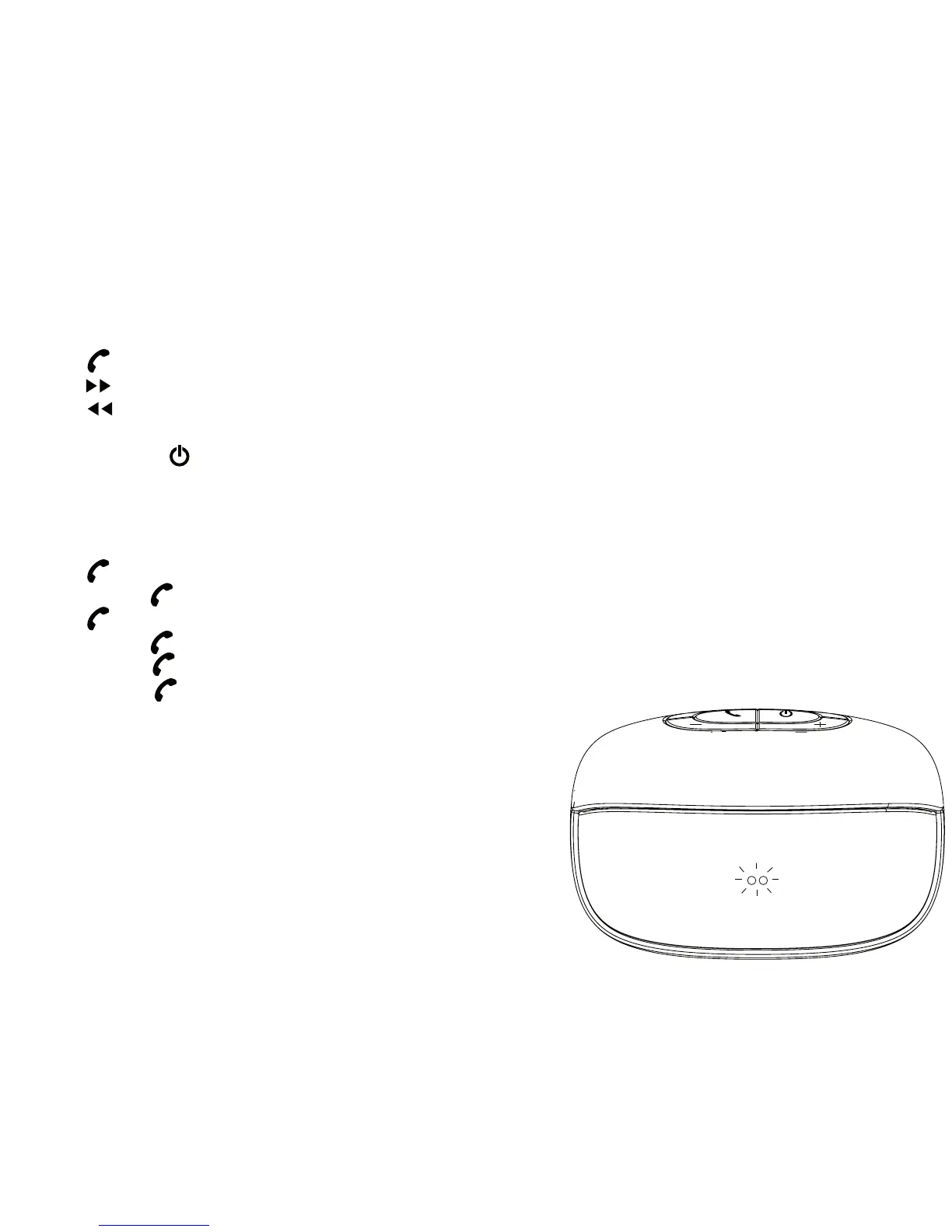
5) Listening to xqisit 2.0
• Stay connected to xqisit 2.0 via BT, repeat the pairing step if it has been disconnected
• Select music to play in BT device
• Press for Play / Pause
• Press for next song
• Press for previous song
• Press + or – to adjust volume level or adjust it from your BT device
• Press and hold key until LED light o to switch o
6) Talking via xqisit 2.0
Remarks: Only available on BT mobile with HFP/HSP
• Press for answering a call
• Press & hold for rejecting the call
• Press to hang up when the call nish
• Press & hold during the call to switch between xqisit 2.0 and mobile
• Double Press to answer a call from 3rd party
• Double Press to toggle between original call and 3rd party


 To Next Page