6
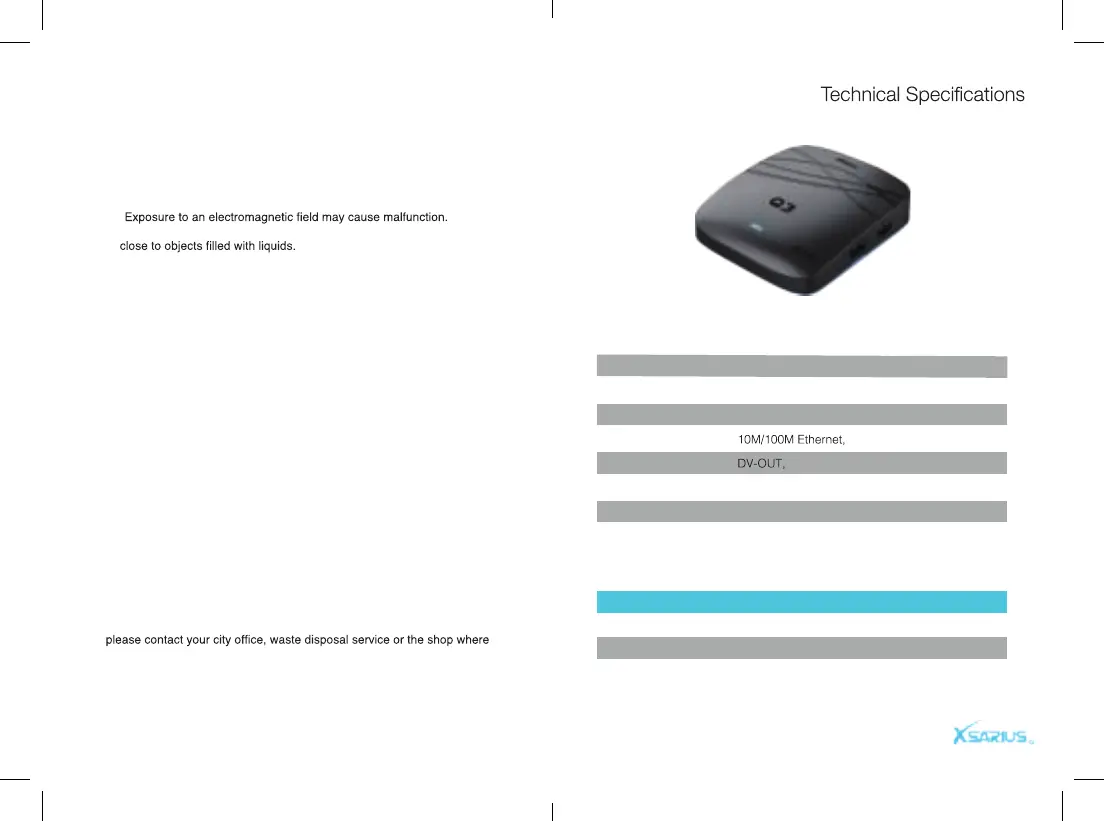
Safety Instructions
CPU
RAM
FLASH
USB Interface
Network input
Audio output
Video output
Operation system
Power consumption
Quad-Core Cortex-A55
1GB DDR4
8GB
USB 2.0*1 USB3.0*1
Left and Right output, SPDIF
HDMI 2.1
Android 9.0
12W
Disposal Instructions
Mode
Working
Standby
Shutdown
Status
Blue Light
Red light
Off
*
*Equipment should not be exposed to liquids or placed or placed
*Avoid any type of physical impact.
*Protect device from damp, excessive heat or smoke environment.
*Do not open or disassemble this device
Please read the safety instructions carefully before using the
Xsarius Q3. The manufacturer takes no responsibility for incor-
rect handeling of the Xsarius Q3.
Separate the product from other types of waste and recycle the
product. This procedure protects the environment and avoid
damages to our health.
1. When the crossed-out wheeled bin symbol is attached to a product it
means the product is covered by the European Directive 2002/96/EC.
2. All the electircal and electronic products should be disposed of
separately from the municipal waste stream via designated collection
facilities appointed by the goverment or the local authorities.
3. The correct disposal of your old appliance will help prevent potential
negative consequences for the environment and human health.
4. For more detailed information about disposal of your old appliance,
you purchased the product.
Reference Reference
Built-in WiFi Module 2.4G


 To Next Page