11
If your device can be charge with this portable power supply, follow these steps:
1. Make sure the Master Power Button is turned on.
2. Ensure the output port is turned on. The green LED light indicating its state should be lit up.
3. Check the battery capacity display. If it is at 20% or below, you need to charge the portable
power supply rst.
4. Verify your device is suitable to be charged with this product. All the output ports have their own
maximum power output. Check them to ensure your device is compatible.
If you are still experiencing trouble with this product after checking the TROUBLESHOOTING as
below, please contact us.
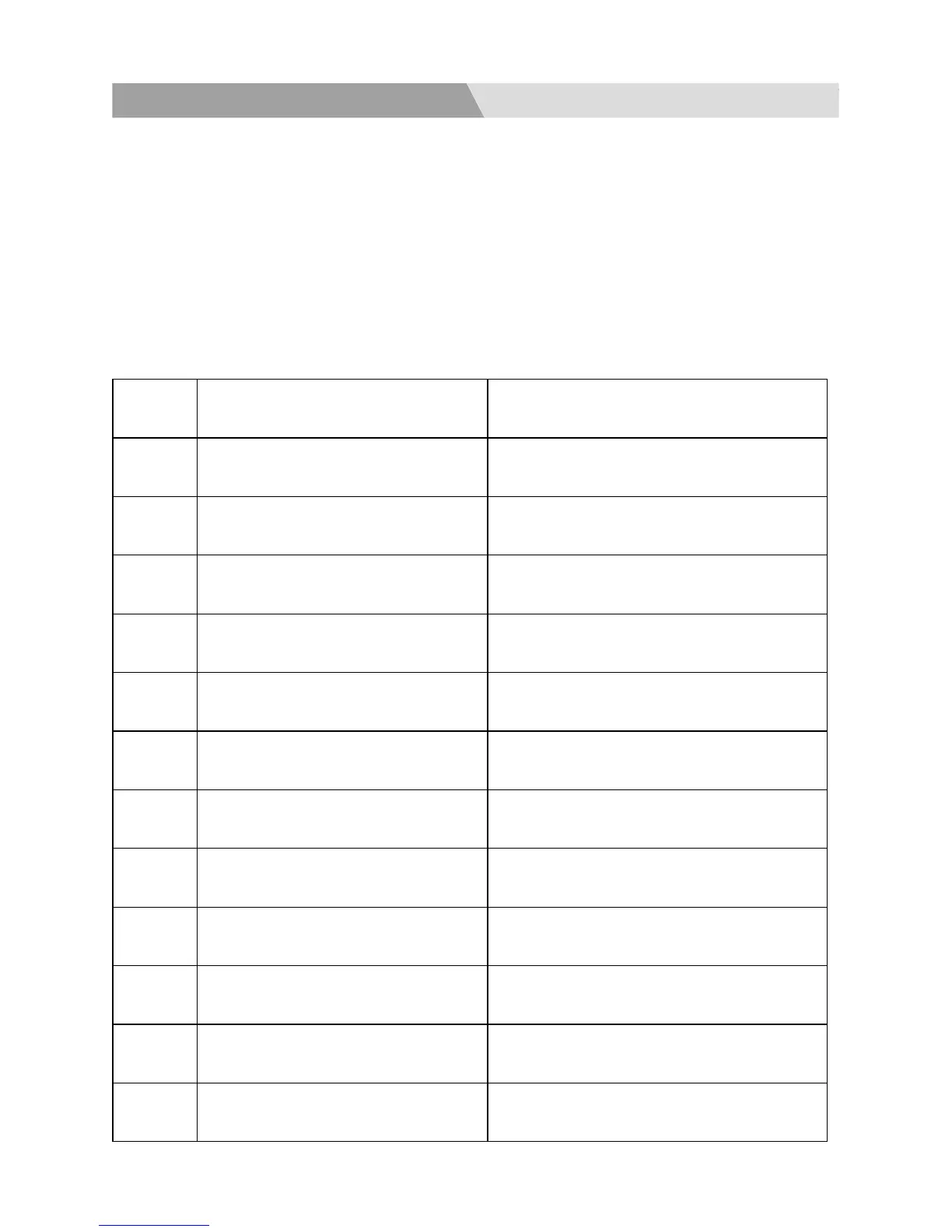
Failure
Code
Failure Cause Troubleshooting
E01 System over-temperature protection
Check the ambient temperature if higher
than 45°C. Output will start again, if the
product cools down.
E02 Battery Over Voltage Protection Disconnect the charger and restart it
E03 Battery Damage Protection Contact us
E04 1st Battery String Over-Voltage Disconnect the charger and restart it
E05 2nd Battery String Over-Voltage Disconnect the charger and restart it
E06 3rd Battery String Over-Voltage Disconnect the charger and restart it
E07 1st Battery String Low Voltage
Charge it in time and restart it after fully
charged
E08 2nd Battery String Low Voltage
Charge it in time and restart it after fully
charged
E09 3rd Battery String Low Voltage
Charge it in time and restart it after fully
charged
E10
Low Temperature Discharging
Protection
Check if the ambient temperature is lower
than -20°C
E11 Battery Low Voltage Protection
Charge it in time and restart it after fully
charged
E12 Inverter Over Current Protection
Check if the AC output overload or short-
circuit
7. Troubleshooting



 To Next Page