Installation and Commissioning
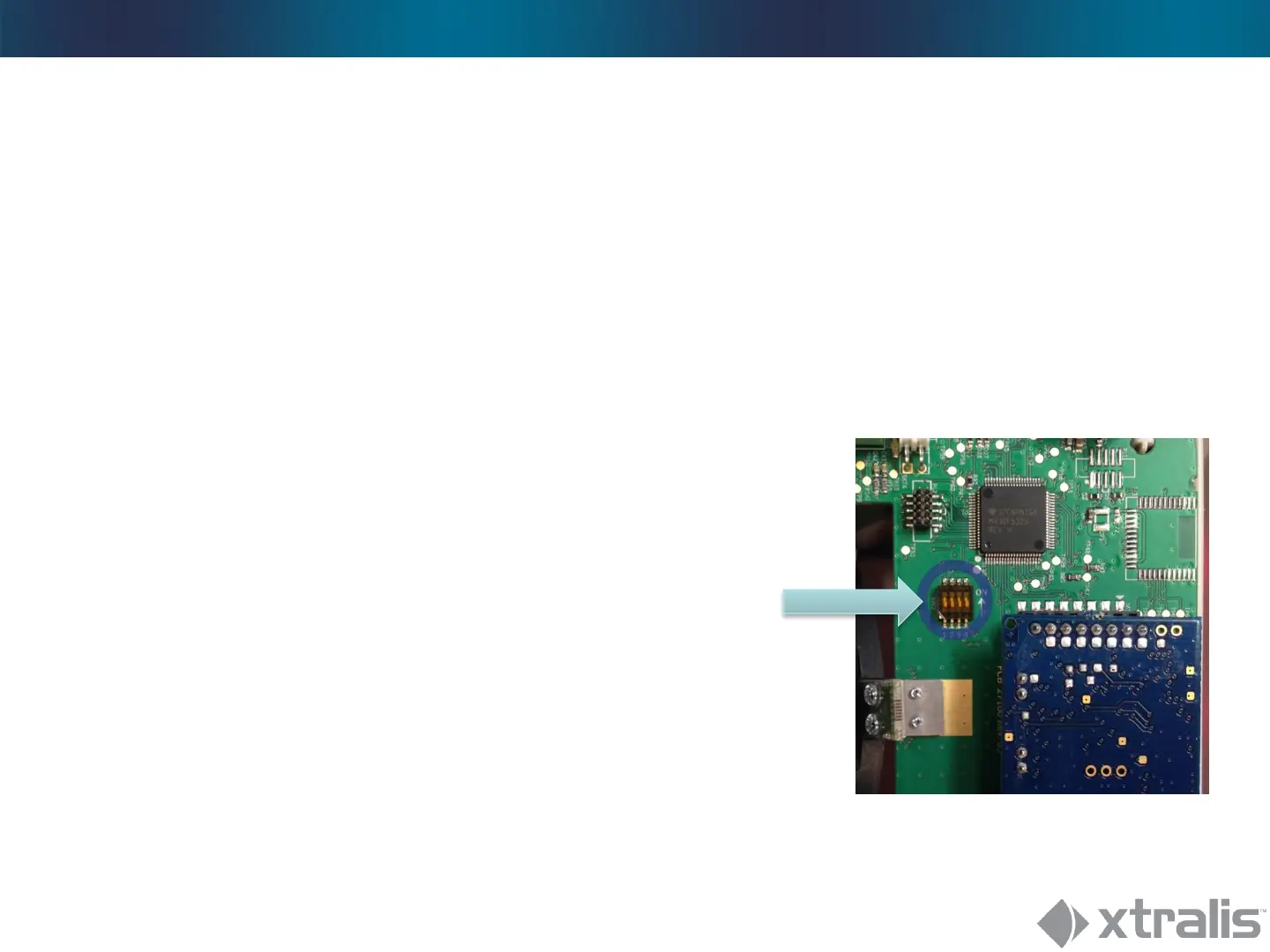
DIP Switches
• As with our standard detectors, we always recommend
to use the SW interface for fine tuning, but since the
specific RF interface might not be always
at hand, DIP switches can be used as well:
DIP 1&2:
DIP 2 DIP 1 Function
0 0 SW-Mode/ Sensitivity
acc. to SW settings (default: 100%)
0 1 HW-Mode/ Sensitivity 60%
1 0 HW-Mode/ Sensitivity 80%
1 1 HW-Mode/ Sensitivity 120%
DIP 3:
ATD On/Off (if DIP 1&2 are set to a HW mode setting)
DIP 4:
Pulscount On/Off (for PRO E-18WRF; (if DIP 1&2 are set to a HW mode setting)





 To Next Page