3
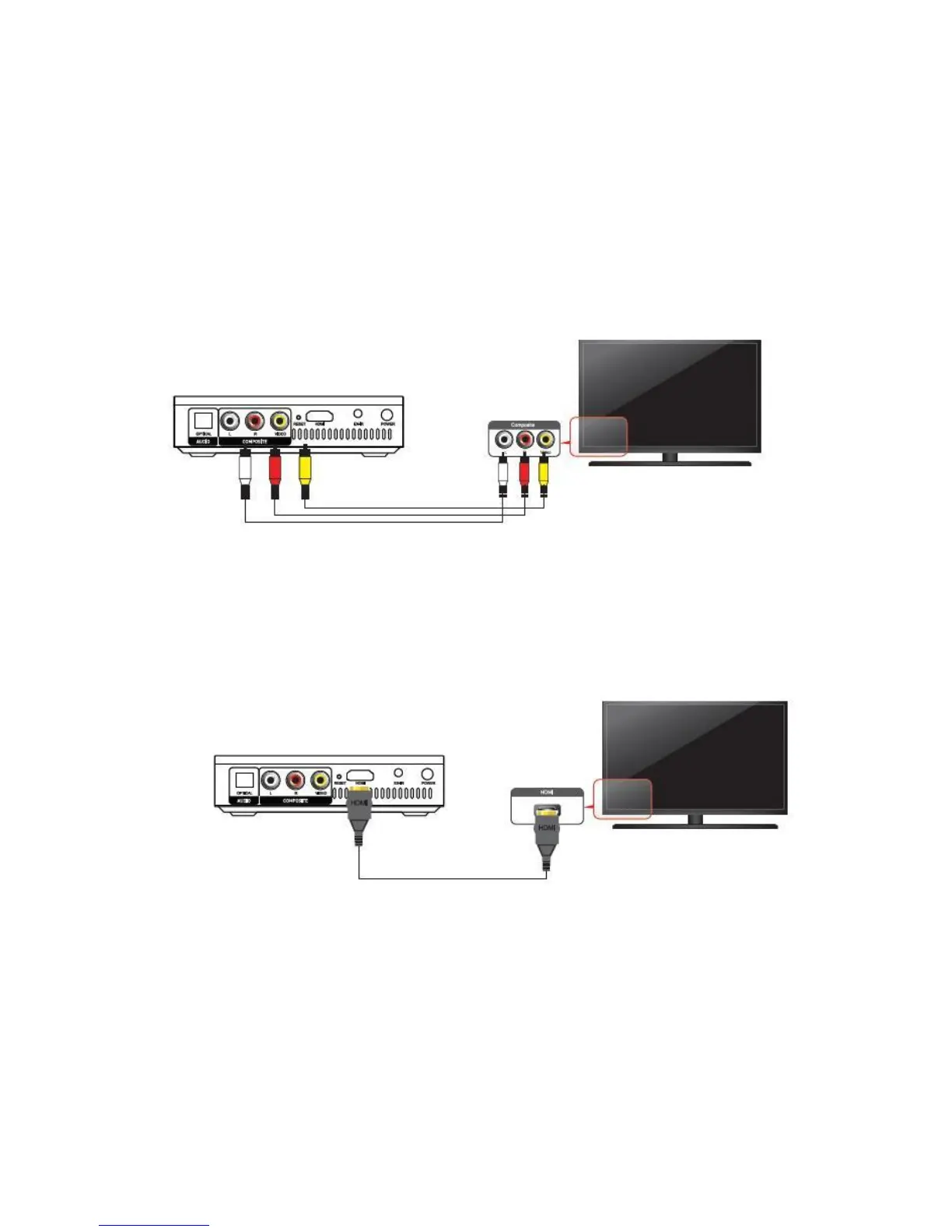
Basically, all you need is a TV. Simply take your Xtreamer Elvira,
connect it to power and use an appropriate cable depending on your television.
Xtreamer Elvira media player supports both SD television with RCA (Yellow, red, white) connection
What do you need to connect your Xtreamer Elvira?
And high definition TV's with HDMI connection
Please note: for best performance use HDMI.
Note: you can also connect your Elvira via an amplifier or a receiver. In these cases in
addition to the Xtreamer Elvira settings you might have to adjust the settings on your
receiver.



 To Next Page