4
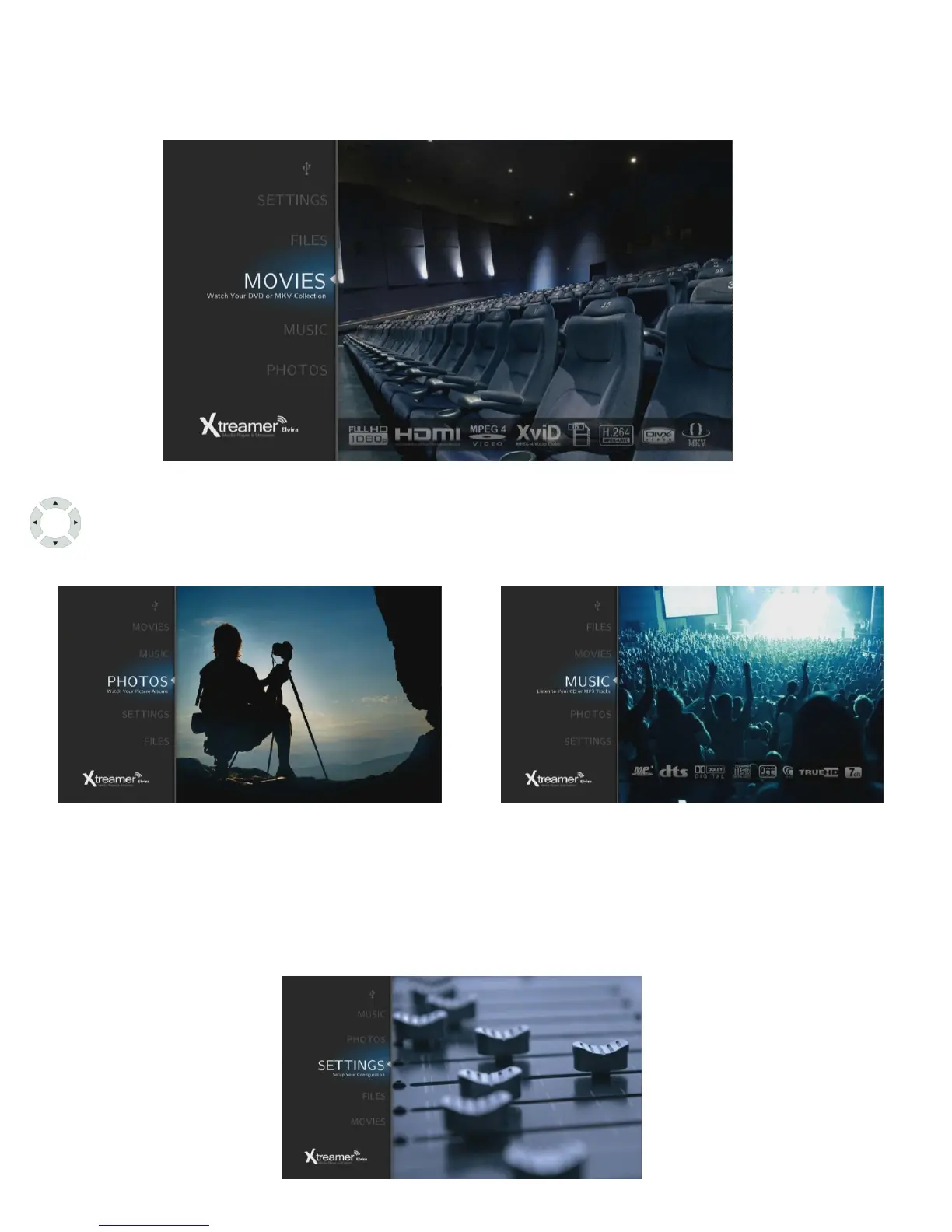
Once your player is connected and switched on, you will be taken to Elvira's main screen.
Quick introduction to Xtreamer Elvira
By pressing UP and DOWN cursor buttons on the remote control you will be able to
navigate the main menu and enter its sections.
Movies, Music and Images sections are self-explanatory. Once you connect an external
storage device to your Elvira, the player will automatically scan it, filling the sections with
relevant content.
The Files section allows you to browse the connected storage devices.
The Settings section is for adjusting your player's performance to better suit your needs.



 To Next Page