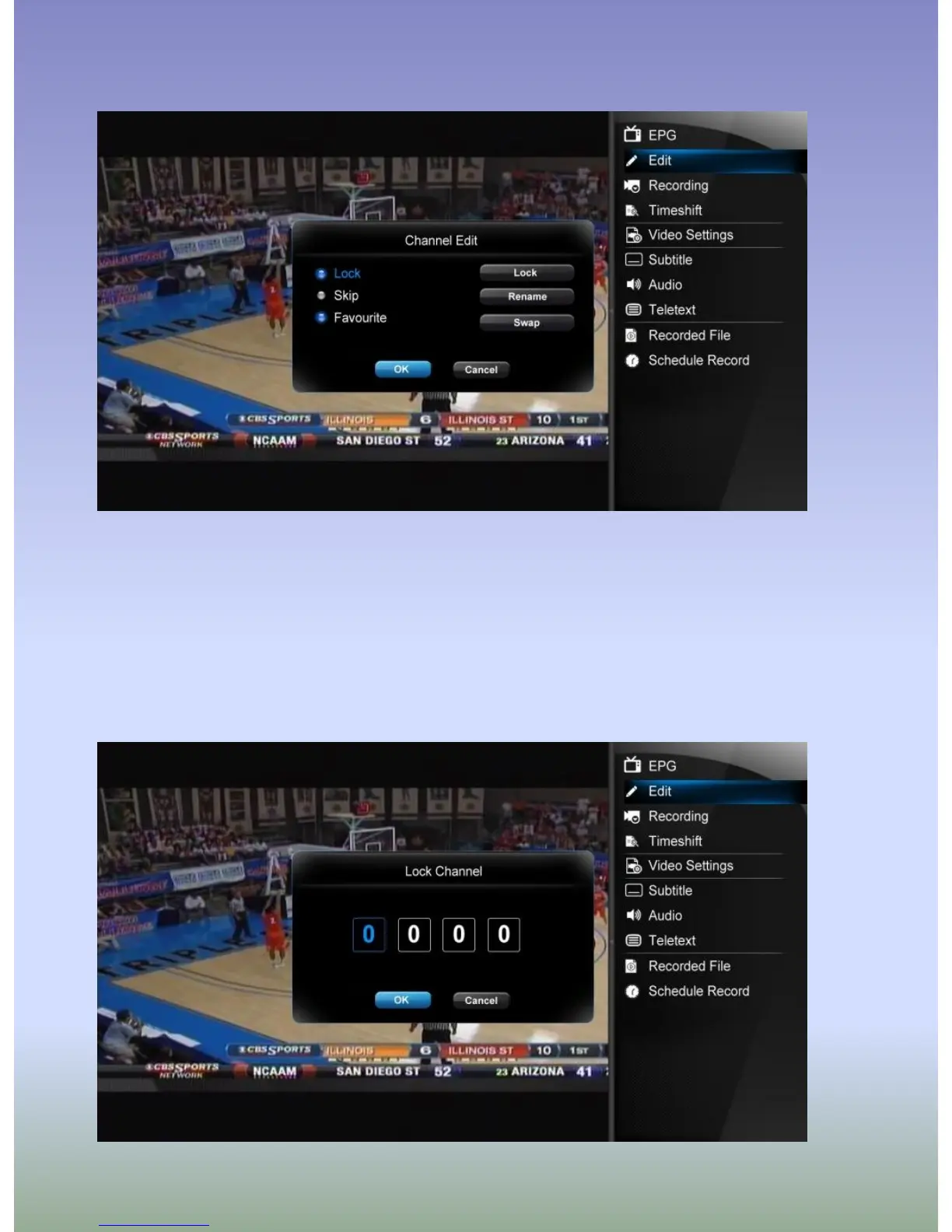
Channel Edit
To enter channel edit menu, press RIGHT button when watching TV programs, and select Edit
from the Side Panel option menu.
In this menu, you can Lock, Delete, Rename, Skip, Swap TV channels and also edit your
favorite TV list. Use Up/Down buttons to select and modify the settings.
Note: A password needed when you try to enter this menu, default is 0000



 To Next Page