15
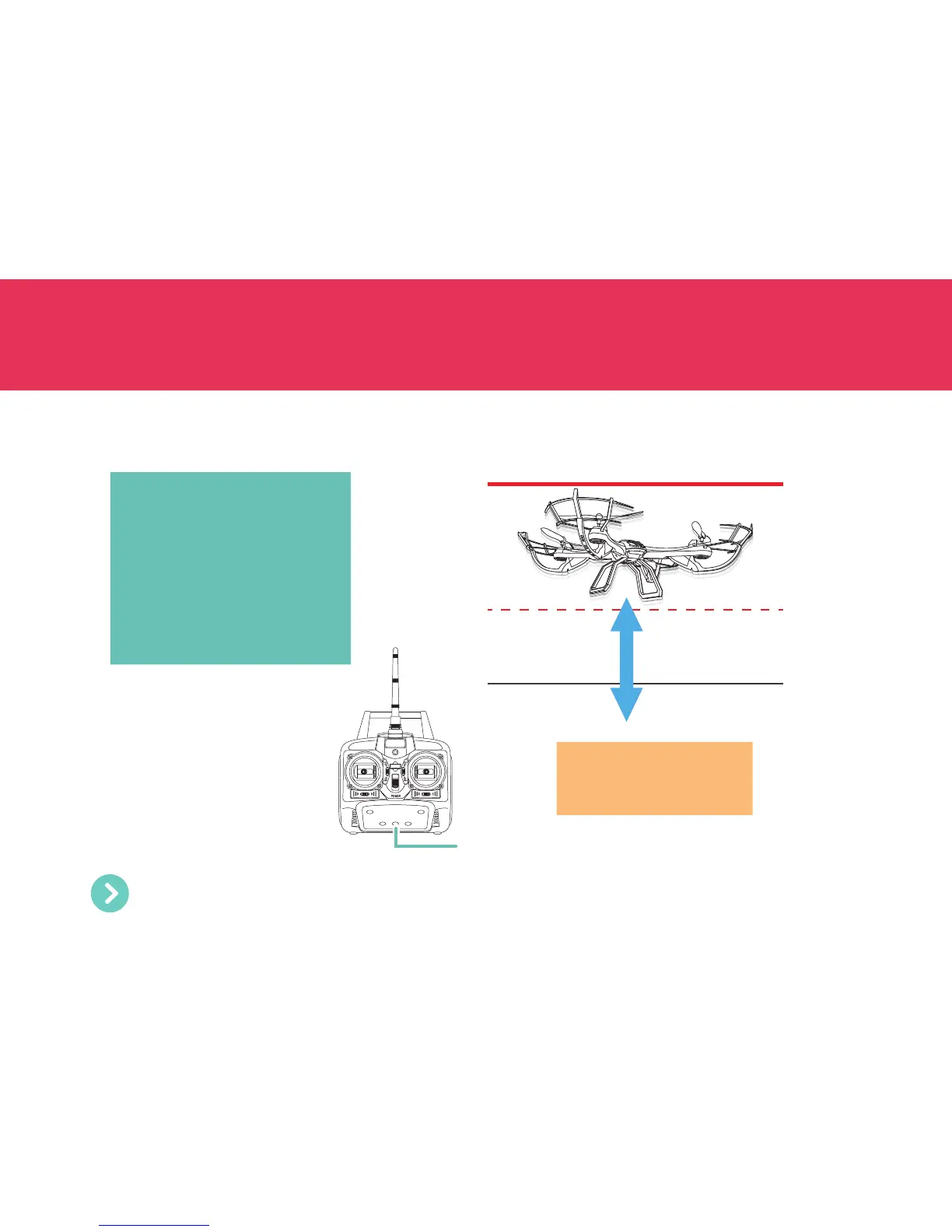
Hover mode is a great way for beginners to learn how to fly! This feature maintains the Drone at a consistent
altitude while allowing you to rotate and control directional movements normally.
HOVER
Hover button
Bring the Drone up to the altitude
you want, then press the Hover
button. The throttle is automatically
controlled and the current altitude
is maintained. All other controls
(forward, backward, sideway, rotate)
will continue to work as usual.
To resume control of the throttle and
end Hover mode, press the Hover
button again.
Note: While Hover mode is
enabled, the Return Home
button does not function.
Make sure the Throttle stick is in the neutral position before turning Hover mode off. This prevents the
Drone from dropping or rising suddenly when the throttle control becomes operative again.


 To Next Page