15
13. SOUNDS
14. CLAP CONTROL
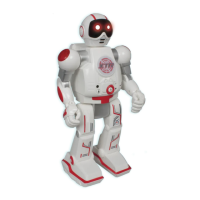
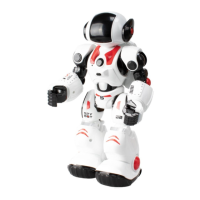
Press “sound” button in the transmitter. James the spybot will play
dierent spy sounds. Press up to 4 times to play derent sounds.
Press “Clap control” button in the transmitter. James the spybot will
do dierent actions using your claps:
1 clap: - move forward
2 claps - move backward
3 claps - Demo mode
11. EYE LIGHTS
Press the “Eye Lights” button on the transmitter and change de eyes
color. Press up to 3 times to change the eyes color
12. VOICE CHANGER
Press the “Voice changer” button on the transmitter. James will
repeat your messages with dierent voices. Press up to 2 times to
change the voice style.
10. SPY MODE / MESSAGE
1. Press the “Spy” button on the transmitter.
2. James the spybot will start recording sounds on the room. You
can spy anyone you want!
3. Press the “Message” button to play the message recorded on spy
mode.
4. You can record secret messages and play it from a distance.


 To Next Page