14
7. DEMO MODE
6. STANDBY BUTTON
8. PROGRAMMING
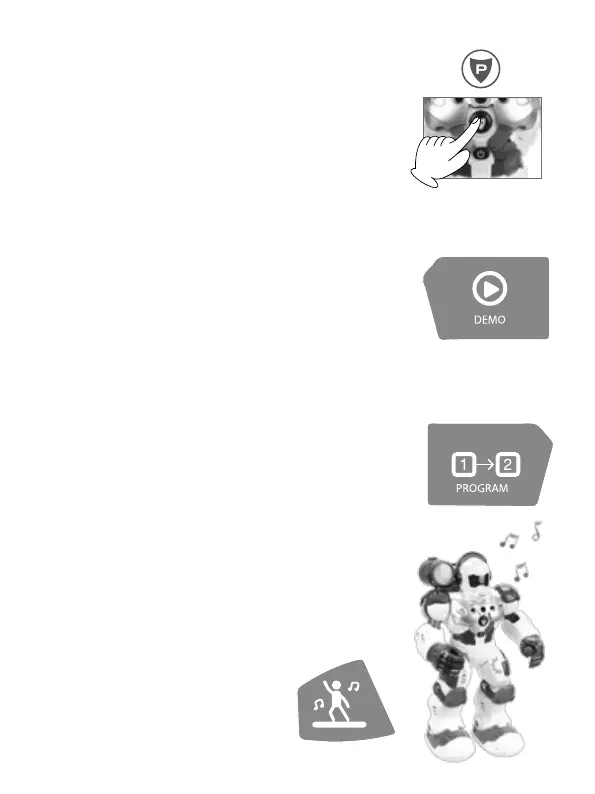
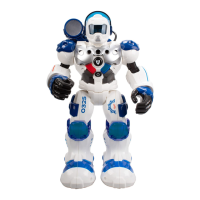
Press the “Demo Mode” button on the transmitter. Patrol will
begin a demonstration of its skills with a mix of dance, sounds
and movements.
The “StandBy” button is for wake up or to go into StandBy mode.
By pressing the button the Guardian Bot goes on StandBy Mode and
stays sleep until this button would be pressed again.
After 2 minutes of inactivity, the robot enters standby mode
automatically. Before the robot go into StandBy mode, it will emit
some sounds in advice.
1. Press the “Programming” button until hear a `beep’ sound.
2. Up to 50 functions can be programmed. You can glide forward,
glide back, walk forward, walk backward, turn left, turn right or
make preset sounds.
3. Press “Programming” button to perform programmed func-
tions again.
4. When it is not in use atomatically exit.
9. DANCE MODE
Press the “Robot Dance” button on the
transmitter.
The Patrol will perform a dance.


 To Next Page