15
12. SOUNDS
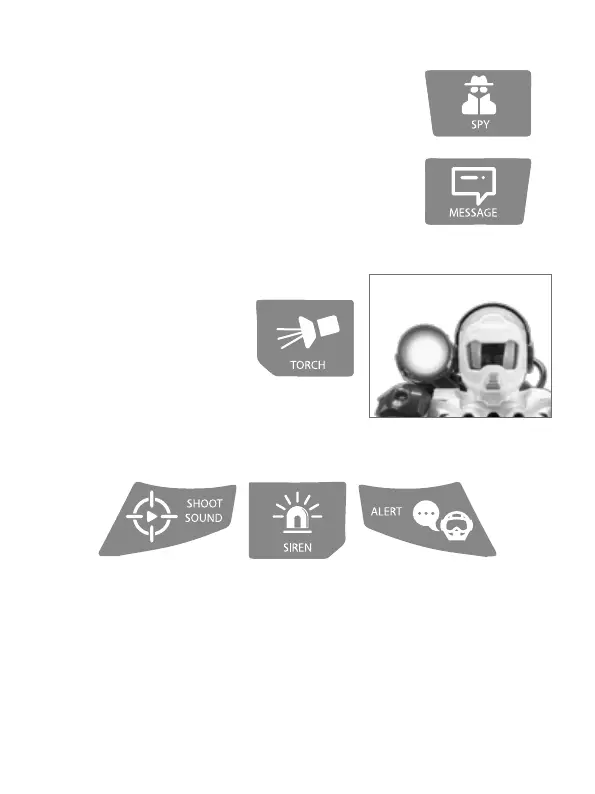
3 dierent preset sounds:
Shooting sound eects by pressing “shoot sound” button.
Alert advice by pressind “Alert” button.
Police siren sound eects by pressing “siren” button.
11. LED TORCH
Press “Torch” button on the transmitter
to switch it ON. Press again to keep it
blinking. PRess again to switch it OFF.
10. SPY MODE / MESSAGE
1. Press the “Spy” button on the transmitter.
2. Patrol will start recording sounds on the room. You can spy anyo-
ne you want! Press it again to stop recording.
3. Press the “Message” button to play the message recorded on spy
mode.
4. You can record secret messages and play it from a distance.



 To Next Page