8
11. sounds
Press “Sound” buons and Robbie will play dierent sounds and
movements.
Each buon plays a dierent sound.
10. robot speech
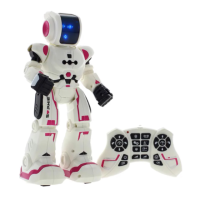
Press the “Speech” buon on the transmier. The Robot will start
speaking a Roboc Language.
7. demo mode
8. programming
Press the “Demo Mode” buon on the transmier. Robbie will show
some dance, sounds and movements funcons.
1. Press the “Programming” buon unl hear a `beep’ sound.
2. Up to 50 funcons can be programmed. You can glide forward, glide back,
walk forward, walk backward, turn le, turn right or make preset sounds.
3. Press “Programming” buon to perform programmed funcons again.
4. When it is not in use atomacally exit.
9. dance mode
Press the “Robot Dance” buon on the transmier.
Robbie will perform a dance.


 To Next Page