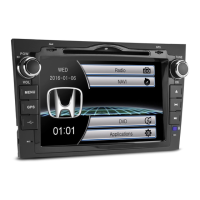
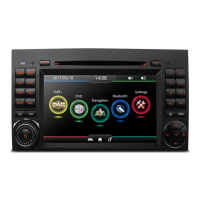
1. V1/V2
Press to select the video source.
3.
Press to move upwards when navigating through the menu.
4.
Press to perform fast-forward.
5.
Press to move right when navigating through the menu.
6.
Press to skip to the next track/chapter.
7.
Press to move downwards when navigating through the menu.
8. MUTE
Press to mute. Press again to unmute.
9. VOL+
Press to turn the volume up.
10. MENU
Press to display the menu.
11. VOL-
Press to turn the volume down.
12.
Press to pause or resume playback.
2. USB/SD
Press to choose to play files in USD mode or in SD mode.



 To Next Page