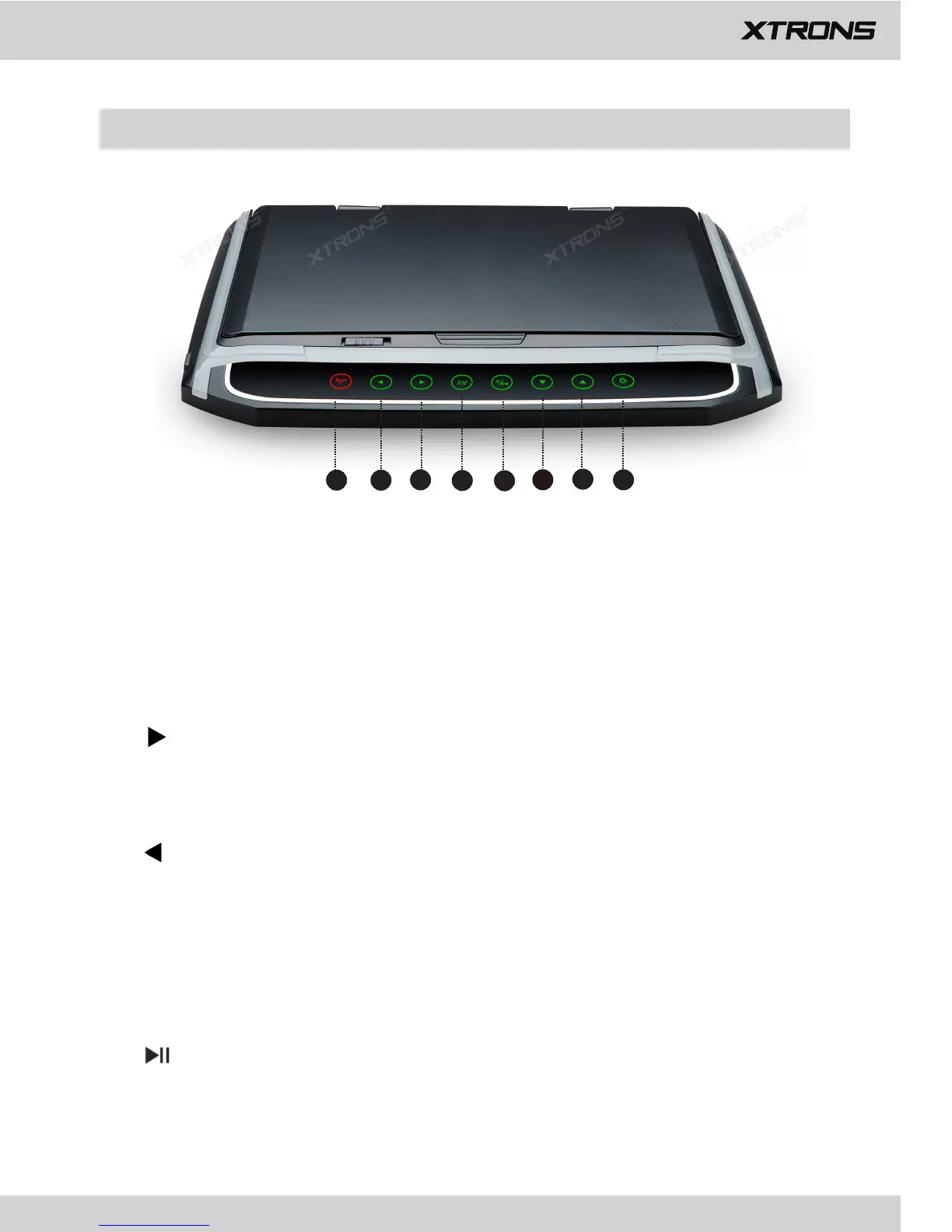
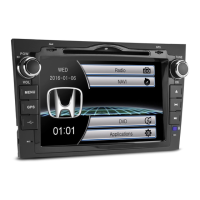
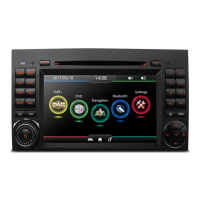
Checking part names and functions
2
3
4
5
1
7
8
6
1. Back/Power
Touch to return to the previous screen.
Touch to turn on or turn off the power.
2.
Touch to move right when navigating through the menu.
Touch to turn the volume up.
3.
Touch to move left when navigating through the menu.
Touch to turn the volume down.
4. AV
Touch to select the AV source.
5. /M
Touch to pause or resume playback.
Touch to switch between the application screen and the AV operation screen.
(Model: CM101HD/CM156HD)



 To Next Page