08
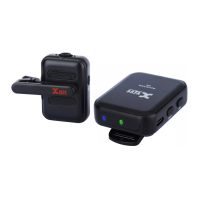
1 XLR OUT: XLR microphone input jack
2 Power switch: switches the unit on and off
3 Channel status LED: indicates selected channel
4 Channel switch: selects Channels 1-6
5 USB Port: For charging the battery
6 RF Status LED:
ON = Transmitter is on and link is established
Flashing = Signal connection interference
OFF = Transmitter off or unlinked
7 Power status Led: indicates power status.
Led off = 100% ~ 30%
Solid red = 29% ~ 11%
Flickering red = less than 10%
8 Antenna.
BASIC OPERATION
U3 RECEIVER
1
4
6
2
8
7
5
3


 To Next Page
 Loading...