
 Need help?
Do you have a question about the XVST MAGIC 04 and is the answer not in the manual?
Details the items included in the product package for MAGIC and NMS models.
Provides detailed technical specifications for MAGIC and NMS series DVRs.
Highlights key features and benefits of the DVR, such as HD recording and Pentaplex system.
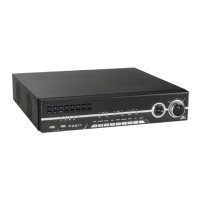
Identifies and labels the front and rear panel components of the DVR.
Provides critical safety warnings and precautions for installing and operating the DVR.
Explains the process for connecting power and external devices to the DVR unit.
Overview of DVR operating modes (Live, Setup, Search, Backup) and password protection.
Explains how to split video, use the live menu bar, and access live mode features.
Details various search methods: Time, Event, POS, Thumbnail, and Panorama.
Guides through system configuration for Display, Record, Device, Network, and System settings.
Instructions for downloading and applying firmware updates to the DVR.

 To Next Page
 General