2
EN
Getting to Know the Xyron
®
Create a Sticker
®
6
5
1
4
3
2
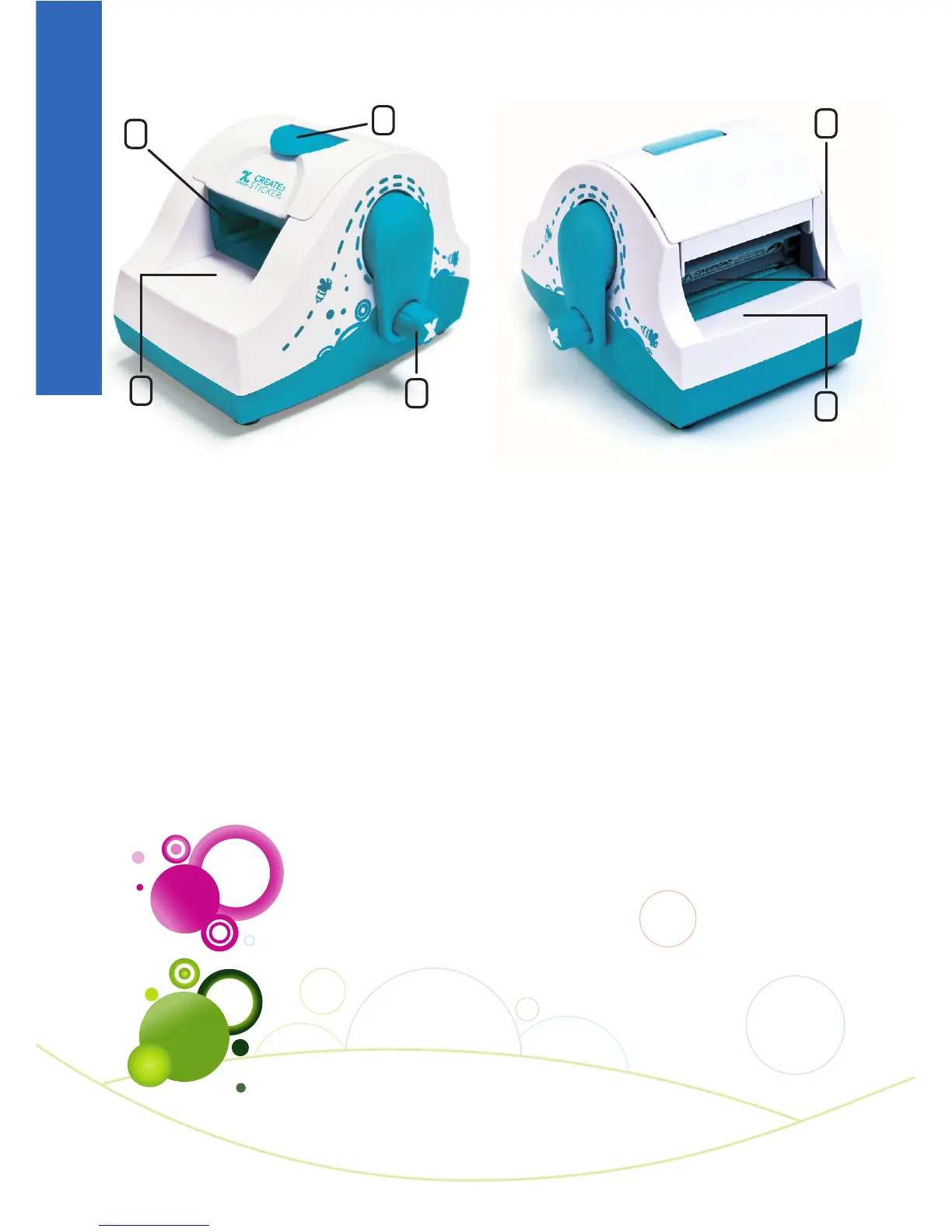
5. Tear Bar
Cuts paper liner by lifting
item up and tearing across.
6. Output Tray
Location where item exits
the machine.
Available Cartridges*
Permanent Adhesive
For strongest hold. Works well on porous surfaces.
Repositionable Adhesive**
Reposition items several times. Best on smooth
surfaces. Safe for windows, painted walls
and doors.
*Sold separately.
**May become permanent over time on some surfaces.
1. Latch
Opens cartridge compartment.
2. Cartridge Compartment
Houses adhesive cartridge.
3. Handle
Advances items through machine,
when turned clockwise.
4. Tray
Used to feed items into machine.



 To Next Page