Xyron Creative Station
®
Multi-Use Applicator 10
How to Unload/Load Cartridge
continued
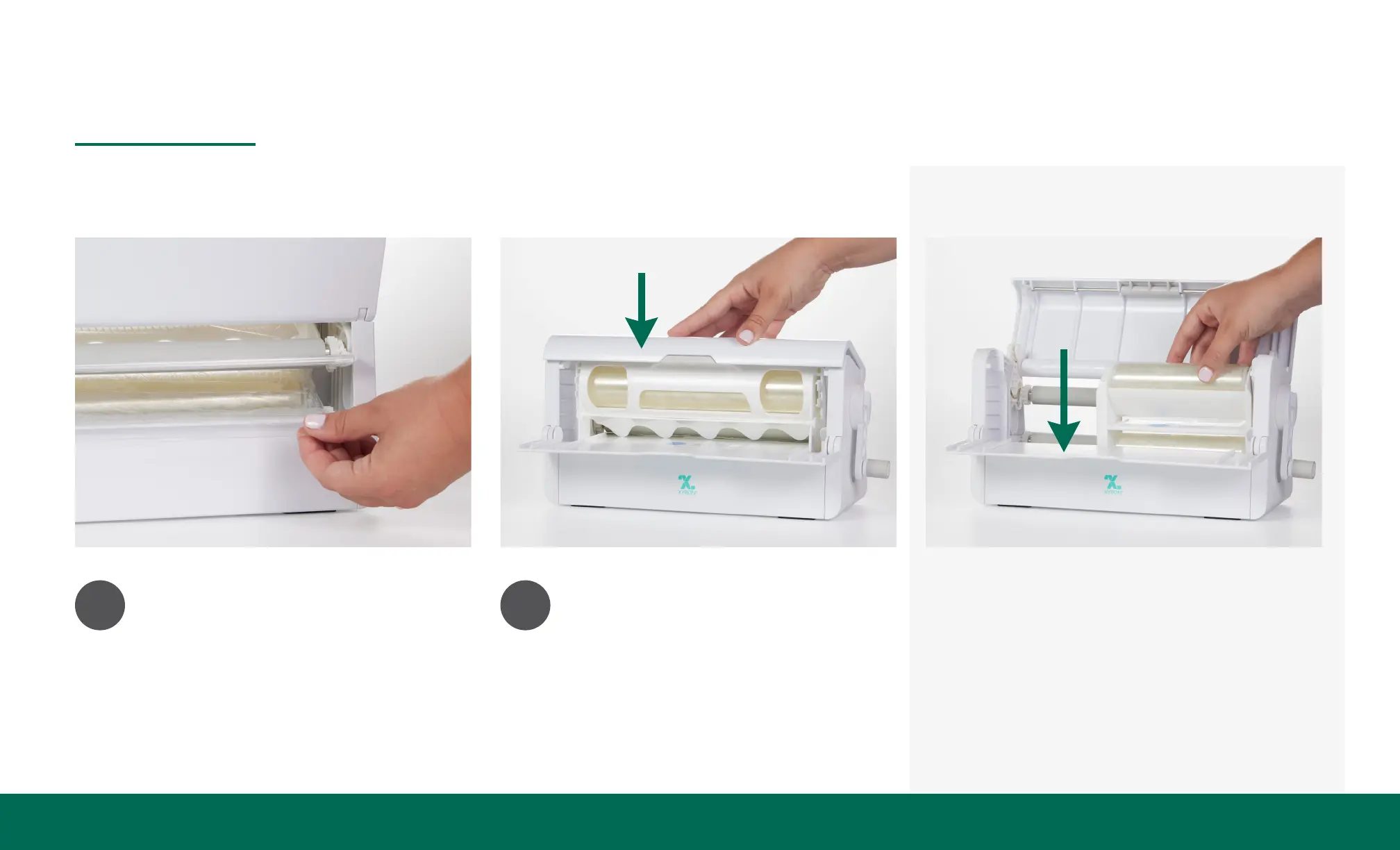
4
Place material ap between
the 2 rollers.
5
Close the lid by pressing down
until it clicks into position.
For 5" Cartridges
Follow steps 1 and 2. Flip up the 5"
cartridge adapter in the bottom of
the machine. Proceed with step 3
using the adapter and the internal
track as guides.


 To Next Page