9
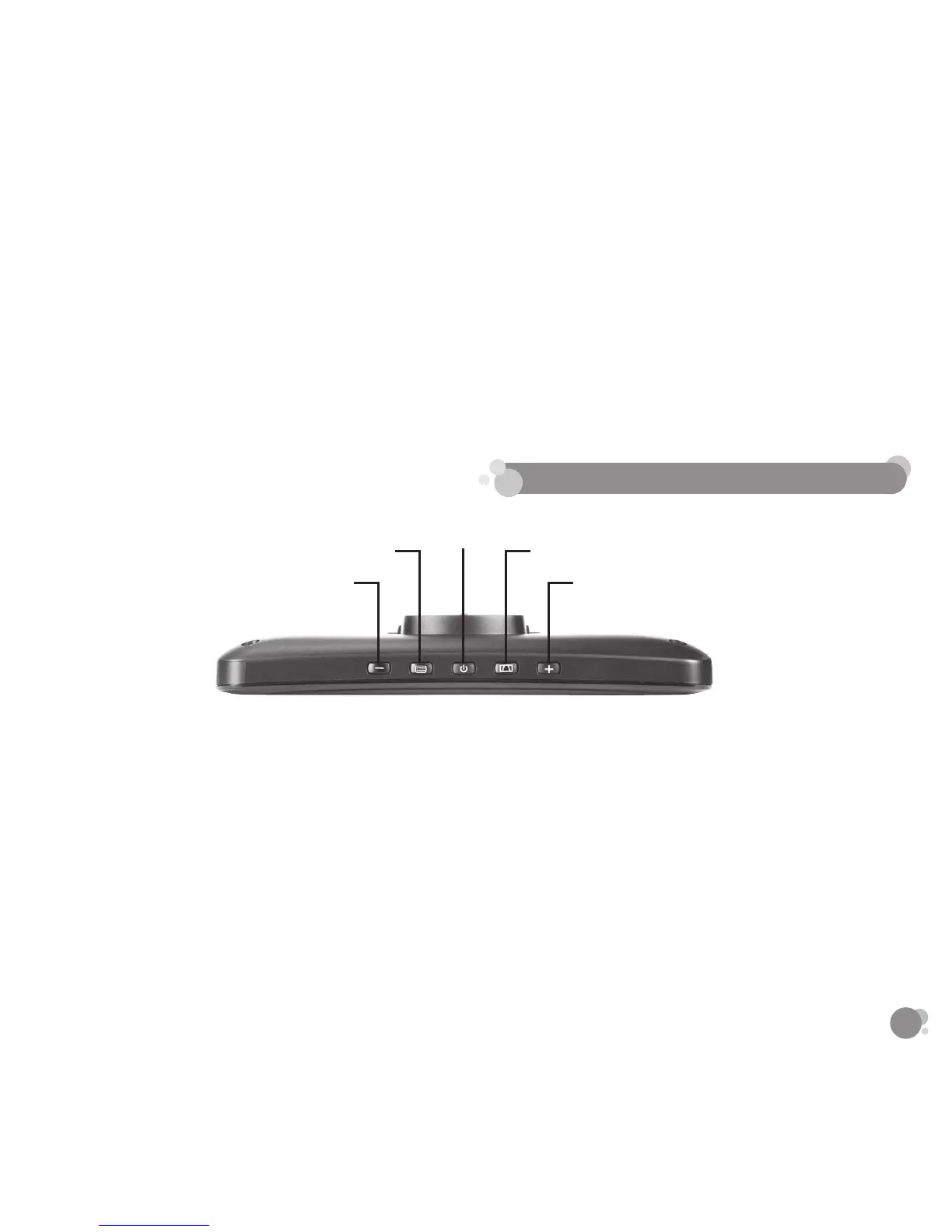
Power
Parking Aid Line / Enter
Up
Menu
Down
POWER ON/OFF
• The Dash Monitor will automatically turn ON when it is connected to a power source.
• Hold the power button to turn ON/OFF the unit if necessary.
PARKING AID LINE
• You can turn ON/OFF the Parking Aid Line by pressing the Parking Aid Line button when the
reverse image appears on screen.
• You can adjust the parking aid line that appears in your monitor. When the Parking Aid Line is
engaged, press and hold the Parking Aid Line button for 3 seconds, then press the “+” or “-” to
adjust up or down on the monitor. There are a total of 10 adjustments that can be made.
5. SETTINGS AND OPERATION
recommended that you glance at the image only when in reverse, and use as an aid. Do not rely
solely on the camera view to back up.
*By using the power button on the Monitor, the image can be shut o while driving. Please
remember to turn back on once the vehicle is stopped and ready to reverse.
*When running the power cable inside of the vehicle do not close doors or windows on the cable or
obstruct it in any way.
Video’s are available on www.letsyada.com to see step by step installation instructions.



 To Next Page