EasyManua.ls Logo

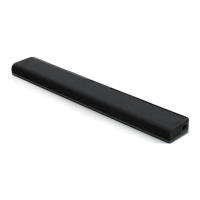
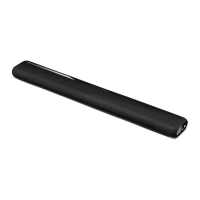
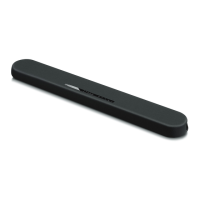
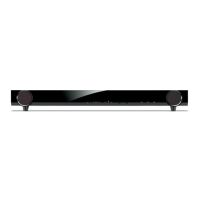
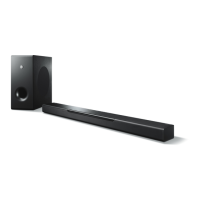
Yamaha ATS-1010 - User Manual

Yamaha ATS-1010
20 pages
Print Icon
To Next Page IconTo Next Page
Loading...
U
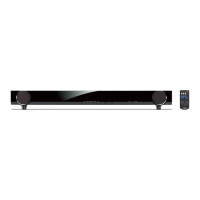
Front Surround System
ATS-1010
OWNER’S MANUAL

Questions and Answers

  • C
    Christopher GillJul 29, 2025
    Why does my Yamaha ATS-1010 Speaker System turn on and then immediately off?
    • C
      Casey ArnoldJul 30, 2025
      If your Yamaha Speaker System powers on but immediately shuts off, it could be due to a couple of reasons. First, ensure that the power cable is firmly plugged into the outlet. If that's not the issue, the unit might have experienced a strong electrical shock. To resolve this, set the unit to standby mode, disconnect the power cable, wait about 30 seconds, reconnect the power cable, and then turn the unit on again.

Summary

Important Safety Instructions

Operating Precautions and Warnings

General Cautions and Warnings

Covers warnings to reduce fire/electric shock risk and general operating cautions.

Product Overview

Supplied Items

Lists all items included in the product package.

Front Panel Controls

Details the buttons and sensors on the front of the unit.

Installation and Placement

Connections

Operation

Remote Control Usage

Covers installing batteries, operation range, and basic remote functions.

Basic Playback and Sound Features

Sound Enhancement Features

Explains features like Surround Sound, UniVolume, and Clear Voice.

Troubleshooting

Common Problems and Solutions

Provides a guide to resolve common operational issues with the unit.

Specifications

Yamaha ATS-1010 Specifications

General IconGeneral
BrandYamaha
ModelATS-1010
CategorySpeaker System
LanguageEnglish

Related product manuals