Quick Guide
11
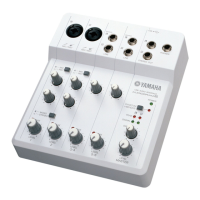
AUDIOGRAM 6 Owner’s Manual
5
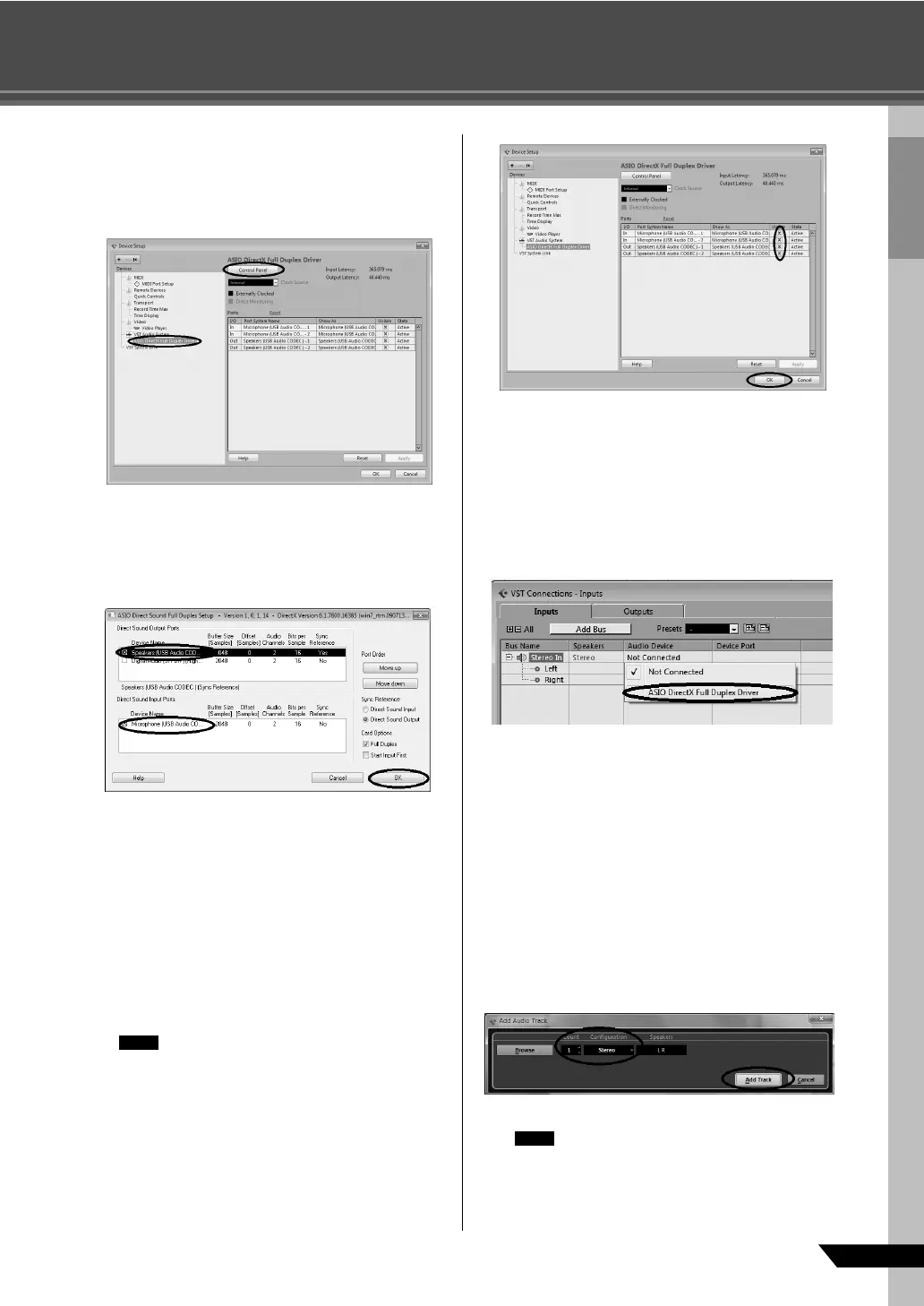
Select [ASIO DirectX Full Duplex Driver](Win-
dows), [USB Audio CODEC](Mac) in the
[Devices] field on the left side of the Device
Setup window, and click [Control Panel] on
the right side of the window.
Windows:
The ASIO Direct Sound Full Duplex Setup dialog
box will be displayed. Check only the input port and
output port [USB Audio CODEC] checkbox, and
then click [OK] to close the dialog window.
Mac:
The [CoreAudio Device Settings] dialog window
appears. Check only the [USB Audio CODEC]
checkbox in both “Input” and “Output” of the [Input/
Output Configuration] field. Click [Close] to close
the dialog window.
6
Make sure that “USB Audio CODEC 1/2”(Win-
dows), “Front Left/Front Right” (Mac) are
shown in the [Port System Name] field, and
check the [Visible] column in the Device Setup
window. Click [OK] to close the window.
If the [Port System Name] field does not
change, close and restart the Cubase AI,
then open the Device Setup window.
7
Select [VST Connections] from the [Devices]
menu.
Windows:
If “Not Connected” is selected in the [Audio Device]
field, click on the “Not Connected” indication, and
then switch to [ASIO DirectX Full Duplex Driver].
Also set the [Outputs] in the same way, and then
close the window.
Mac:
If “Not Connected” is selected in the [Audio Device]
field, click on the “Not Connected” indication, and
then switch to [USB Audio CODEC].
Also set the [Outputs] in the same way, and then
close the window.
8
Select [Add Track] → [Audio] from the
[Project] menu.
The Add Audio Track dialog window appears.
9
Set the “Count” and “Configuration” parame-
ters, and then click [Add Track].
The added tracks will appear.
You will normally use a stereo track when
recording synthesizers, and a monaural
track when recording vocals or guitars.
NOTE
NOTE


 To Next Page