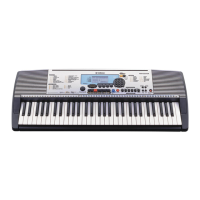
Connecting a Computer to the Instrument
5
Computer-related Operations
Connecting to the MIDI terminals
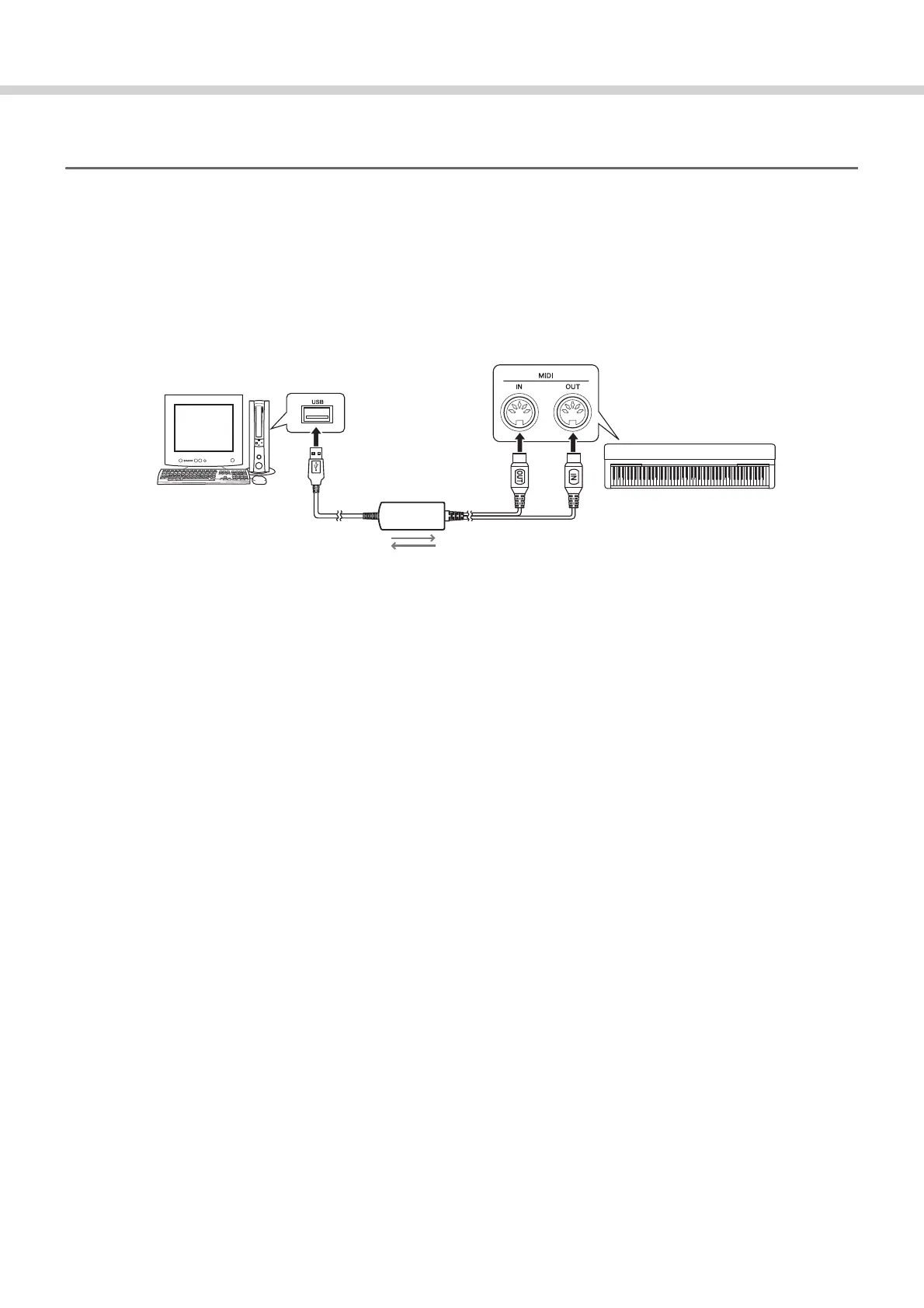
The computer can also be connected to the MIDI terminals, via a USB-MIDI interface, such as the Yamaha UX16.
1
Install the Yamaha USB-MIDI driver supplied with the USB-MIDI Interface to the computer.
For details, refer to the manual of the USB-MIDI interface.
2
Turn off the instrument, then connect the USB-MIDI interface to the USB terminal of the com-
puter and to the MIDI terminals of the instrument.
3
Turn on the power of the instrument.
Computer
USB terminal
USB-MIDI interface
(Yamaha UX16, etc.)
Instrument
MIDI [IN][OUT] terminals



 To Next Page