Using Performances
26 CP5/CP50 Owner’s Manual
Quick Start Guide
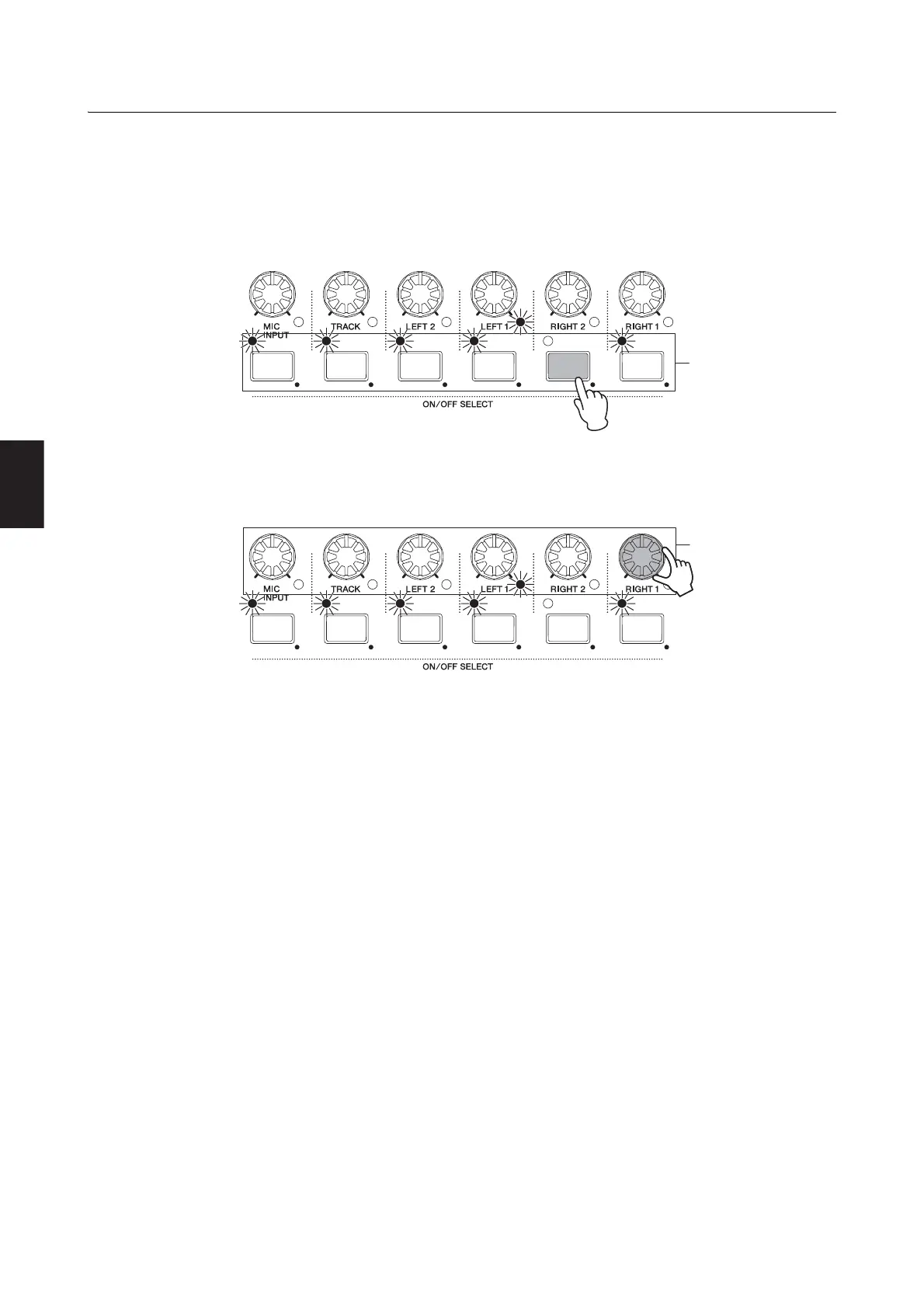
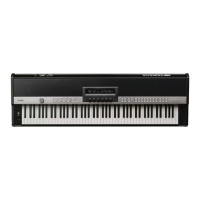
Activating Parts and Setting Volumes
Each Performance comprises a number of left and right parts — namely, the LEFT1, LEFT2, RIGHT1, and RIGHT2 parts
on the CP5 or the LEFT and RIGHT parts on the CP50 — together with a TRACK part, and on the CP5 only, a MIC INPUT
part. These parts can be activated and deactivated on an individual basis, and volumes can also be set for each.
1 Press a Part button to toggle on and off the corresponding part. The lamp to the top-left of each button lights up
whenever the part in question is turned on.
2 Turn the Part Volume knobs to set volumes independently for each part. Turn a knob clockwise to increase the
volume or counter-clockwise to decrease it.
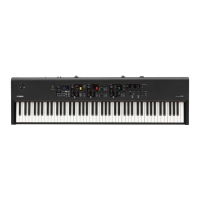
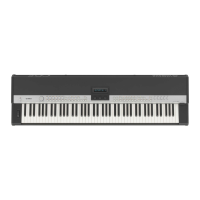
NOTE The diagram shows the CP5. CP50 Performances comprise a total of three parts — namely, the LEFT part, RIGHT part, and TRACK part.


 To Next Page