CP88/73 Supplementary Manual 4
Improved operability
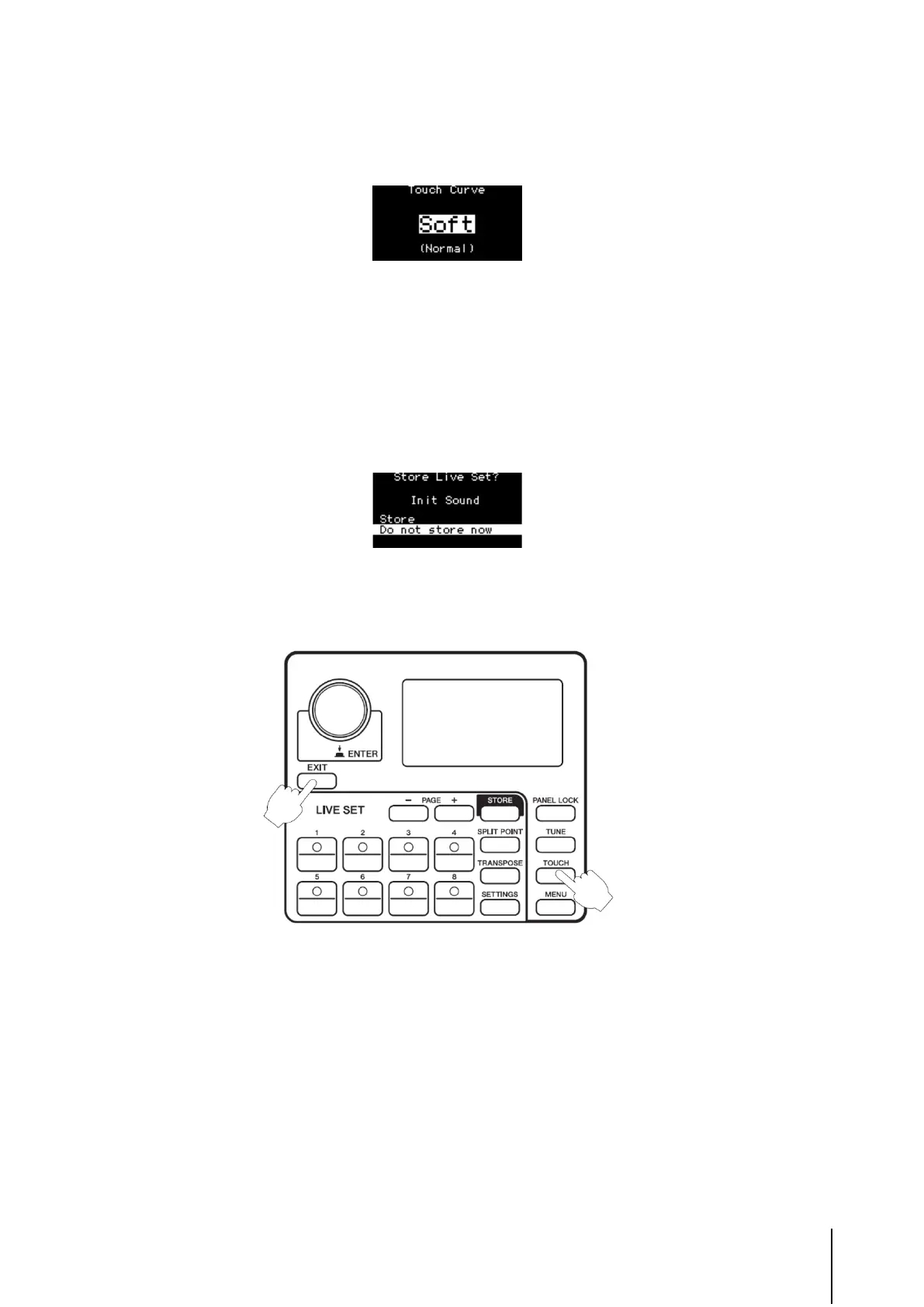
The setting at the start of the operation is also shown in the display along with the newly changed setting.
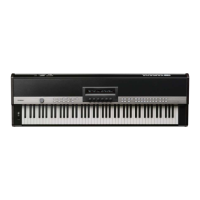
When you press [ENTER] on the Name display, a popup appears prompting you to either store or not store the settings. Select “Store” to go
to the Store display, or select “Do not store now” to return to the Home display, with setting only the Live Set name.
NOTE
Keep in mind that the Live Set name is not stored when you select “Do not store now.” If you want the Live Set and its name to be stored,
make sure to execute the Store operation.
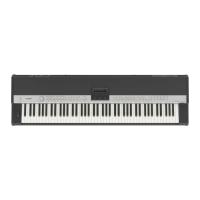
You can now move to the Fixed Velocity display by pressing both the [EXIT] and [TOUCH] buttons.
You can now set the Split Point and close the screen automatically, by pressing both the [SPLIT] button and the desired key.



 To Next Page