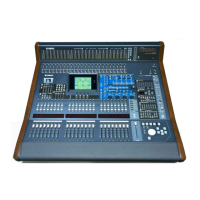
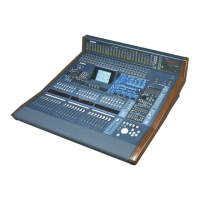
DM7 Console Owner’s Manual
10
Controls and Functions
Top Panel
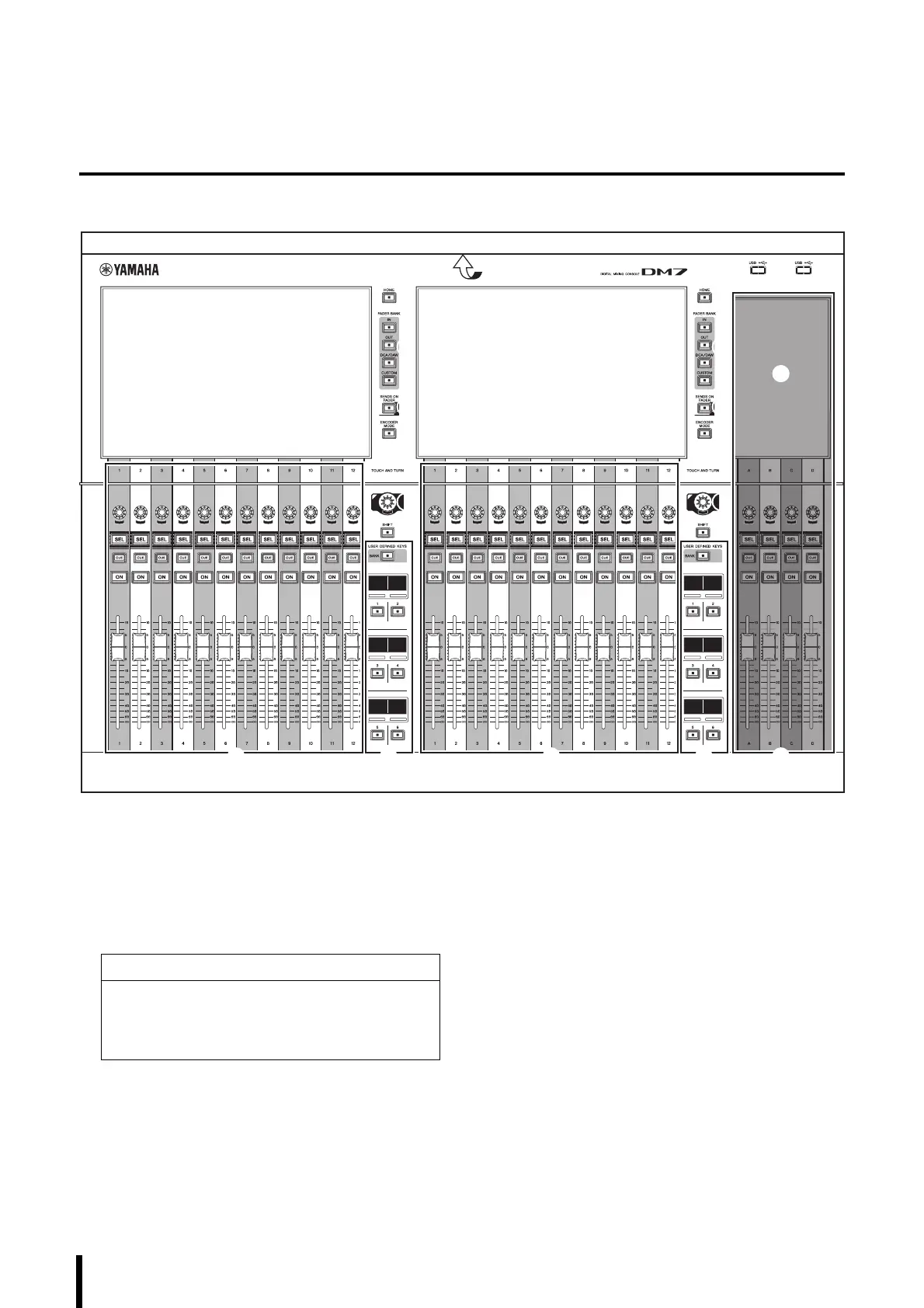
1 Touch screens
These are capacitive multi-touch screens. The touch
screens will not respond correctly if you are wearing
gloves.
(“Viewing Touch Screens” “Basic Touch Screen
Operations” page 15)
NOTE
Before use, be sure to remove the transparent film that
was applied to the touch screens to protect them during
transport.
2 [HOME]
Recall and toggle between the OVERVIEW and
SELECTED CHANNEL VIEW screens.
3 [FADER BANK]
Assign the function to the faders on the panel.
4 [SENDS ON FADER]
Switch SENDS ON FADER mode on or off. When this
mode is turned on, you can use the channel strips to
adjust the send level of signals sent to the MIX/MATRIX
bus.
1
2
4
3
5
7
B
A
8
6 9
1
6 9 0
1
2
4
3
5
7
8
NOTICE
Never use a sharp or pointed object such as your
fingernail to operate the touch screens. Doing so may
scratch the screens and render the touch screens
inoperable.



 To Next Page