DM7 Console Owner’s Manual
15
Touch Screens
Viewing Touch Screens
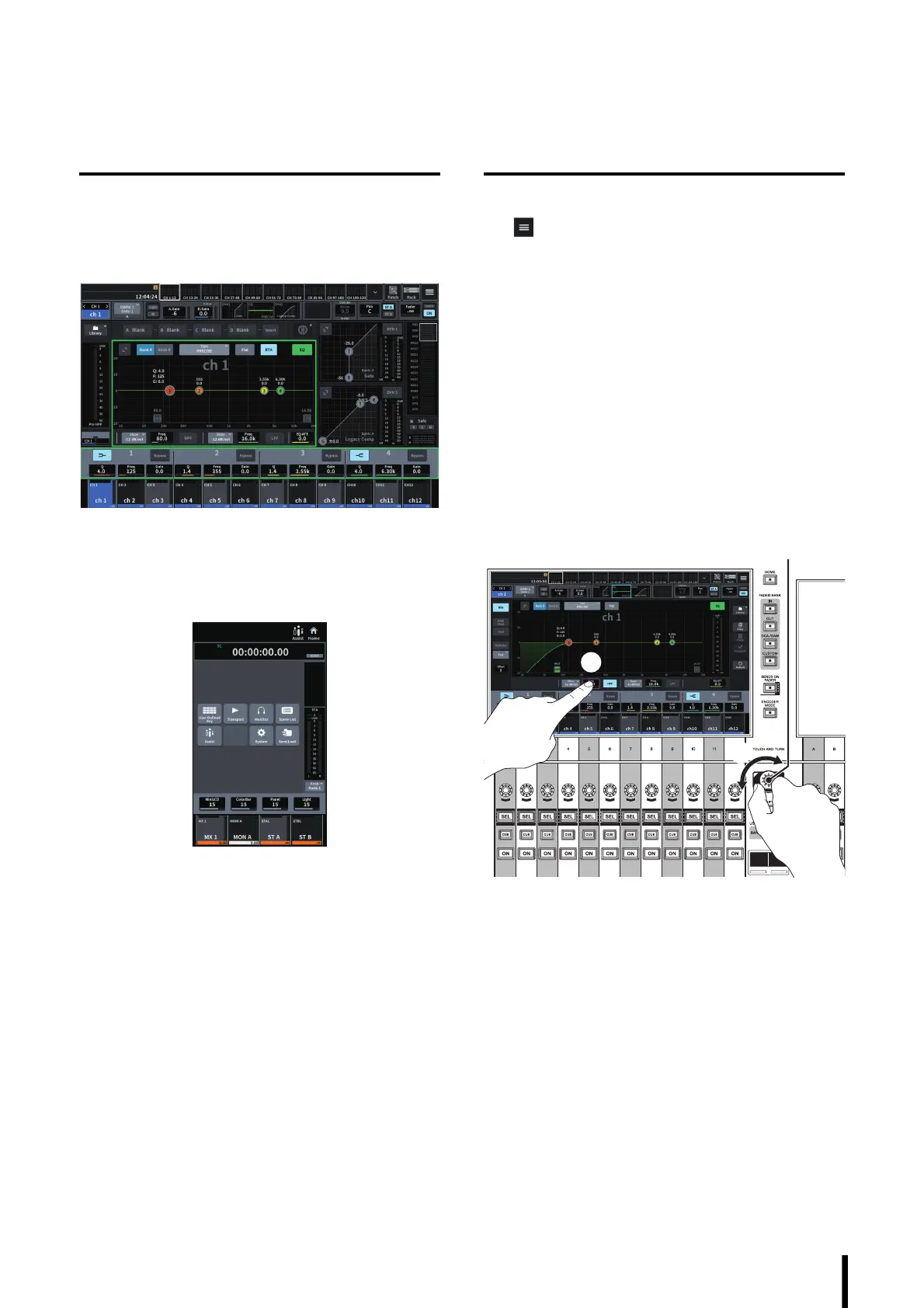
Bay screens
These are touch screens for Bay C, and for Bay L (DM7
only). On these screens, you can display various interface
screens using the menu bar to set parameters.
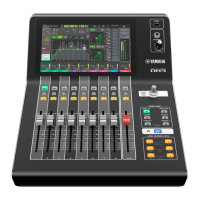
Utility screen
This is a touch screen for the Main section. On this screen,
you can view the status of the unit, and recall other screens
for monitoring or other operational purposes.
Basic Touch Screen Operations
Switching between screens
Tap in the upper-right corner of the Bay screen to
display the menu bar. Tap a desired button on the menu bar
to switch to the corresponding screen.
In the Utility screen, tap the desired button on the HOME
screen to switch to the corresponding screen. Tap the
HOME button to return to the HOME screen.
NOTE
The selected area marked by a pink frame on screen
includes a parameter that can be controlled via the
[TOUCH AND TURN].
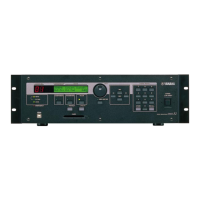
Controlling the parameters using the [TOUCH
AND TURN] (
7 on page 11)
Tap the desired parameter to select it (1), and then use the
[TOUCH AND TURN] to adjust the parameter (
2). A pink
frame appears around the selected parameter.
Scrolling
On screens that feature a scroll bar, slide your finger up and
down or left and right to scroll the screen.
Swiping the screen allows you to scroll quickly.
You can also manipulate the screen as follows: For more
information, refer to the DM7 series Reference Manual.
• Pinching or spreading two fingers in and out
You can use this technique to adjust Q for EQ.
• Sliding three fingers up and down
You can use this technique to adjust the amount of
cut/boost of EQ gain for multiple bands simultaneously.
• Sliding four fingers up and down /
Pinching or spreading three fingers in and out
You can use this technique to magnify or reduce the
amount of EQ gain adjustment across multiple bands.



 To Next Page