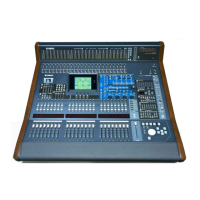
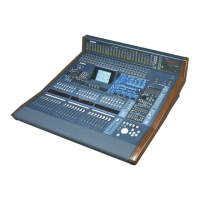
DM7 Console Owner’s Manual
17
Setting the Internal
Clock
This section explains how to set the date and time of the
clock, and how to select a time zone, and a date and time
display format.
The date and time you specify here will affect the time
stamp used for scenes or when you save or load files.
1. Tap the Setup button on the menu bar on the
right side on the Bay screen.
If the menu bar is not displayed, tap in the
upper-right corner of the screen to display the menu
bar.
2. Tap the Date/Time button.
The DATE/TIME screen appears.
3. In the DATE/TIME screen, select a time zone,
and a date and time display format.
You can choose from the following display formats.
Flick numbers to set the date and time.
• Date
MM/DD/YYYY (Month/Day/Year)
DD/MM/YYYY (Day/Month/Year)
YYYY/MM/DD (Year/Month/Day)
• Time
24-Hour (Hours are indicated in the range of 0–23.)
12-Hour (Hours are indicated in the range of
AM0–AM11 and PM0–PM11.)
4. When you finish making settings, tap the Set
button. To revert to the previous date and
time settings, tap the Reset button.
Restoring the Factory
Settings (Initialization)
If an error occurs in the unit’s internal memory, or if you
forget the password and cannot operate the unit, you can
use the following procedure to initialize the internal memory.
1. Press and hold down the [SEL] for channel D
in the Main section while turning on the
power to the unit.
2. Once the MAINTENANCE screen opens in the
Utility screen, tap the Initialize All Memory
button.
The system reverts to factory settings.
Installing the Cable
Hook
A cable hook is provided to prevent accidental
disconnection of the USB cable. The hook can be installed
by the following procedure.
1. Hook one end of the included cable hook
onto one side of the security slot located
above the [USB TO HOST] connector on the
rear panel.
2. Insert the other end of the hook into the other
side of the security slot.
3. Pass the USB cable through the hook and
connect it to the USB connector.
NOTICE
When you initialize the internal memory, all content that
had been saved in memory will be erased. Use caution
when performing the following steps.



 To Next Page