8
Step 8
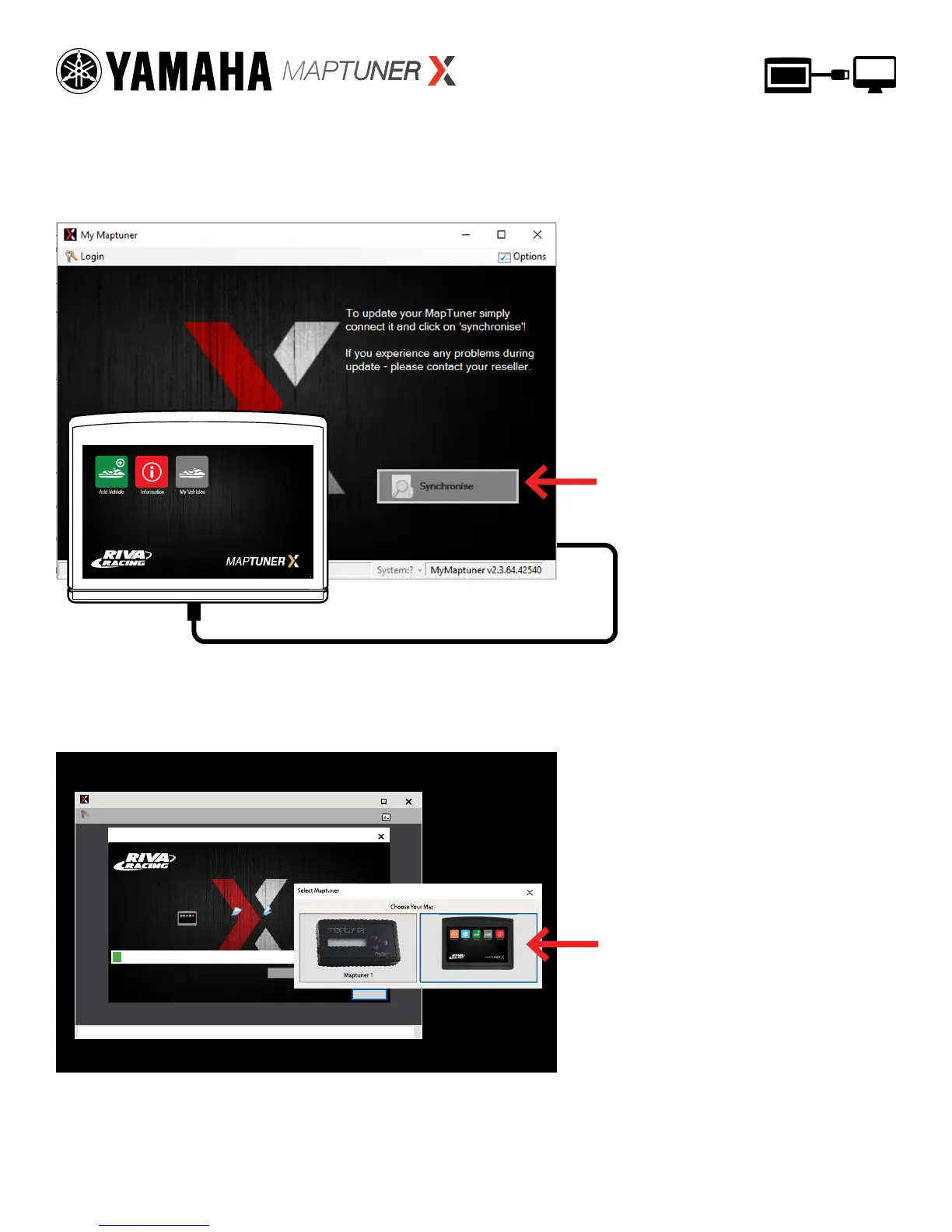
Plug MaptunerX in to your computer and click the
Synchronize button. MaptunerX will now go online and
update rmware.
To update MaptunerX press
the Synchronise button
Step 9
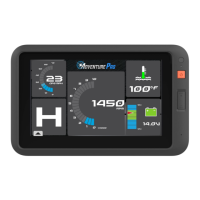
You will now need to choose your device.
Your screen should look like this:
My Maptuner
My Maptuner
Logout...
Options
My Maptuner v2.3.64.42540Logging
My Maptuner
TECH SUPPORT:
M-F 9am-6pm EST/US
954-785-2684
Connect MapTuner...
Connect
Select Maptuner
Choose Your Maptuner:
Cancel
Select MaptunerX
Choose Your Maptuner:
Select Maptuner
Maptuner 1 Maptuner X


 To Next Page