Menu: [File] menu
MOXF6/MOXF8 Editor Owner’s Manual
40
) Inc/Dec Action
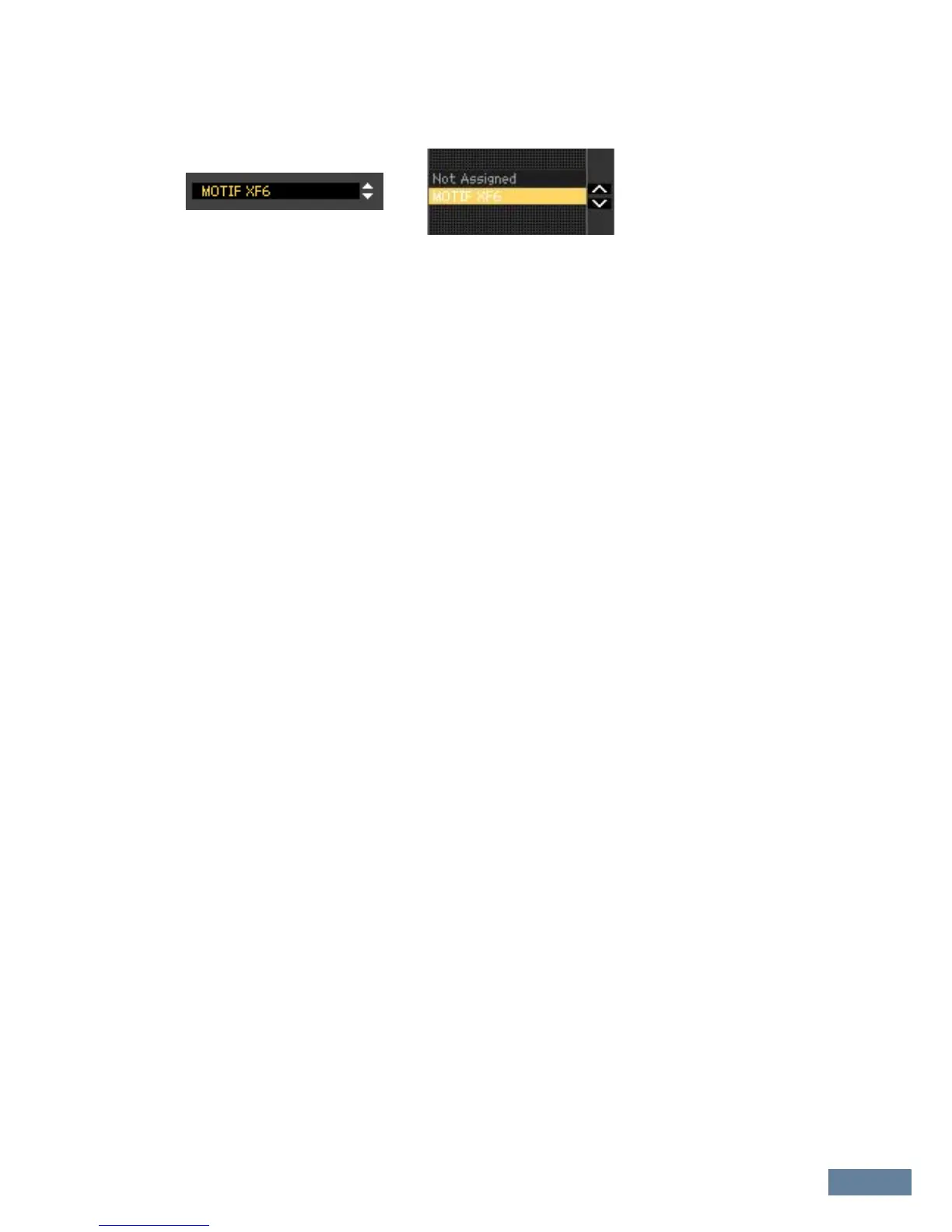
Determines how the triangular buttons ([]/[]/[u]/[d]) located at the parameter boxes as illustrated
below work.
Inc/Inc:
When this is selected, clicking the [] button increases the value by 1 while clicking the [L] button
moves the cursor downward by one item.
Inc/Dec:
When this is selected, clicking the [] button increases the value by 1 while clicking the [L] button
moves the cursor upward by one item.
Dec/Inc:
When this is selected, clicking the [] button decreases the value by 1 while clicking the [L] button
moves the cursor downward by one item.
Dec/Dec:
When this is selected, clicking the [] button decreases the value by 1 while clicking the [L] button
moves the cursor upward by one item.
! Startup Mode
This section lets you set the startup mode when launching the MOXF6/MOXF8 Editor.
Voice
The editor will start in the Voice mode.
Pattern
The editor will start in the Pattern mode.
Song
The editor will start in the Song mode.
n Launching the MOXF6/MOXF8 Editor from an instrument track will set the MOXF6/MOXF8 to the Voice mode.
n Launching the MOXF6/MOXF8 Editor from the Media Bay will set the MOXF6/MOXF8 to the mode specified in
the selected VST Preset.
@ [OK] button
Click this to actually apply the settings to the MOXF6/MOXF8 Editor and close the Setup window.
# [Cancel] button
Click this to close the Setup window without applying the settings to the MOXF6/MOXF8 Editor.


 To Next Page