EasyManua.ls Logo

Yamaha MO6 - User Manual

Yamaha MO6
240 pages
Print Icon
To Next Page IconTo Next Page
Loading...
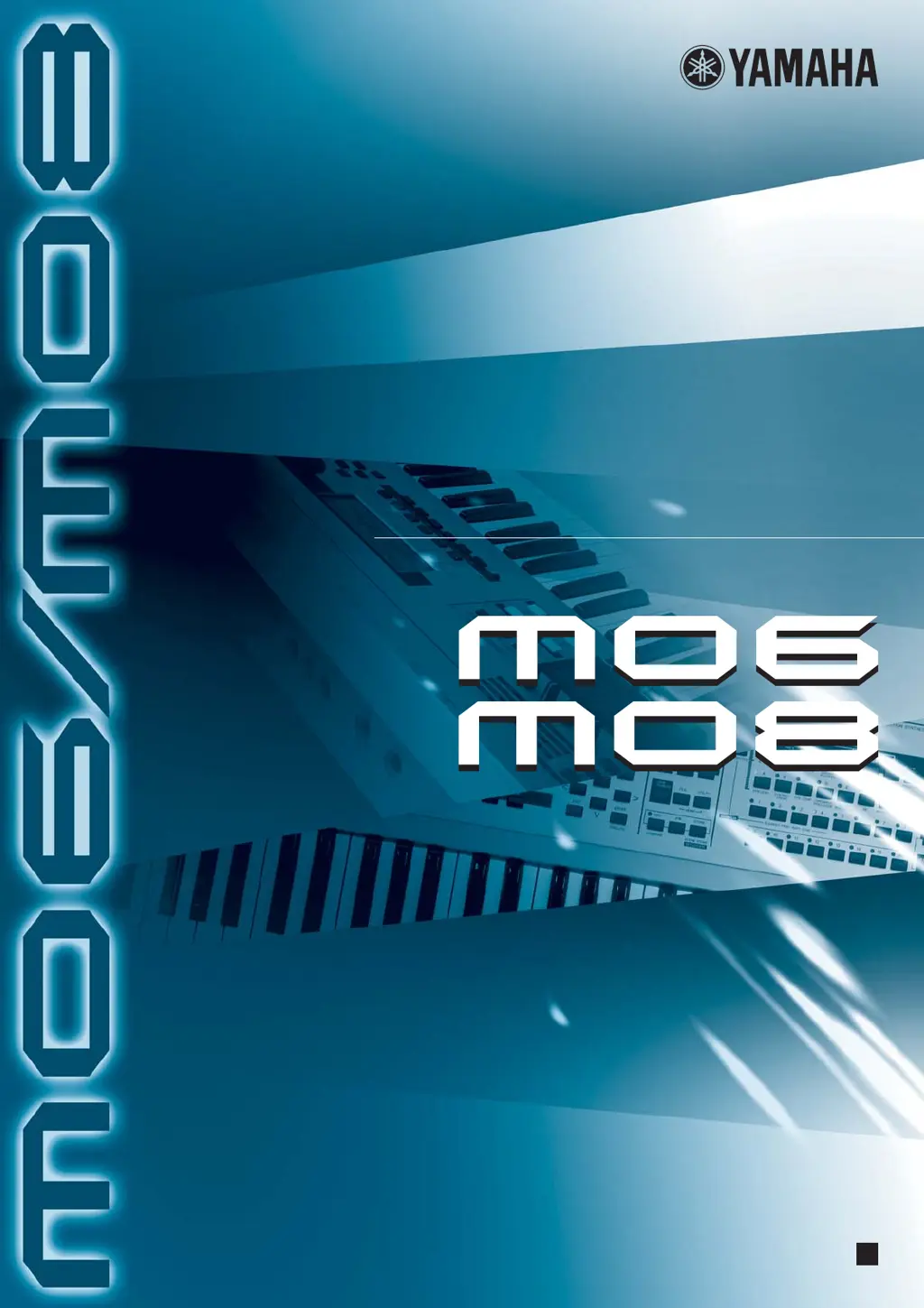
OWNERS MANUAL
MUSIC PRODUCTION SYNTHESIZER
EN

Table of Contents

Other manuals for Yamaha MO6

Questions and Answers

  • M
    Melinda ClarkAug 22, 2025
    What to do if playback continues without stopping on my Yamaha MO6 Synthesizer?
    • M
      michaelmartinezAug 22, 2025
      If playback continues without stopping on your Yamaha Synthesizer, try the following: * If the [ARPEGGIO ON/OFF] button is turned on, press it so that its lamp is turned off. * If in the Song/Pattern mode, press the [J] (Stop) button. * If the click sound continues, check the settings. If the parameter is set to “all,” set it to something other than “all.”
  • S
    shawdeborahAug 25, 2025
    Why is the pitch wrong on my Yamaha MO6?
    • A
      Alicia MartinAug 26, 2025
      If the pitch or intervals are wrong on your Yamaha Synthesizer, check these settings: * Confirm the Master Tune parameter is set at “0”. * Verify the Note Shift parameter is set at “0”. * If the voice produces a wrong pitch, ensure the appropriate tuning system is selected from the Micro Tuning parameter. * If the voice produces a wrong pitch, check that the LFO Pitch Modulation Depth is not set too high. * If the Performance/Song/Pattern produces a wrong pitch, confirm the Note Shift or Detune parameter of each Part is set to “0”. * If the Performance/Song/Pattern produces a wrong pitch, verify the Note Offset parameter in the Groove display is set to “0”.
  • A
    Alexandria CarrAug 28, 2025
    How to fix choppy sound on Yamaha Synthesizer?
    • F
      figueroadarrylAug 28, 2025
      If the sound is choppy and intermittent on your Yamaha Synthesizer: * Make sure you are not exceeding the maximum polyphony of the instrument. * Check if the Mono/Poly parameter is set to “mono”. If you wish to play chords, set this parameter to “poly.”
  • K
    Kristen Jenkins DVMAug 30, 2025
    Why can't I start the arpeggio on my Yamaha MO6 Synthesizer?
    • R
      robbinsjacobAug 30, 2025
      If you cannot start the Arpeggio on your Yamaha Synthesizer, check the following: * Verify whether the [ARPEGGIO] button is turned on or off. * Ensure you haven't selected a User Arpeggio type (with no User data). * Confirm that the Arpeggio related parameters such as Note Limit and Velocity Limit are set appropriately. * When this occurs in the Performance/Song/Pattern mode, check whether the Arpeggio Switch parameter for each Part is set properly. * Make sure the MIDI sync parameter is set to “internal” (using internal clock).
  • L
    laurabarnesSep 2, 2025
    Why won't my Yamaha MO6 Song/Pattern play?
    • D
      Donna EllisSep 2, 2025
      If the Song/Pattern cannot be started even when pressing the [F] (Play) button on your Yamaha Synthesizer: * Check if the selected Song or Pattern (phrase) actually contains data. * Verify if the Remote Control feature is turned on. * Ensure the MIDI sync parameter is set to “internal” (using internal clock).
  • S
    Sandra SmithSep 4, 2025
    Why can't I record song/pattern on Yamaha Synthesizer?
    • K
      Kathryn SalazarSep 5, 2025
      If you cannot record a Song/Pattern (Phrase) on your Yamaha Synthesizer: * Check if there is enough free memory for recording. * In the Pattern Record mode, ensure the specified track to which the Phrase is assigned does not have preset data.
  • W
    William MooreSep 7, 2025
    How to fix data communication issues between my Yamaha Synthesizer and my computer?
    • Z
      zmccoySep 7, 2025
      If data communication between the computer and this Yamaha Synthesizer does not work properly: * Check whether the Port setting on the computer is appropriate. * Verify that the cable setting (MIDI, USB) in the Utility mode is correct.
  • T
    Tiffany PayneSep 10, 2025
    What to do if my Yamaha MO6 sound is distorted?
    • N
      Nicole GreenSep 12, 2025
      If the sound from your Yamaha Synthesizer is distorted, consider these potential causes: * Check the effect settings to ensure they are appropriate, as some effect types or settings can cause distortion. * Verify the filter settings, as excessively high filter resonance settings can lead to distortion. * Ensure the volume isn't set so high that clipping is occurring.
  • S
    Shannon LeeSep 12, 2025
    Why does the Edit Indicator appear on Yamaha MO6 Synthesizer when not editing?
    • N
      Natasha RobinsonSep 12, 2025
      The Edit Indicator appears on your Yamaha Synthesizer, even when parameters are not being edited because simply moving a Knob or Slider changes the parameter, automatically displaying the Edit indicator.
  • A
    Alyssa PayneSep 13, 2025
    Why Yamaha MO6 Synthesizer sounds improperly when playing back song data?
    • E
      Eric RaySep 13, 2025
      If your Yamaha Synthesizer does not sound properly even when playing back song data on a computer or a MIDI instrument connected to it: * Make sure to set the instrument to the Song mode or Pattern mode. * Check if Bulk data receive protection is enabled; turn the Receive Bulk parameter to “on.” * When receiving recorded data with the internal Bulk Dump function, the device number must be set to the same value as that used when transmitting/recording. * When transmission does not work properly, verify that the device number of the MIDI instrument connected to this instrument is set to match the DeviceNo. parameter. * When using the Voice Editor/Multi Part Editor, ensure you have set a sufficient Dump Interval.

Yamaha MO6 Specifications

General IconGeneral
TypeSynthesizer
Sound EngineAWM2
Keyboard61 keys, velocity sensitive
Polyphony64 voices
Multi Timbral Capacity16 parts
Weight10.5 kg
Wave ROM175MB
User Voices128 voices, 32 drum kits
Sequencer16 tracks
Display240 x 64 dot LCD
ConnectorsMIDI In/Out/Thru, USB, Headphone, Foot Controller, Foot Switch
EffectsReverb, chorus, insertion effects, master effects

Related product manuals