Instrument and control functions
5-16
1
2
3
4
5
6
7
8
9
10
11
12
13
MENU access and operation
Access the MENU by pressing and
holding the wheel switch (long push)
while the vehicle is not in motion.
Rotate the wheel switch up or down to
highlight modules/items or increase/de-
crease values.
Briefly press the wheel switch inward
(short push) to select menus items and
confirm setting values.
Press and hold the wheel switch (long
push) until the screen returns to the
main display to exit the MENU at any
time.
Certain menu screens have an up-
ward pointing triangle mark item.
Select the triangle mark to save
settings changes and exit the cur-
rent screen.
Should vehicle motion be detect-
ed, the screen will automatically
exit the MENU and return to the
main display.
To ensure that the desired settings
changes are saved, be sure to exit
each menu via the triangle mark (if
displayed). Exiting the settings
menu by pressing and holding
(long push) the wheel switch may
not save settings changes.
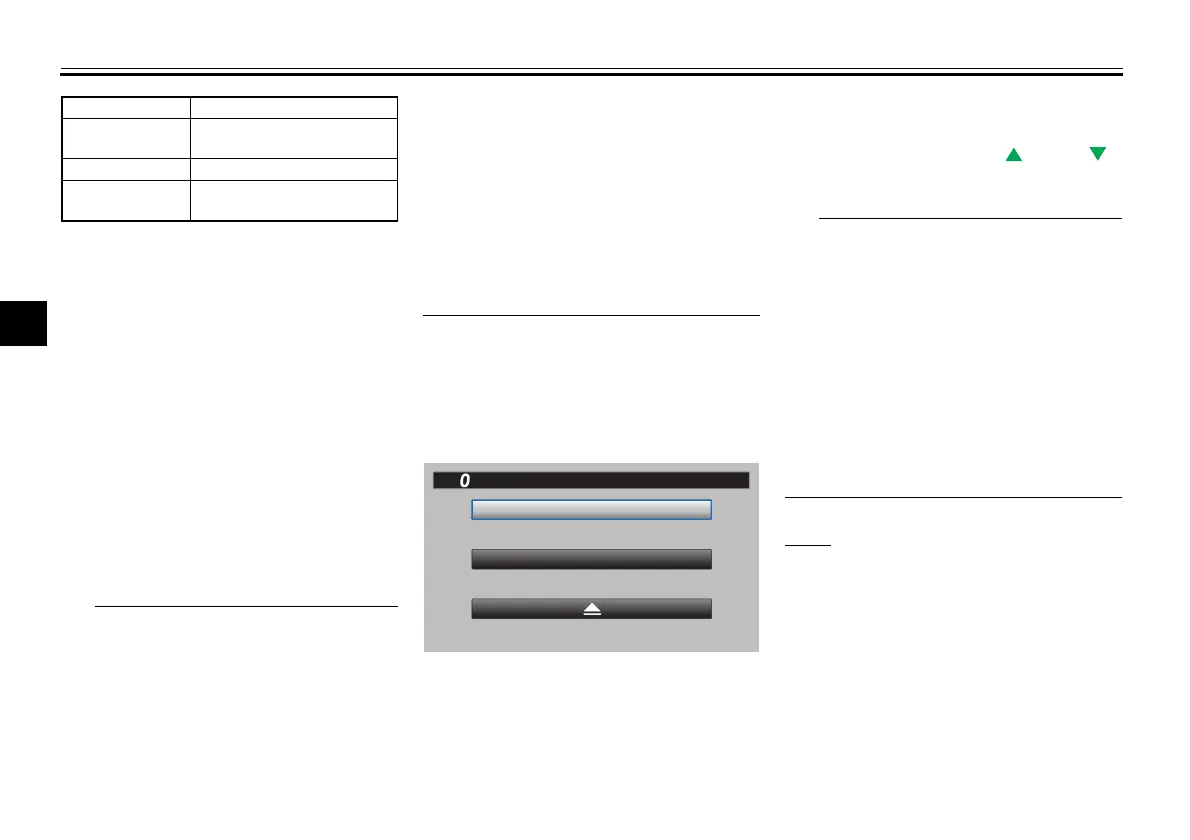
“Display Mode”
There are two main screen display
modes, STREET MODE and TRACK
MODE.
“YRC Setting”
This module allows you to customize
the four YRC mode presets (MODE-A,
MODE-B, MODE-C, and MODE-D) by
adjusting the setting levels (or on/off
status as applicable) of YRC items
PWR, TCS, SCS, QS“ ”, QS“ ”,
LIF, EBM, BC and ERS.
The traction control system has 5
setting levels and ERS has 6
modes.
Whenever there are more selec-
tions (setting levels or modes)
available than can be shown on
the screen at one time, a scroll bar
will appear on the righthand side of
the screen to notify you that addi-
tional selections are available by
scrolling.
PWR
Select PWR-1 for the most aggressive
throttle response, PWR-2 and PWR-3
for smoother throttle grip/engine re-
sponse, and use PWR-4 for rainy days
or whenever less engine power is desir-
able.
Brightness Adjust screen brightness
Grip Warmer
Setting
Adjust grip warmer presets
(if equipped)
Clock Adjust the clock
All Reset
Return all settings to
factory defaults
10
:
00
TRACK MODE
STREET MODE
Display Mode
MPH
BGG-28199-11.book 16 ページ 2022年8月25日 木曜日 午後3時8分


 To Next Page