EasyManua.ls Logo

Yamaha MusicCAST MCX-CA15 - User Manual

Yamaha MusicCAST MCX-CA15
176 pages
Print Icon
To Next Page IconTo Next Page
Loading...
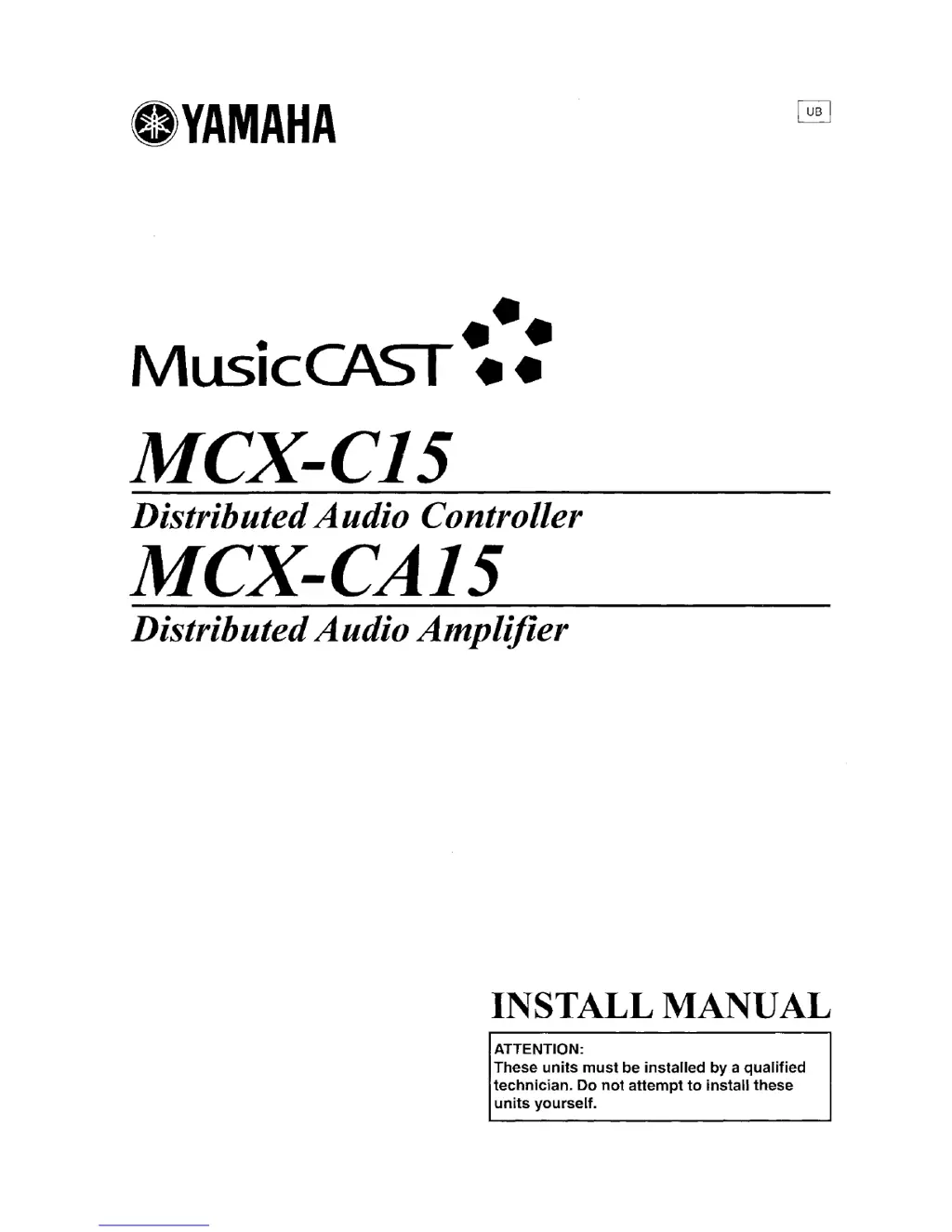
eYAMAHA
•••
MusicCAST
••
MCX-C15
DistributedAudio Controller
MCX-CA15
DistributedAudioAmplifier
INSTALL MANUAL
ATTENTION:
These
units
must
be
installed
by
a
qualified
technician.
Do
not
attempt
to
install
these
units
yourself.
eYAMAHA
•••
MusicCAST
••
MCX-C15
DistributedAudio Controller
MCX-CA15
DistributedAudioAmplifier
INSTALL MANUAL
ATTENTION:
These
units
must
be
installed
by
a
qualified
technician.
Do
not
attempt
to
install
these
units
yourself.

Table of Contents

Questions and Answers

  • A
    Amanda RobersonAug 15, 2025
    How to fix Yamaha MusicCAST MCX-CA15 Control Unit when the client does not output any sound?
    • F
      Frank FischerAug 16, 2025
      If the client isn't producing any sound, first, ensure the volume isn't set too low and increase it if necessary. Second, verify that the speakers are correctly connected to the MCX-CA15 Control Unit.
  • K
    Kevin RosalesAug 18, 2025
    Why I cannot start playback on Yamaha Control Unit client?
    • S
      Shelia PopeAug 18, 2025
      If you cannot start playback on the Yamaha Control Unit client, it might be due to several reasons. First, check if the server is turned on and turn it on if it’s off. Next, ensure that the server’s hard drive contains songs fully encoded in MP3 format, and wait for encoding to complete. Also, if the song hasn't been converted to MP3 format, wait until it is.
  • M
    Matthew HoffmanAug 21, 2025
    What to do if the STATUS indicator of Yamaha MCX-CA15 Control Unit is flashing rapidly?
    • B
      Brenda HowellAug 21, 2025
      If the STATUS indicator on your MCX-CA15 is flashing rapidly, the protection circuitry may have been activated, possibly due to a short circuit. Check that the speaker wires aren't touching. After confirming all connections are correct, reset the client by pressing and holding it for 10 seconds.
  • L
    Lacey TurnerAug 25, 2025
    Why does playback on Yamaha Control Unit client skips or pauses?
    • S
      Susan JonesAug 25, 2025
      If playback on the Yamaha Control Unit client skips or pauses, it could be because you're using too many clients while simultaneously playing, storing, or editing on the server. Try reducing the number of clients using the server at the same time, or stop any operations you're performing on the server.
  • Q
    qsanchezAug 27, 2025
    How to prevent playback from Yamaha Control Unit client from skipping?
    • R
      Robin WhiteAug 27, 2025
      If the Yamaha Control Unit client skips during playback, the network might be too congested. To resolve this, try placing your clients under an independent subnet mask or upgrading your network hardware.
  • A
    Alexis DunnAug 30, 2025
    What to do if Yamaha MusicCAST MCX-CA15 Control Unit client does not play back some songs?
    • C
      Caitlin VillanuevaAug 30, 2025
      If the Yamaha Control Unit client doesn't play back some songs in the song selection menus, it might be because the server is currently recording the selected song. Wait until the server finishes encoding the song to MP3.
  • Y
    Yvonne JordanSep 2, 2025
    How to stop Yamaha MusicCAST MCX-CA15 Control Unit playback from causing radio interference?
    • B
      Bradley HarrellSep 3, 2025
      If you're experiencing interference noise on nearby radios when starting playback on the Yamaha Control Unit client, the client and the radio might be too close. Ensure they are at least one meter apart.
  • D
    Dr. Daniel WiseSep 5, 2025
    Why I cannot select an external input on the server from Yamaha MusicCAST MCX-CA15 client?
    • W
      William StanleySep 5, 2025
      If you can't select an external input on the server from the Yamaha Control Unit client, it's possible that the server is currently recording from an external source. Wait until the server finishes recording.
  • L
    leelauraSep 8, 2025
    What does it mean if only volume control works on Yamaha MusicCAST MCX-CA15 Control Unit client?
    • G
      Gabrielle CantuSep 8, 2025
      If none of the controls, except the volume control, affect the Yamaha Control Unit client, it may be locked from the server. Use the server to remove the lock.
  • C
    Christopher PooleSep 12, 2025
    Why does Yamaha Control Unit playback cut off when listening to tuner preset?
    • T
      Tina BryantSep 12, 2025
      If playback cuts off or switches to another input when listening to a tuner preset on the Yamaha Control Unit client, another MusicCAST component might be changing the tuner preset or external input on the server. Stop the other MusicCAST component from changing input sources.

Summary

Installation Cautions

Making In-Wall Connections

Method 1: Using the MCX-C15 and MCX-CA15 with the I;O box

Configuration using MCX-C15 as companion with I/O box for AV link control.

Method 2: Using the MCX-C15 and MCX-CA15

Configuration where MCX-CA15 supplies power to MCX-C15, enabling AV link.

Method 3: Using the MCX-C15 with an amplifier or receiver

Configuration using MCX-C15 with an external amplifier or receiver.

Method 4: Using the MCX-CA15 as a stand-alone amplifier

Configuration using MCX-CA15 as a stand-alone amplifier for external systems.

Terminal connections

Instructions for connecting speaker wires and DC power cables to terminals.

To connect DC power cables

Instructions for connecting DC power cables to the unit's terminals.

To connect CAT-5 cables

Instructions for connecting CAT-5 cables for AV signals and network.

Mounting the MCX-C15 and MCX-CA15 in a wall

Procedure for installing units in a wall using a mounting bracket.

Connecting the AC adaptor and power cable

Steps to connect the AC adaptor and power cable to the unit.

Connecting Optional Components

Cascade Connections

Before Using the MusicCAST System

Upgrading the MusicCAST system firmware

Procedure to upgrade the MusicCAST system firmware on the MCX-1000 server.

Recovering the server from an upgrade failure

Steps to recover the server if the version upgrade process fails.

Recovering the MCX-A10 client from an upgrade failure

Steps to recover the MCX-A10 client if its version upgrade fails.

Configuring the Client

Turning on the power

How to turn on the client and its two operation modes.

Automatically configuring the client

Procedure for automatically connecting the client to the server via network.

Manually configuring the client

Procedure for manually configuring client network settings.

Setting the server ID

Manually specify the ID of the server the client will connect to.

Setting the DHCP mode

Configure DHCP mode for automatic IP address assignment.

Setting the IP address

Manually enter the IP address for the client.

Setting the subnet mask address

Manually enter the subnet mask address for the client.

Troubleshooting

The client does not output any sound

Solutions for when the client does not produce sound.

You cannot start playback on the client

Solutions for preventing playback on the client.

Caution: Read This Before Operating Your Unit.

Turning On the Power

Basic Functions

Listening to songs stored on the server

How to access and play music files stored on the MusicCAST server.

Adjusting the volume

How to increase or decrease the client's volume level.

Adjusting the tone

How to adjust treble and bass settings for sound output.

Function Keys

Assigning a function to a function key

Procedure to assign a specific function to a function key.

Controllable Yamaha AV Receivers

To register YAMAHA AV receivers

Procedure to register Yamaha AV receivers for AV link control.

System Options

System Settings

Resetting to the factory presets

Procedure to reset all client parameters to default factory settings.

Checking Network Settings

Functions Added in Version Upgrade 2

Restricting Access to Functions (Lock function)

Lock function

Security feature to protect settings with a password.

To enable;disable locks for specific functions

Procedure to enable or disable locks for specific server functions.

To operate locked functions (password access)

Procedure to access functions that have been locked with a password.

To change;reset the password

Procedure to change or reset the password for the lock function.

Change the password

Steps to change the current password for the lock function.

Reset the password

Procedure to reset the password to the default setting.

Editing Library Items on a Computer (Browser Edit function)

To connect the computer to the MusicCAST server via a network

Procedure to connect the computer to the MusicCAST server via a network.

Log on to the MusicCAST server

Procedure to log on to the MusicCAST server from a computer's web browser.

To edit a name of a library item

Procedure to edit names of library items (song, artist, album, etc.).

To create a new playlist

Procedure to create a new playlist in the library.

To add an item to a playlist

Procedure to add an item to an existing playlist.

To delete an item from a playlist

Procedure to delete an item from a playlist.

To move;copy an item from a playlist to another playlist

Procedure to move or copy items between playlists.

To change the playback order of an item within a playlist

Procedure to change the playback order of items in a playlist.

Retrieving Album Information from the Gracenote CDDB

Creating Playlists from Bookmarks

Setting the Date and Time

Resetting Specific Data or Settings

To reset network settings

How to reset all network settings to their default values.

Editing Tuner Preset Names

Functions Added in Version Upgrade 1

Recall Play

What is “Recall Play”?

Defines Recall Play and its capabilities.

Using a MusicCAST client as a destination component

How to use a client as a destination component for Recall Play.

Starting Recall Play (Starting Recall play on a MusicCAST client from the MusicCAST client.)

Step-by-step guide to start Recall Play from a client to client.

Starting Recall Play (Starting Recall play on a MusicCAST client from the MusicCAST server.)

Step-by-step guide to start Recall Play from server to client.

Using the MusicCAST server as a destination component (Server operation only)

Procedure to use the MusicCAST server as a destination for Recall Play.

Broadcast

What is “Broadcast”?

Defines the Broadcast function and its purpose.

Starting Broadcast

How to start Broadcast playback from the server remote control.

Yamaha MusicCAST MCX-CA15 Specifications

General IconGeneral
TypeControl Unit
BrandYamaha
ModelMusicCAST MCX-CA15
Audio Formats SupportedMP3, WMA
ConnectivityEthernet
Audio OutputsAnalog, Digital
Operating Temperature5°C to 35°C
Operating Humidity5% to 85% (non-condensing)

Related product manuals