MX49/MX61 Reference Manual
Basic Structure
Using a Connected
Computer
Using iOS
Applications
Basic Structure
Controller Block
Tone Generator Block
Effect Block
Arpeggio Block
Song/Pattern
Playing Block
Internal Memory
MIDI/Audio Signal Flow
Connecting to a computer
Creating a Song with a
computer
Reference
Performance
Song/Pattern
File
Utility
Remote
34
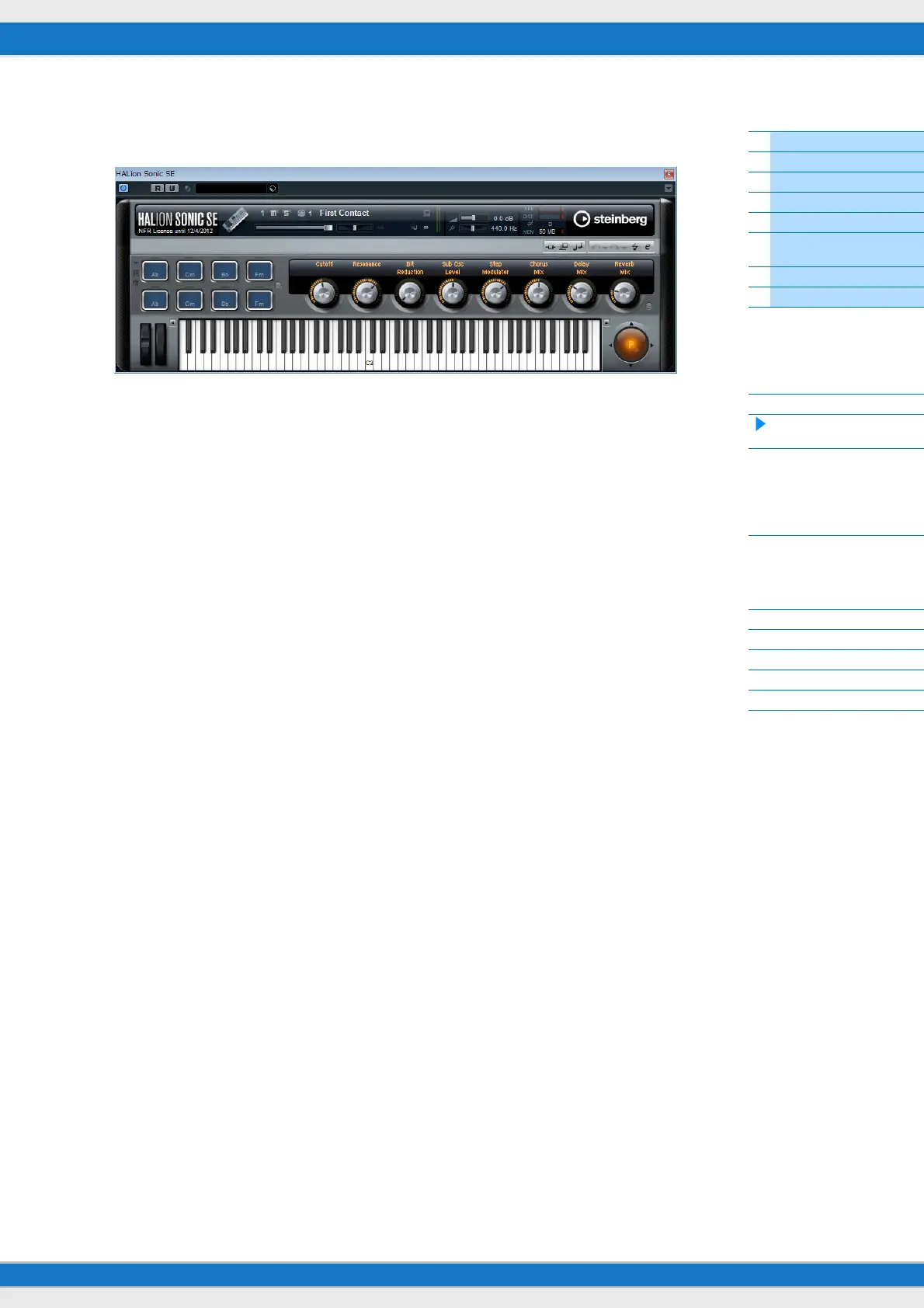
7 Press [VSTi WINDOW] ([CHROMATIC PERCUSSION]) to open the VSTi window of the selected
Instrument track.
8 Select a program of the VSTi by pressing [INC/YES]/[DEC/NO] of the MX49/MX61.
9 Play the VSTi by using the MX49/MX61 keyboard, or control the parameters of the VSTi by using
Knobs [A] – [D].
If you wish to edit the Control Templates, or create a new template, use the MX49/MX61 Remote Editor. For details
about how to use the Remote Editor, refer to the accompanying PDF manual.
Additional remote-control functions are available. For details, see the following “Remote Control Assignments” section.



 To Next Page