MX49/MX61 Reference Manual
Basic Structure
Using a Connected
Computer
Using iOS
Applications
Basic Structure
Controller Block
Tone Generator Block
Effect Block
Arpeggio Block
Song/Pattern
Playing Block
Internal Memory
MIDI/Audio Signal Flow
Connecting to a computer
Creating a Song with a
computer
Reference
Performance
Song/Pattern
File
Utility
Remote
39
Using iOS Applications
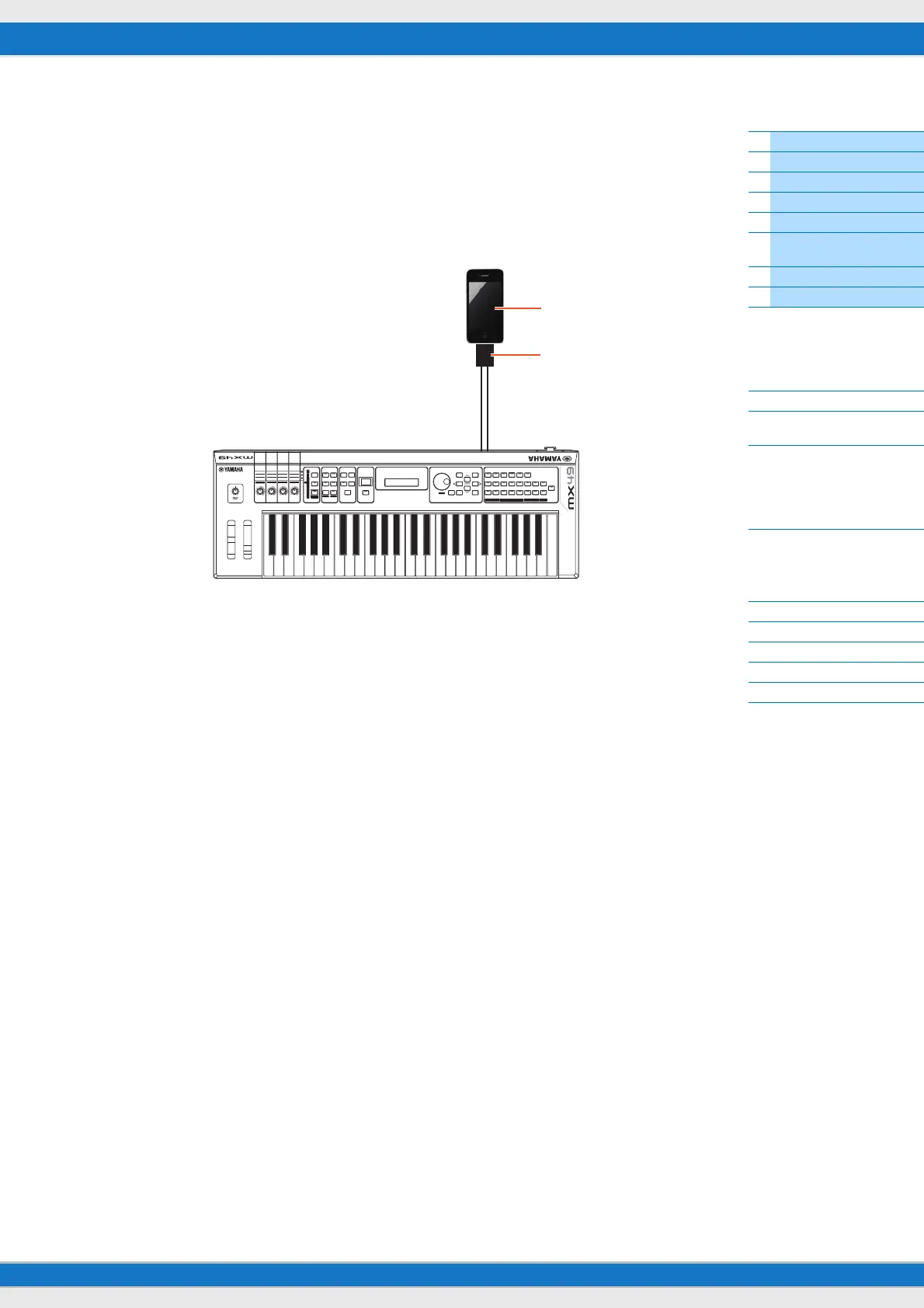
You can use various iOS applications with this instrument by connecting to an iPad, iPhone or iPod Touch device via the
optional i-MX1 MIDI interface—giving you even greater enjoyment and musical versatility. For details how to connect
this instrument to the iPad/iPhone/iPod Touch, refer to the i-MX1 Owner’s Manual. Also, for information on compatible
applications and details on minimum requirements for the applications, refer to the following web site.
http://www.yamaha.com/kbdapps/
NOTE When you use the instrument along with the application on your iPhone/iPad, we recommend that you set “Airplane Mode” to
“ON” on your iPhone/iPad in order to avoid noise caused by communication.
NOTE iOS applications may not be supported in your area. Please check with your Yamaha dealer.
iPhone
i-MX1
MIDI INMIDI OUT
MIDI OUTMIDI IN



 To Next Page