MX49 MX61 MX88 Owner’s Manual
Basic Operation and Displays
13
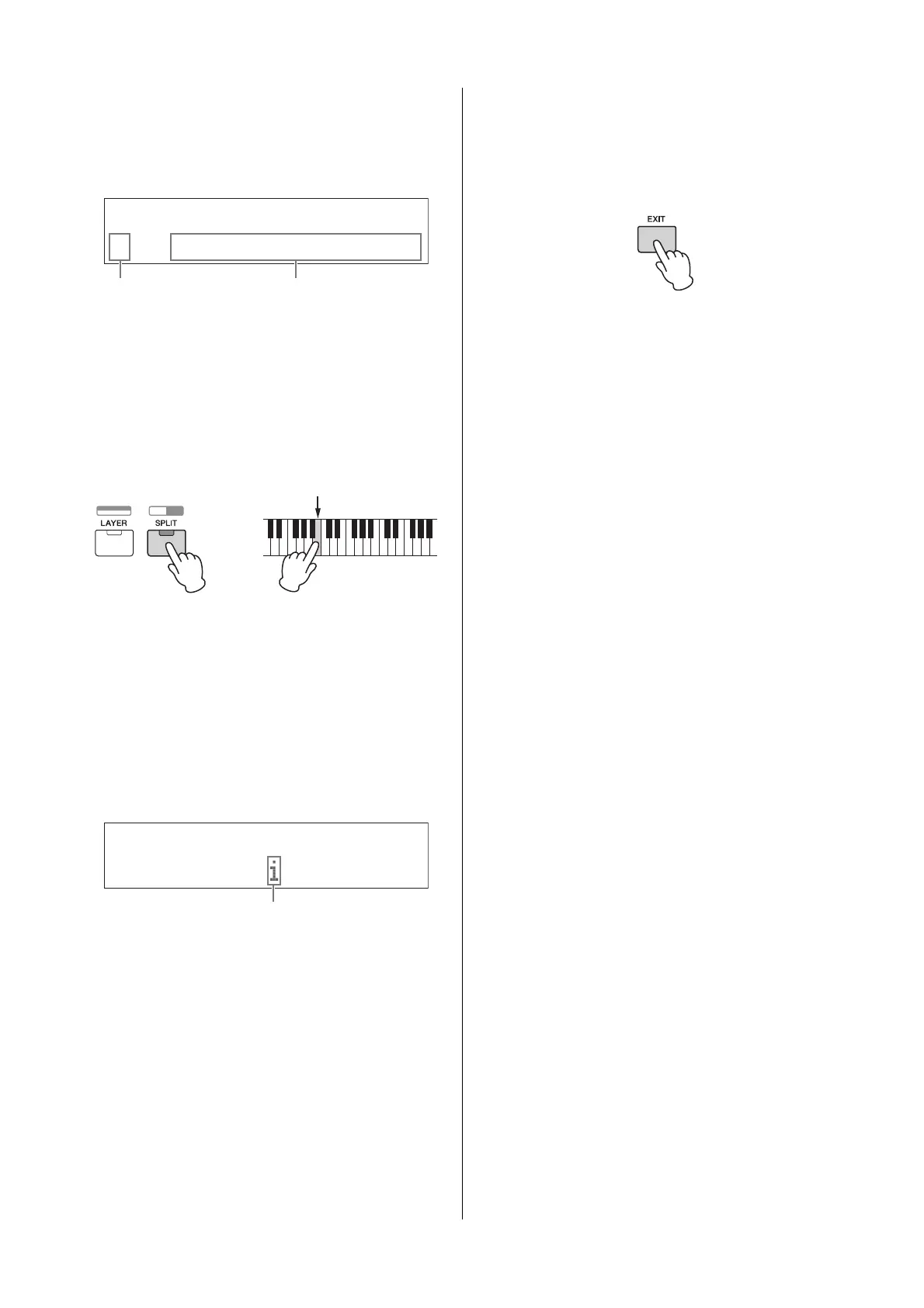
Selecting a page
The display to be edited may consist of multiple pages.
In this case, the upper (s)/ lower (a) icons are indicated
at the bottom left of the display. You can select a page by
using the Cursor [u]/[d] buttons.
Note settings
Pressing a key lets you set a note value for the Split Point
parameter (page 16). You can set the desired Split Point
by holding down [SPLIT] and pressing the corresponding
key (only when [SPLIT] is set to on; the lamp lights).
Naming (inputting
characters)
You can freely name the data you’ve created, such as
that of Voices and Performances. First, move the cursor
to the desired location in the name with the Cursor [l]/
[r] buttons, and select the character by using the
[DATA] dial or the [INC/YES]/[DEC/NO] buttons.
Leaving the current
display
If you wish to return to the previous display from the
current display, press [EXIT]. In order to return to the top
display, press [EXIT] repeatedly.
NOTE If you wish to leave the Remote mode (refer to the
“Reference Manual” PDF document), you need to press
[DAW REMOTE] instead of [EXIT].
DrumKit
*Insert*Eff*
a
***
REV:
****
SPX
*
Hall
2
Indicates availability
of other pages
Parameter which can be edited
Common*Name
a
*******[Simple*Bld]
2
Selected location flashes



 To Next Page