EasyManua.ls Logo

Yamaha NS-B20 - User Manual

Yamaha NS-B20
8 pages
Print Icon
To Next Page IconTo Next Page
Loading...
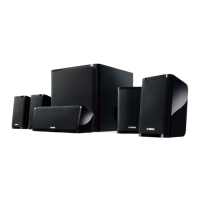
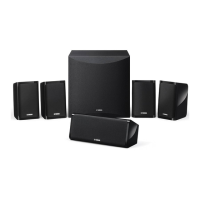
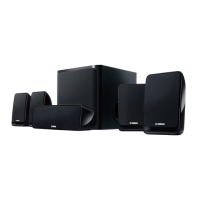
NS-B20
NS-C20
NS-SWP20
AB
SPEAKER PACKAGE
OWNER'S MANUAL

Other manuals for Yamaha NS-B20

Questions and Answers

  • B
    bleachAug 1, 2025
    What to do if Yamaha NS-B20 Speaker System sound is very quiet?
    • M
      Mitchell NewmanAug 1, 2025
      If the sound from your Yamaha Speaker System is very quiet, it might be due to improperly connected speaker cables. Ensure the speaker cables are connected properly, matching L (left) to L, R (right) to R, “+” to “+” and “–” to “–”.
  • L
    leegeraldAug 11, 2025
    Why is my Yamaha NS-B20 Speaker System subwoofer so quiet?
    • R
      randy37Aug 11, 2025
      If your Yamaha Speaker System subwoofer is too quiet, the source material might not contain much bass. Try playing source material that contains more bass. Alternatively, bass sounds may be getting cancelled out by standing waves. Try repositioning the subwoofer, or break up parallel wall surfaces by placing bookshelves or other large objects along the wall.
  • N
    nancy46Aug 22, 2025
    How to fix no sound on Yamaha Speaker System?
    • J
      Joseph WrightAug 22, 2025
      If there is no sound from your Yamaha Speaker System, the speaker cables may not be connected properly, so ensure they are correctly connected. Also, check that the VOLUME control is not set to 0; if it is, turn it up.

Yamaha NS-B20 Specifications

General IconGeneral
Impedance6 ohms
Driver Configuration2-way
EnclosureBass reflex
Power Handling120 W (Peak)
FinishBlack wood

Related product manuals