EasyManua.ls Logo

Yamaha PW-X - User Manual

Yamaha PW-X
96 pages
Print Icon
To Next Page IconTo Next Page
Loading...
ORIGINAL INSTRUCTIONS
NOTICE D‘UTILISATION
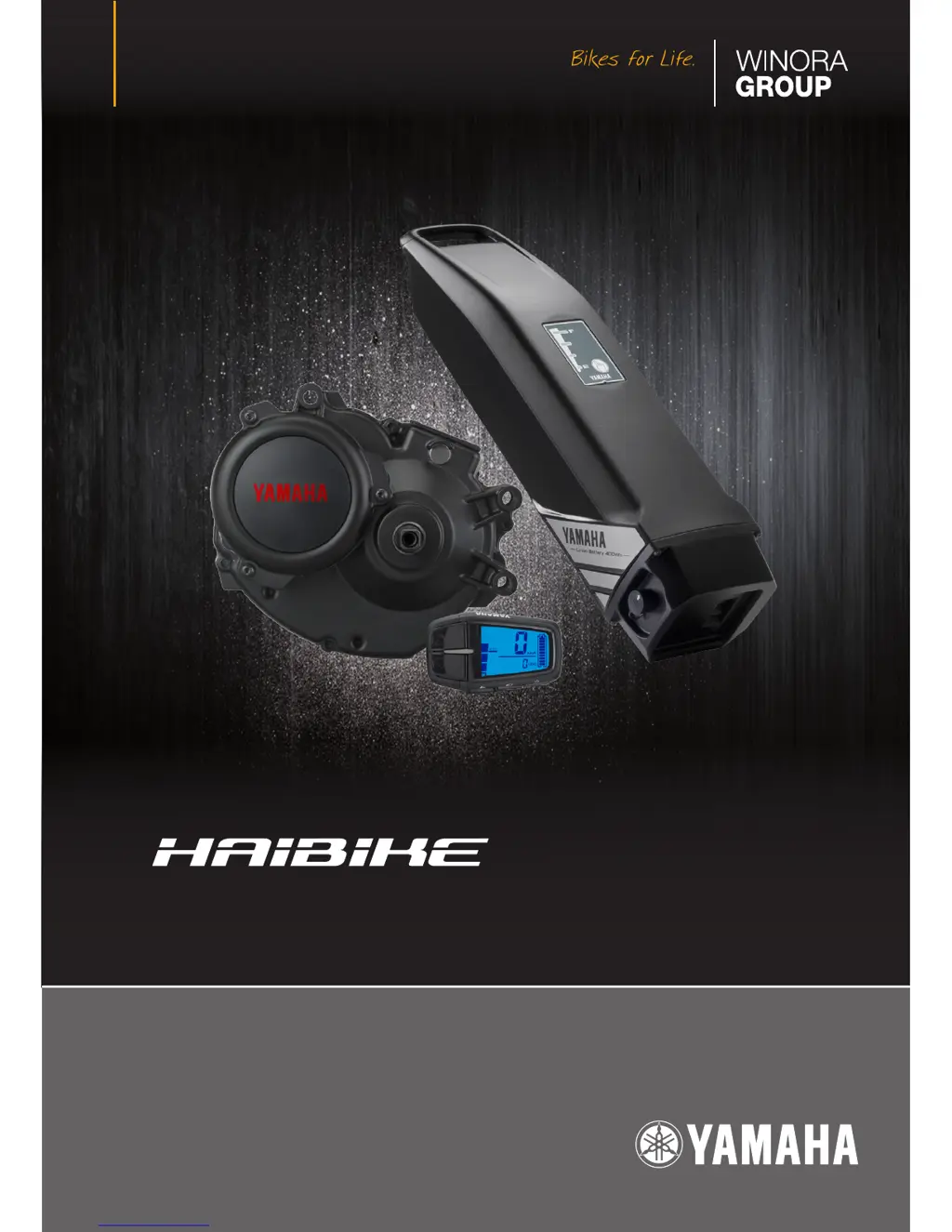
DRIVE UNIT • DISPLAY UNIT • BATTERY PACK • BATTERY CHARGER
ENGLISH // FRANÇAIS
YAMAHA PW-X & PW-SESYSTEM

Table of Contents

Other manuals for Yamaha PW-X

Questions and Answers

  • B
    barnesnatashaAug 13, 2025
    Why is pedaling so difficult on my Yamaha PW-X Bicycle Accessories?
    • K
      Kenneth BeanAug 13, 2025
      If you're finding it hard to pedal your Yamaha Bicycle Accessories, here's what to check: * Ensure the display unit is powered on. * Verify the battery pack is correctly installed and charged. * If the bicycle has been stationary for more than 5 minutes, try turning the power on again. * Note that on long inclines or with heavy loads, the system might temporarily reduce power assist to protect the battery or drive unit from overheating. Shift to a lower gear to alleviate this. * In cold weather, store the battery indoors before use. * Avoid charging the battery while it's mounted on the bicycle.
  • E
    Edward WrightAug 17, 2025
    How to improve the traveling range of my Yamaha Bicycle Accessories?
    • D
      drewrobbinsAug 17, 2025
      If the traveling range of your Yamaha Bicycle Accessories has decreased, consider the following: * Make sure you are fully charging the battery pack until it reaches full capacity (F). * Low temperatures can affect battery performance. The normal traveling range will be restored when the ambient temperature rises. Store the battery pack indoors in a warm location before use to improve range in cold conditions. * The battery pack may be worn out and need replacement.
  • N
    Natalie MahoneyAug 21, 2025
    What to do if my Yamaha PW-X display shows 'Er' and an error description?
    • A
      Ashley WallerAug 21, 2025
      If your Yamaha Bicycle Accessories display shows the main riding display and “Er” alternately, along with an error description (or the assist mode lamp lights up red on Display X), try turning the power off and then on again. If the problem persists, it indicates an issue within the e-Bike Systems, and you should have your bicycle inspected by a dealer as soon as possible.
  • N
    Nathaniel BrownAug 25, 2025
    What to do if the Drive Unit on my Yamaha PW-X turns on and off while riding?
    • N
      Nicholas HartAug 26, 2025
      If the Drive Unit of your Yamaha Bicycle Accessories turns on and off while riding, check that the battery pack is correctly installed and locked in place. If the problem continues with a firmly locked battery, it could indicate a loose connection with the battery pack terminals or wires, and you should have an authorized dealer inspect your bicycle.
  • E
    Elizabeth JohnsonAug 29, 2025
    What does it mean when my Yamaha Bicycle Accessories display shows 'Er' and the assist mode lamp is red?
    • B
      Bryan LambertAug 29, 2025
      If your Yamaha Bicycle Accessories displays the main riding display and “Er” alternately with an error description (or the assist mode lamp lights up red on Display X), it indicates a problem with the battery pack. Try turning the power off and then on again. If the issue persists, have your battery pack inspected by a dealer as soon as possible.
  • D
    Daniel JacksonSep 1, 2025
    Why is the speed not displayed on my Yamaha PW-X Bicycle Accessories?
    • W
      Wayne ReyesSep 1, 2025
      If the speed isn't displayed while riding your Yamaha Bicycle Accessories and the function display is flashing (or the assist mode lamp lights up red with an error description on Display X), the speed sensor may not be detecting a correct signal. Turn the power off and on again, select the assist mode, and ride for a short distance. Also, check that the magnet is correctly mounted on the wheel spokes.
  • D
    David WhiteSep 5, 2025
    What does it mean when the Automatic mode indicator is flashing on my Yamaha PW-X?
    • M
      Meghan MasonSep 5, 2025
      If the Automatic mode indicator is flashing on your Yamaha Bicycle Accessories (or “A:####” and “####” are alternately displayed on Display X), it could indicate a problem inside the Drive Unit. Try turning the power off and then on again. If the problem persists, have your bicycle inspected by a dealer as soon as possible.
  • S
    samanthamontoyaSep 8, 2025
    What does it mean if the speed is displayed, but the function display is flashing on my Yamaha Bicycle Accessories?
    • J
      John SimmonsSep 8, 2025
      This is not a malfunction of your Yamaha Bicycle Accessories. The system may enter this state depending on pedaling strength and riding speed, but it should return to normal if the system is functioning correctly.

Summary

Introduction

General Warning and Notations

Safety Alert Symbol

Symbol used to alert to potential personal injury hazards.

Warning

Indicates a hazardous situation that could result in death or serious injury.

Notice

Indicates special precautions to avoid damage to vehicle or property.

Tip

Provides key information to make procedures easier or clearer.

Electric Bike Components Overview

Introduction to Components

Overview of the electric bike components.

Warning and Specification Labels

Location of warning and specification labels on battery pack and charger.

Component Description

Detailed descriptions and illustrations of e-bike system components.

E-Bike Systems and Performance

System Operation Conditions

Situations where e-bike systems do not provide assistance.

Factors Affecting Assist Distance

Conditions that can decrease the remaining assist distance.

Comprehensive Safety Information

Charger Safety Precautions

Important safety instructions for using the battery charger.

Battery Pack and System Safety

Safety guidelines for handling the battery pack and e-bike system.

Bluetooth Wireless Safety

Safety precautions for Bluetooth low energy technology usage.

Display Unit Functions and Controls

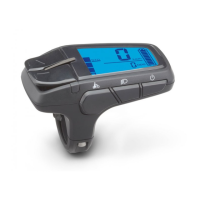
Display Unit (Display A) Overview

Identifies controls and indicators on the Display Unit A.

Power On;Off and Mode Switching

How to turn the system on/off and switch between assist modes.

Automatic Mode Functionality

Details on using and canceling the automatic assist mode.

Speedometer Function

Explanation of the bicycle speed display.

Battery Capacity Indicator

Displays estimate of remaining battery capacity.

Function Display Modes

Functions: Odometer, Trip meter, and Remaining assist distance.

Headlight Control

How to turn the headlight on/off.

Kilometer;Mile Setting

Procedure for setting the display unit to kilometers or miles.

Diagnosis Mode

Information on the system's diagnosis mode and error displays.

Battery Pack Charging Procedures

Battery Pack Characteristics

Describes lithium-ion battery properties and performance.

Appropriate Charging Environments

Guidelines for safe and efficient battery charging locations.

Inappropriate Charging Environments

Environments causing charging issues and their solutions.

Charging Down Tube Battery Pack

Procedure for charging a down tube mounted battery pack.

Charging Multi Location Battery Pack

Procedure for charging a multi location mounted battery pack.

Charging Battery Pack Removed from Bicycle

Procedure for charging the battery pack when removed from the bicycle.

Battery Charging Status Indicators

Explains battery charger and indicator lamp status during charging.

Display Unit Charging Status

Shows charging status on the display unit for multi location battery packs.

Battery Charging Time Guidelines

Estimates charging time based on battery capacity and temperature.

Checking Residual Battery Capacity

Display Unit Capacity Reading

How to read residual capacity on the display unit.

Battery Pack Indicator Lamps

Shows residual battery capacity via indicator lamps on the battery pack.

Pre-Operation Checks

Inspection Items

Checks to perform before riding the e-bike.

Cleaning, Maintenance, and Storage

Battery Pack Care

Instructions for cleaning and caring for the battery pack.

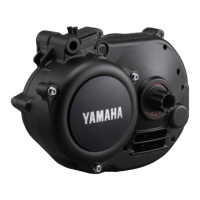
Drive Unit Maintenance

Guidelines for maintaining the Drive Unit.

System Storage Recommendations

Advice on storing the e-bike system, especially for long periods.

Transporting the E-Bike System

Consumer Information and Disposal

Disposal and Recycling

Information on environmentally friendly disposal and recycling of components.

Troubleshooting E-Bike System Issues

Difficulty Pedaling

Checks and actions for when pedaling is difficult.

Drive Unit On;Off Issues

Troubleshooting for the Drive Unit turning on and off unexpectedly.

Unusual Noises or Odors

Actions for strange rumbling, crunching noises, or odors from the Drive Unit.

Error Displays (Display A;X)

Interpreting error codes and displays on the unit.

Decreased Traveling Range

Reasons and solutions for reduced traveling range.

Speed Display Issues

Troubleshooting when the speed is not displayed or flashes.

Error Code Interpretation

Specific error codes and their potential causes or actions.

Automatic Mode Flashing

Troubleshooting when the automatic mode indicator is flashing.

USB Power Supply for External Devices

Troubleshooting USB Power Supply

Steps to resolve issues with USB power not being supplied.

Bluetooth Wireless Communication

Troubleshooting Wireless Communication

Resolving issues with Bluetooth communication and display values.

Battery Pack and Charger Faults

Cannot Charge Troubleshooting

Diagnosing and resolving battery pack charging problems.

Simultaneous Indicator Flashing

Troubleshooting when both side battery capacity indicators flash simultaneously.

Charger Abnormalities

Addressing abnormal noises, odors, smoke, or overheating of the charger.

Indicator Lamps Remain Lit

Troubleshooting when indicator lamps stay lit after disconnecting charging.

Technical Specifications

Electric Motor and Battery Pack Specs

Technical specifications for the electric motor and battery pack.

Charger and Display Unit Specs

Technical specifications for the charger and display unit.

Yamaha PW-X Specifications

General IconGeneral
Motor TypeBrushless DC motor
Power Output250W
Torque80Nm
Weight3.1 kg
Battery Voltage36V
Battery Capacity500Wh
Assist ModesHigh, Eco
CompatibilityYamaha E-bike systems

Related product manuals