EasyManua.ls Logo

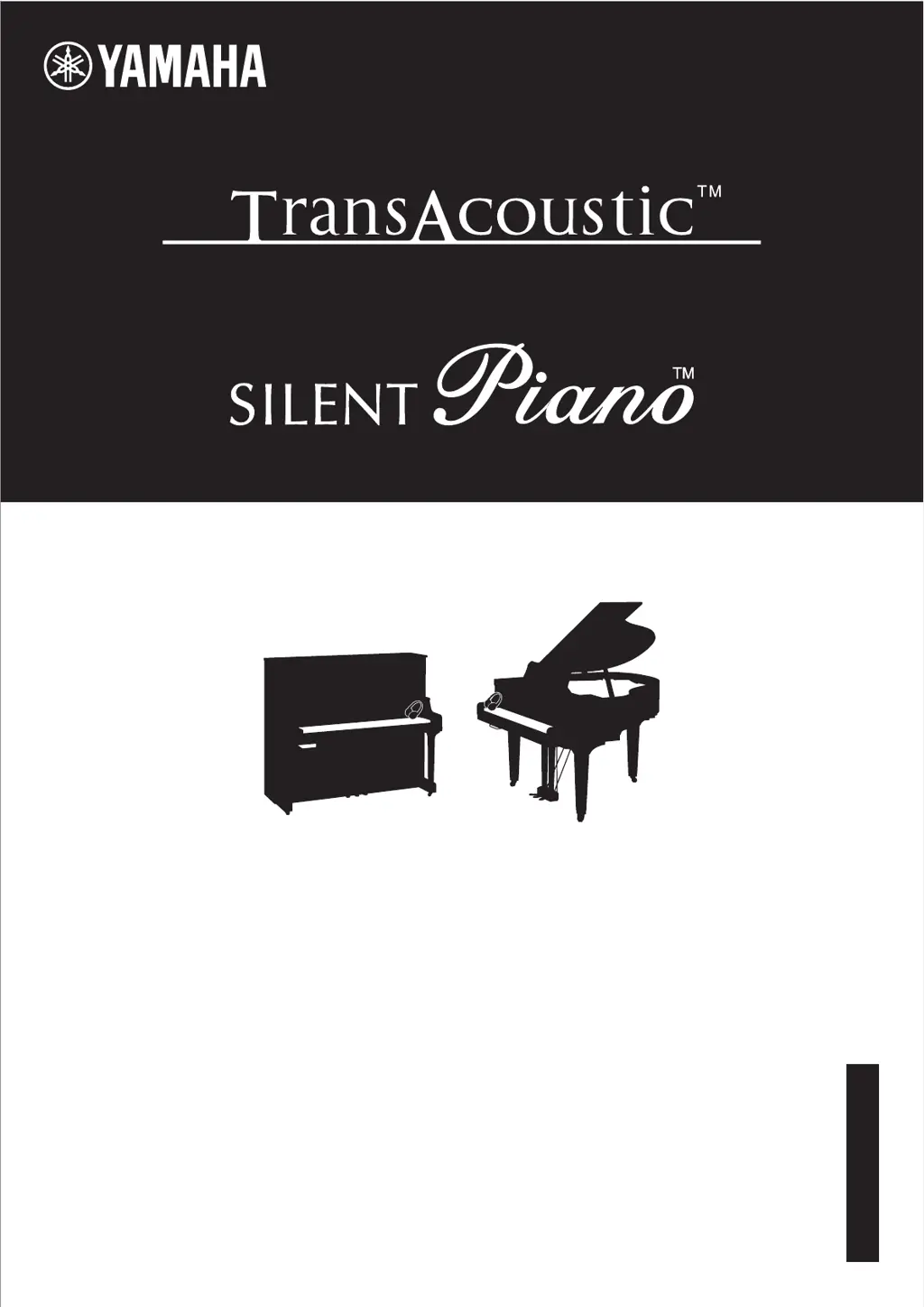
Yamaha TransAcoustic TA3 - User Manual

Yamaha TransAcoustic TA3
86 pages
Print Icon
To Next Page IconTo Next Page
Loading...
SH3 / SC3
TA3
Owners Manual
Manual de instrucciones
Mode d’emploi
Benutzerhandbuch
Manuale di istruzioni
Ɋɭɤɨɜɨɞɫɬɜɨɩɨɥɶɡɨɜɚɬɟɥɹ
IT
DE
RU
ES
FR
EN
Before using the instrument, be sure to read “PRECAUTIONS” on pages 6-7.
Antes de utilizar el instrumento, lea la sección “PRECAUCIONES”, en las páginas 6-7.
Avant d’utiliser cet instrument, lisez attentivement la section « PRÉCAUTIONS D’USAGE » aux pages 6-7.
$FKWHQ6LHGDUDXIYRU(LQVDW]GLHVHV,QVWUXPHQWVGLHÄ9256,&+760$െ1$+0(1³DXI6HLWHQGXUFK]XOHVHQ
Prima di utilizzare lo strumento, assicurarsi di leggere la sezione “PRECAUZIONI”, alle pagine 6-7.
ɉɟɪɟɞɧɚɱɚɥɨɦɪɚɛɨɬɵɫɢɧɫɬɪɭɦɟɧɬɨɦɩɪɨɱɢɬɚɣɬɟɪɚɡɞɟɥ©ɉɊȺȼɂɅȺɌȿɏɇɂɄɂȻȿɁɈɉȺɋɇɈɋɌɂªɧɚɫɬɪ

Table of Contents

Questions and Answers

  • A
    Alyssa BullockAug 19, 2025
    Why is there noise coming from my Yamaha TransAcoustic TA3?
    • K
      Karen MckinneyAug 19, 2025
      If you're experiencing noise from your Yamaha Musical Instrument, it might be due to interference from a nearby mobile phone. Try turning off the phone or moving it further away. If you are using a smart device wirelessly, enable 'Airplane Mode' and then turn Wi-Fi/Bluetooth back on to minimize communication-related noise.
  • C
    Casey JacksonAug 21, 2025
    Why is the volume low on my Yamaha TransAcoustic TA3?
    • M
      marybrownAug 21, 2025
      If the overall volume is low or no sound is heard from your Yamaha Musical Instrument, first check the [MASTER VOLUME] control and set it to an appropriate level (pages 19, 21). Also, ensure that the Voice is not set to “---” by selecting a different Voice (page 22). Finally, verify that Local Control is set to on in Function F7.2 (page 51).
  • V
    Valerie ShawAug 25, 2025
    What to do if sound input to AUX IN jacks is interrupted on Yamaha Musical Instrument?
    • J
      jwoodsAug 25, 2025
      If the sound input to the [AUX IN] jacks of your Yamaha Musical Instrument is interrupted, increase the output volume of the external device connected to the [AUX IN] jack. The volume level reproduced via this instrument can be adjusted by using the [VOLUME] control. Also, the AUX IN Noise Gate function may cut off wanted soft sounds; if this happens, set the function to off in Function F8.2 (page 52).
  • B
    brittanydavisAug 26, 2025
    Why does the tempo fluctuate on my Yamaha Musical Instrument?
    • M
      Michael MurphyAug 27, 2025
      If the Metronome, MIDI Song, or Rhythm goes out of tempo slightly when you play the keyboard on your Yamaha Musical Instrument, and Grand Expression Modeling is set to “Dynamic,” set Grand Expression Modeling to “Static” in Function F2.7 (page 46). This issue infrequently occurs when Grand Expression Modeling is set to “Dynamic.”
  • B
    Brandon WestAug 28, 2025
    Why is sound input via Bluetooth interrupted on my Yamaha TransAcoustic TA3?
    • J
      Jeremy HoffmanAug 28, 2025
      If the sound input via Bluetooth is interrupted on your Yamaha Musical Instrument, increase the output volume of the Bluetooth-equipped device. The volume level reproduced via this instrument can be adjusted by using the [VOLUME] control. The issue may be that the output volume of the Bluetooth-equipped device connected to this instrument is too low, resulting in the sound being cut off via the Noise Gate after it is input to this instrument.
  • A
    Ashley PayneAug 30, 2025
    Why does my Yamaha TransAcoustic TA3 automatically turn off?
    • E
      emilygrayAug 30, 2025
      If your Yamaha Musical Instrument automatically turns off, this is normal behavior due to the Auto Power Off function. If you prefer, you can disable this feature (page 16).
  • F
    fhowardSep 1, 2025
    Why is there no reverb effect on my Yamaha Musical Instrument?
    • R
      Rose MurraySep 1, 2025
      If no Reverb effect is applied to the sound of your Yamaha Musical Instrument even when it is turned on, adjust the Reverb Depth in Function F1.2 (page 45) as the Reverb Depth may be set to minimum. Also, only on the TA3, when the [TA] lamp is lit (when in the TransAcoustic mode or Layer mode), the Reverb effect is automatically turned off and no effect is applied.
  • V
    Victoria KingSep 3, 2025
    How to adjust pitch on Yamaha TransAcoustic TA3?
    • A
      ashley22Sep 3, 2025
      If the pitch of your Yamaha Musical Instrument differs from other instruments, you can adjust the pitch in Function F3.4 (page 47) to match them.
  • C
    Cody ReedSep 5, 2025
    Why does the sound linger excessively on my Yamaha TransAcoustic TA3 Musical Instrument?
    • K
      kayla11Sep 6, 2025
      If the sound lingers excessively on your Yamaha Musical Instrument, the Reverb Depth (Function F1.2) or the Damper Resonance (Function F2.2) may be set too high. Adjust these parameters to an appropriate level (pages 45, 46).
  • S
    sabrinachenSep 7, 2025
    Why do I hear acoustic piano sound when not in acoustic mode on Yamaha Musical Instrument?
    • D
      Diane LewisSep 7, 2025
      If you hear the acoustic piano sound even when not in Acoustic mode on your Yamaha Musical Instrument, playing with extreme force may be the cause. Try moderating the strength of your playing.

Yamaha TransAcoustic TA3 Specifications

General IconGeneral
TypeAcoustic Guitar
TransAcoustic TechnologyYes
Top MaterialSolid Sitka Spruce
Back and Sides MaterialMahogany
Neck MaterialMahogany
Fingerboard MaterialRosewood
FinishGloss
Body ShapeConcert
Bridge MaterialRosewood
Scale Length634mm (25")
ElectronicsTransAcoustic System
Fingerboard Radius400 mm
TunersDie-cast
ControlsReverb, Chorus
Nut Width43mm (1-11/16")

Related product manuals