Editing Function Me-
mory Parameters
When
you
begin
editing the
function
parameters,
you
will
actually
be editing the
parameters
in
a
buffer
memory
which
is
independent
from the 32
TX7 and
32
DX
function
memories.
When a TX7 voice
is selected,
its
corresponding function
memory data is
called into the
TX7's function
edit buffer, where it resides
until
a
new
voice is
selected. Thus you
can
actually hear
the effect of
function parameter
changes
on the selected voice as you
are
editing. In
order for the edited
functions
to be
recalled
automatically the
next time
that voice is selected,
they must
then
be stored
in
the
appropriate TX7 or
DX function
memory as described in the
"Storing
TX7 &
DX Function Parameters"
section.
All
the
function parameters
described
above are accessed
for
editing
by using the
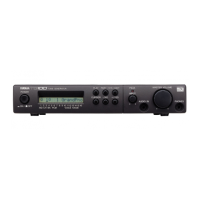
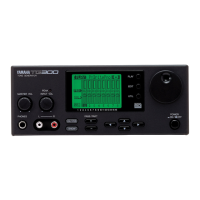
FUNCTION button.
Note that the
FUNCTION button
has two arrows:
the one above
pointing
to
the
right,
and
the one below
pointing
to
the left. These arrows
correspond
to
theTX7's NORMAL and
SHIFT
modes,
selected by
the
MODE
button
immediately
to the right of the
FUNCTION button. In the
NORMAL
mode,
each press on the
FUNCTION button
scrolls
forward through the
function list, while in the SHIFT
mode each
press on the
FUNCTION button
scrolls
backwards through the
function
list {for
more details on using the
SHIFT/NORMAL
MODE button, see "More About
the
Shift and
Normal Modes", on page
18).
Press
the
FUNCTION
button
a few times
and note
that the TX7
LCD displays
correspond to those given in the
FUNCTION
&
DISPLAY list given
above. At some
point press the
MODE button, once, then
try pressing
the FUNCTION button
again.
You
will now move backwards through
the function
list. Press the
MODE button
again
to
revert
to
forward scrolling.
This makes it faster and easier to access
specific
functions
for editing.
The value
or
mode
of the selected
function is then set
using the
DATA N0/-1
and
YES/
+
1 buttons. The N0/-1
and
YES/
+
1 buttons decrement and
increment
the
value of the selected
function,
respectively. Note that on displays
which contain
a
number of functions, the position
of
the
blinking block cursor indicates the
currently selected
function.
Direct
Functions
These of
functions take
effect immediately
when they are set. That
is, they are not
effects which can be
controlled
via
the
connected
DX synthesizer's various con-
trollers.
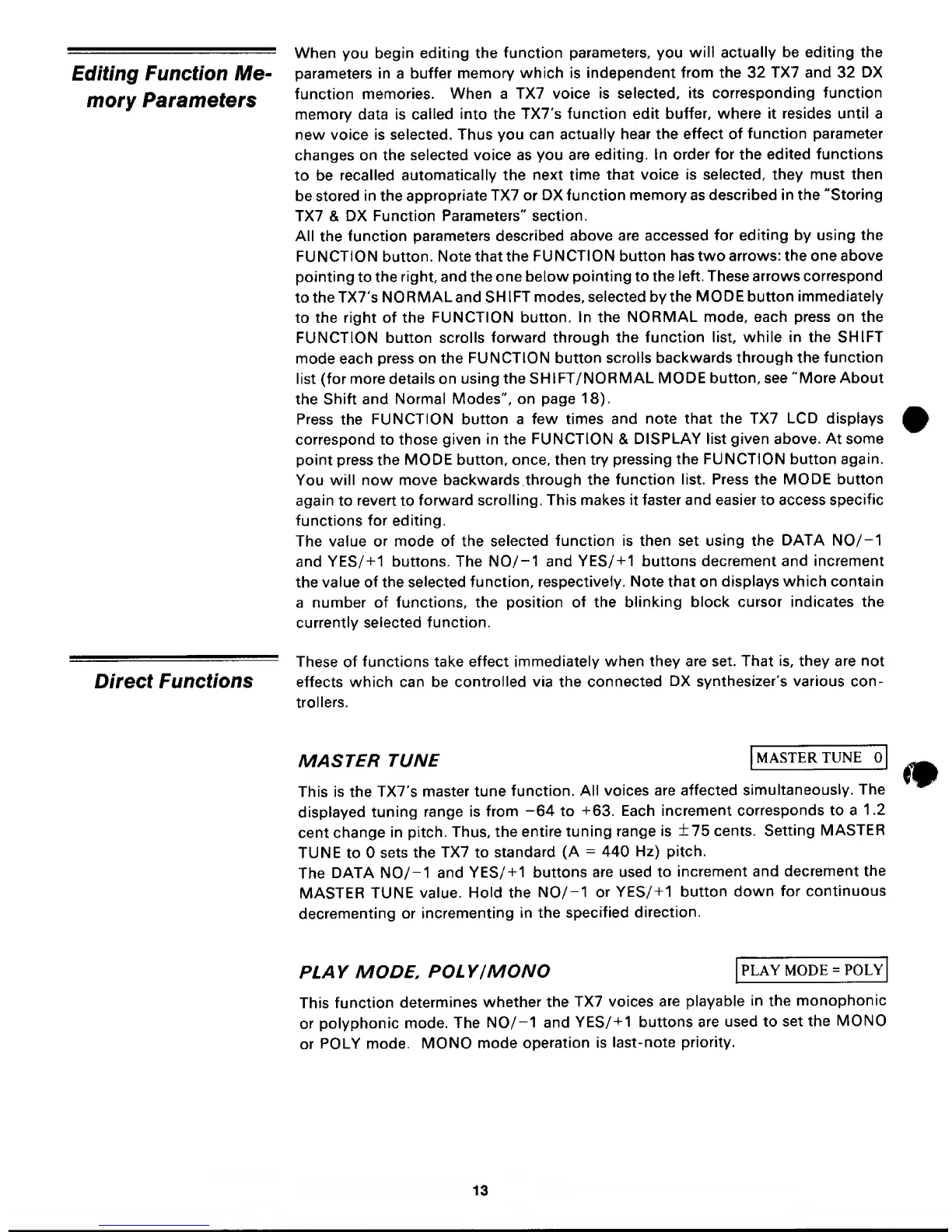
MASTER
TUNE
MASTER
TUNE
This is the TX7's
master
tune
function.
All voices
are affected
simultaneously.
The
displayed
tuning
range is
from
-64
to
+63.
Each
increment
corresponds to a
1 .2
cent
change
in pitch.
Thus,
the
entire
tuning range
is
±75
cents.
Setting
MASTER
TUNE to
sets the
TX7 to
standard
(A
=
440
Hz) pitch.
The
DATA N0/-1
and
YES/
+
1
buttons
are used to
increment and
decrement
the
MASTER TUNE
value.
Hold
the
N0/-1
or
YES/
+
1
button down
for
continuous
decrementing
or
incrementing
in the
specified
direction.
PLAY
MODE,
POLY/MONO
PLAY MODE
=
POLY
This
function
determines
whether the
TX7 voices
are playable
in the
monophonic
or
polyphonic
mode. The
N0/-1 and
YES/+1
buttons are
used to set
the
MONO
or
POLY mode.
MONO
mode
operation is
last-note
priority.
13


 To Next Page
 Loading...