EasyManua.ls Logo

Yamaha TX7 - Portamento and Key Range Settings

Yamaha TX7
48 pages
Print Icon
To Next Page IconTo Next Page
To Previous Page IconTo Previous Page
Loading...
PORTAMENTO
MODE
PORTA
HtN,
PRT,
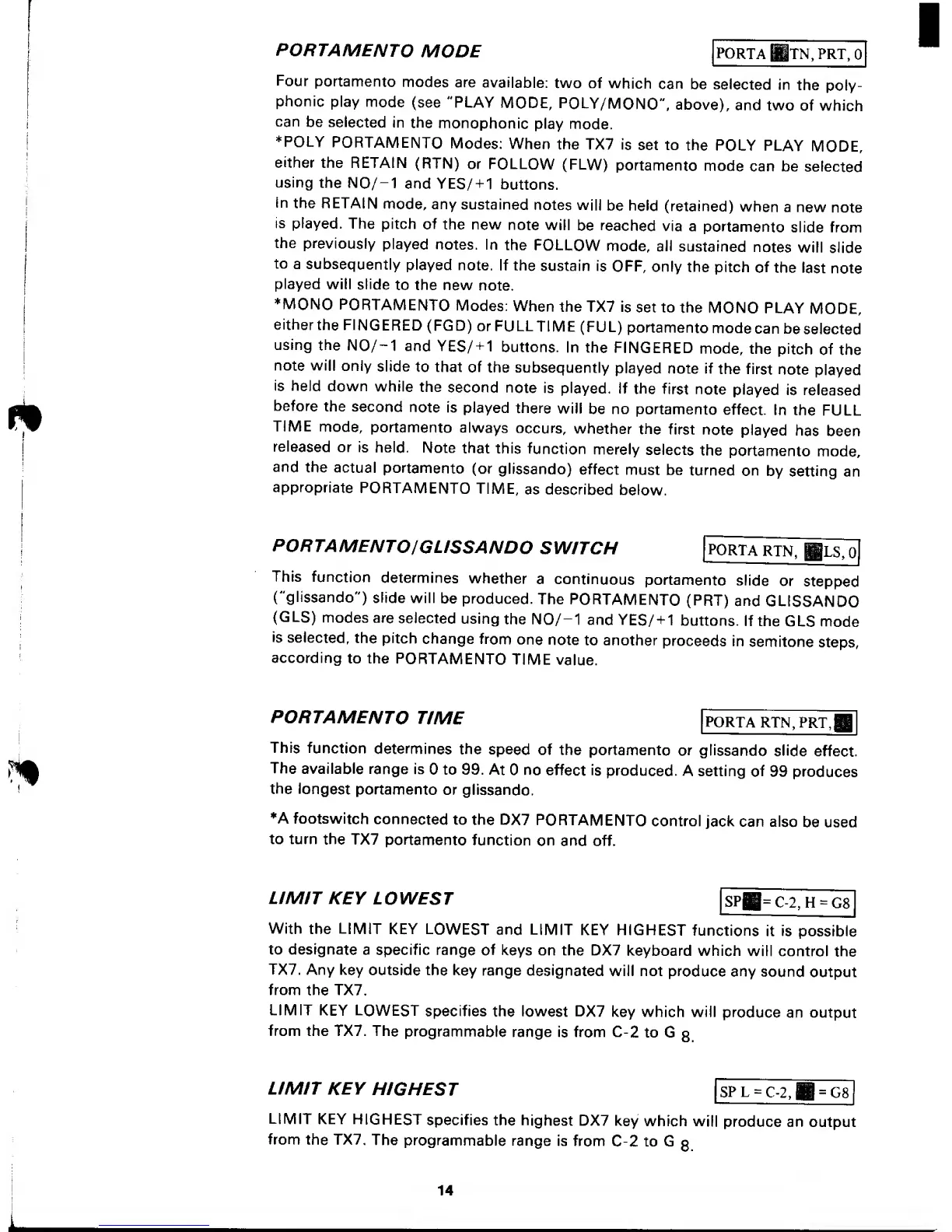
Four
portamento
modes
are
available:
two of
which
can be
selected
in
the
poly-
phonic
play
mode
(see "PLAY
MODE,
POLY/MONO",
above),
and
two
of which
can
be
selected
in
the
monophonic
play
mode.
*POLY
PORTAMENTO
Modes:
When
the
TX7
is
set to
the POLY
PLAY
MODE,
either
the
RETAIN
(RTN)
or
FOLLOW
(FLW)
portamento
mode
can be
selected
using
the N0/-1
and YES/
+
1
buttons.
in
the
RETAIN
mode,
any
sustained
notes
will
be held
(retained)
when
a new
note
is
played.
The
pitch
of
the new
note
will
be reached
via a
portamento
slide from
the
previously
played
notes. In
the
FOLLOW
mode, all
sustained
notes
will
slide
to
a
subsequently
played
note.
If the
sustain
is
OFF,
only
the
pitch
of
the
last
note
played
will
slide
to the new
note.
MONO
PORTAMENTO
Modes:
When the
TX7
is
set to
the
MONO
PLAY
MODE,
either
the
FINGERED
(FGD)
or
FULLTIME
(FUL)
portamento
mode
can
be
selected
using
the
N0/-1
and
YES/
+
1 buttons.
In the
FINGERED
mode,
the
pitch
of
the
note will
only
slide
to that
of
the
subsequently
played
note if
the first
note
played
is held
down
while
the
second
note
is
played.
If
the
first
note
played
is
released
before
the
second
note
is
played
there
will
be no
portamento
effect.
In the
FULL
TIME
mode,
portamento
always
occurs,
whether
the
first
note
played
has
been
released
or is
held.
Note
that
this
function
merely
selects
the
portamento
mode,
and
the
actual
portamento
(or
glissando)
effect
must
be
turned
on
by
setting
an
appropriate
PORTAMENTO
TIME,
as
described
below.
PORTAMENTOJGUSSANDO
SWITCH
|
PORTA
RTN,
Bls,o[
This
function
determines
whether
a
continuous
portamento
slide
or
stepped
("glissando")
slide
will
be
produced.
The
PORTAMENTO
(PRT)
and
GLISSANDO
(GLS)
modes
are
selected
using
the N0/-1
and
YES/
+
1
buttons.
If the
GLS
mode
is
selected,
the
pitch
change
from
one
note
to another
proceeds
in
semitone
steps,
according
to the
PORTAMENTO
TIME
value.
PORTAMENTO
TIME
PORTA
RTN,
PRT,
This
function
determines
the
speed
of the
portamento
or
glissando
slide
effect.
The
available range
is
to 99.
At
no
effect is
produced.
A setting
of
99
produces
the
longest
portamento
or
glissando.
*A footswitch
connected
to
the DX7
PORTAMENTO
control
jack
can
also
be used
to turn
the
TX7
portamento
function
on
and off.
LIMIT
KEY
LOWEST
SPH=
C-2, H
=
08
With
the
LIMIT
KEY
LOWEST
and LIMIT
KEY
HIGHEST
functions
it is
possible
to designate
a specific range
of
keys on the DX7
keyboard which
will control
the
TX7. Any key
outside the
key
range
designated
will not
produce
any
sound
output
from
the TX7.
LIMIT
KEY LOWEST
specifies
the lowest DX7
key which
will
produce
an output
from
the TX7. The
programmable
range
is
from C-2
to G
3
LIMIT KEY
HIGHEST
SPL
=
C-2,B
=
G8
LIMIT
KEY
HIGHEST
specifies
the highest
DX7
key
which
will
produce an
output
from the TX7.
The
programmable
range
is from
C-2 to G
g
14

Other manuals for Yamaha TX7

Related product manuals