HOW DOES THE TX81Z WORK?
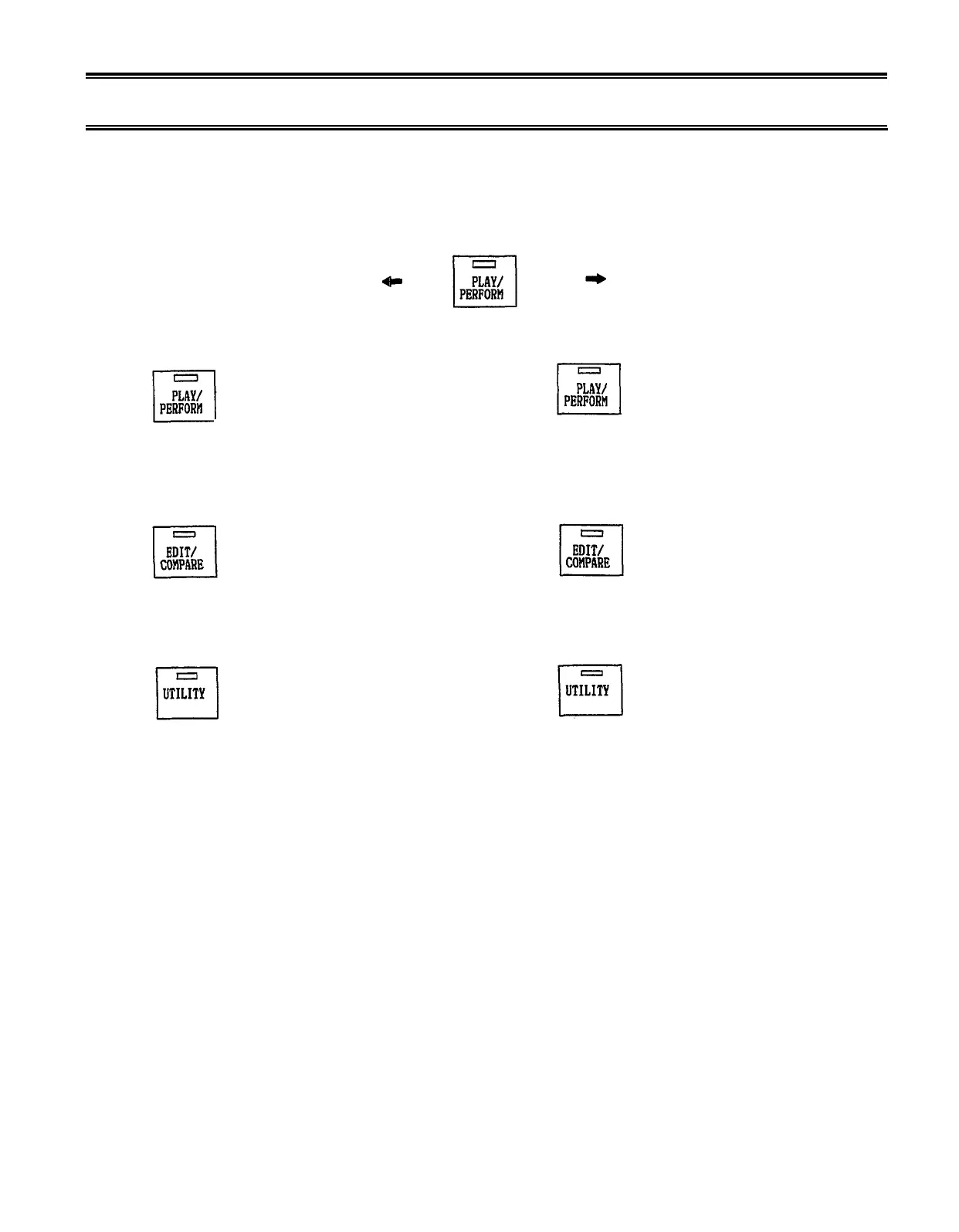
The TX81Z has two main modes. Each main mode has three “sub-modes”.
Press twice, remains lit.
SINGLE
PLAY (Single)
Select and play any
voice using chords of
up to 8 notes (p.11).
EDIT (Single)
Create your own voices
or modify an existing
voice (p.12).
UTILITY (Single)
UTILITY (Performance)
*Save and load data (p.28).
*Set microtone tables (p.31).
*Set program change table (p.26).
*Set pan, delay and chord
effects (p.29).
*And other useful functions.
Here are the main memory areas inside the TX81Z.
Voice Memory (p.11)
There are 5 voice memory banks, each with 32 voices.
Banks A-D are preset, and cannot be changed. Bank
I is for you to store your own voices in.
–5–
PERFORMANCE
PLAY (Performance)
The TX81Z acts as up to
8 independent instruments
as specified in the Performance
Memory that you select (p.35).
EDIT (Performance)
Change the settings of a
Performance Memory (p.37).
*Set a Performance to a
basic setting (p.42).
*And other useful functions.


 To Next Page