EasyManua.ls Logo

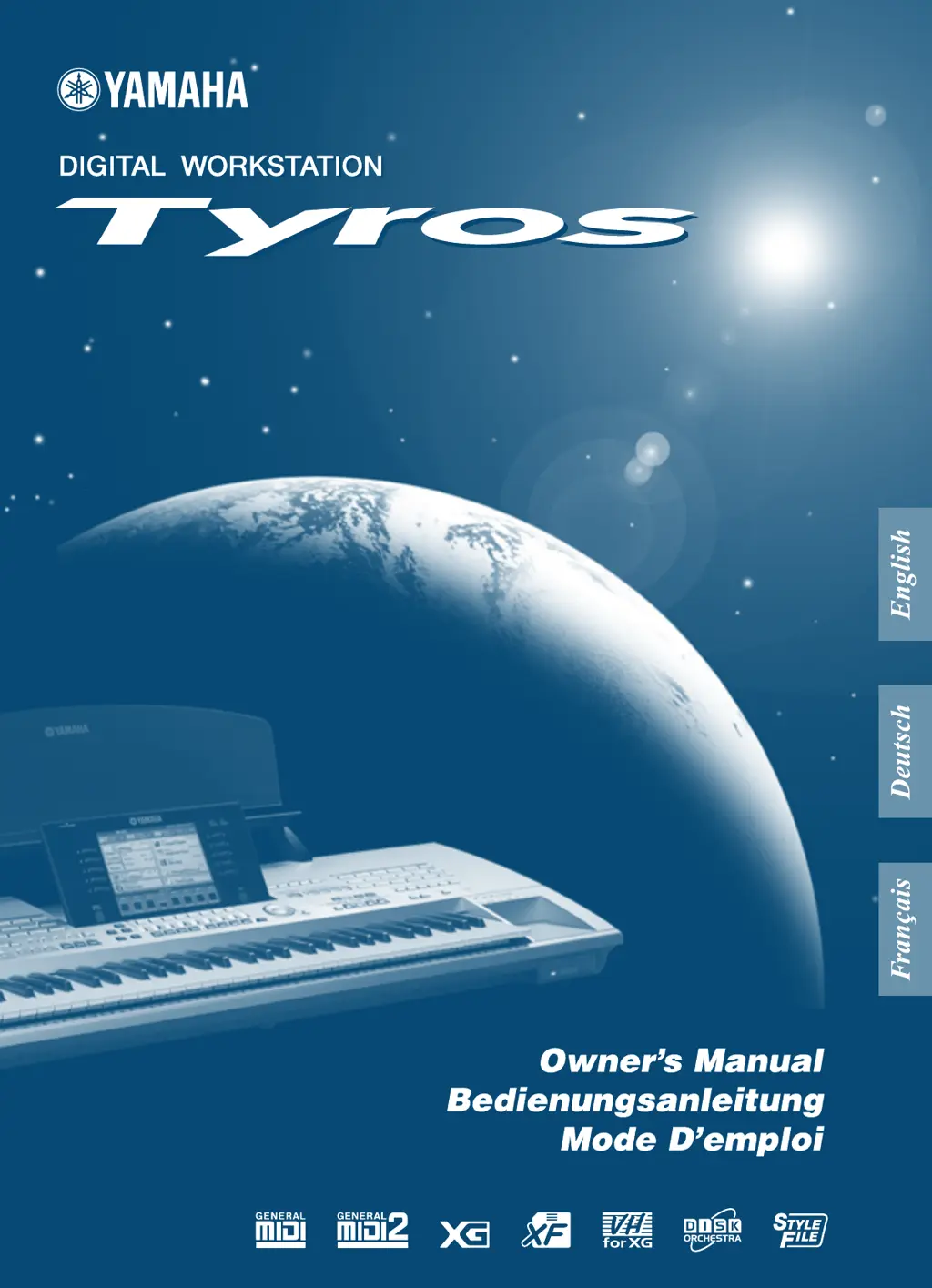
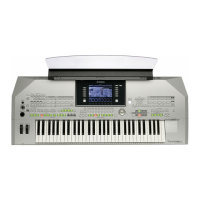
Yamaha TYROS - User Manual

Yamaha TYROS
176 pages
Print Icon
To Next Page IconTo Next Page
Loading...

Table of Contents

Other manuals for Yamaha TYROS

Questions and Answers

  • C
    craighenryJul 26, 2025
    What to do if my Yamaha Musical Instrument has no sound?
    • I
      iscottJul 26, 2025
      If your Yamaha Musical Instrument isn't producing any sound, there might be a few reasons: 1. The RIGHT1/RIGHT2/RIGHT3/LEFT voice volume settings on the BALANCE pop-up window could be too low. Ensure these voice volumes are set to appropriate levels. 2. The Local Control function might be off. Turn Local Control on. 3. The [MASTER VOLUME] controls or foot volume may be turned all the way down. Adjust the [MASTER VOLUME] controls and foot volume to a reasonable listening level. 4. Check if the desired keyboard parts are turned on using the [PART ON/OFF] button.
  • J
    Joanna HernandezAug 11, 2025
    How to stop noise when using a mobile phone with my Yamaha TYROS Musical Instrument?
    • J
      Justin CarterAug 11, 2025
      If you're experiencing noise when using a mobile phone near your Yamaha Musical Instrument, it's likely due to interference. To resolve this, either turn off the mobile phone or increase the distance between the phone and the instrument.

Yamaha TYROS Specifications

General IconGeneral
TypeArranger Workstation
Polyphony128
Sound EngineAWM Stereo Sampling
EffectsReverb, Chorus, DSP, Master EQ, Harmony/Echo
StorageUSB
ConnectivityHeadphones, MIDI, USB
Styles539

Related product manuals