研凌工控电脑科技
(
深圳
)
有限公司
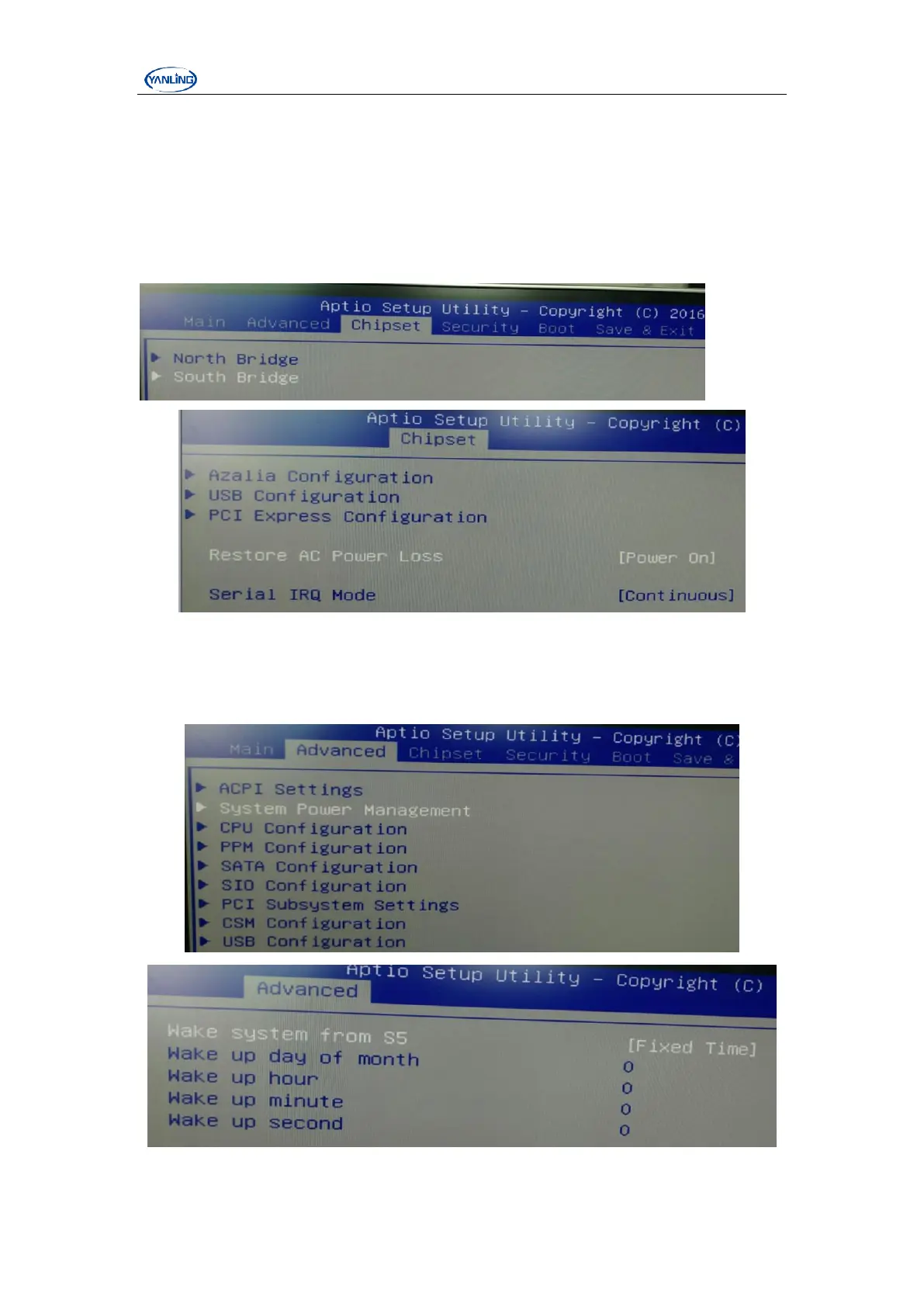
Chapter V BIOS setting
1、open PXE function
Power on and then click DEL button enter BIOS setting, follow white option, choose
“Advanced” → “CSM Configuration” → “Network” → “Legacy”,“F4” → “YES”
Esc.
2.close opening LOGO
Power on and then click DEL button enter BIOS setting, follow white option, choose “Boot”
→ “Quiet Boot” → “Disabled”-“F4” → “YES”-esc.


 To Next Page