3
About CloudHawk
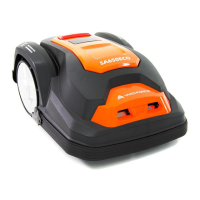
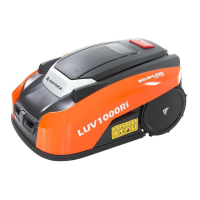
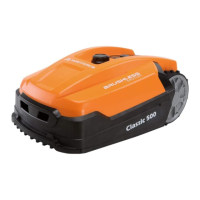
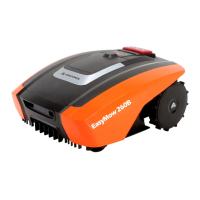
CloudHawk is an app which is used across the Yard Force robotic
lawnmower product range.
CouldHawk supports multiple connection methods, including bluetooth,
WIFI, and 4G. Before you try to connect your device with CloudHawk)
make sure you follow the below instructions:
1. If you use a bluetooth supported device, please make sure that you are
close to the mower when you try to connect.
2. If you use a WiFi supported device, before you set up the connection,
please double check your house router transmit frequency, our WiFi
chip only support 2.4G, if you house router running with 5G, please
check if your house router supports 2.4G, if so please check your
house router manual and change the setting to 2.4G.
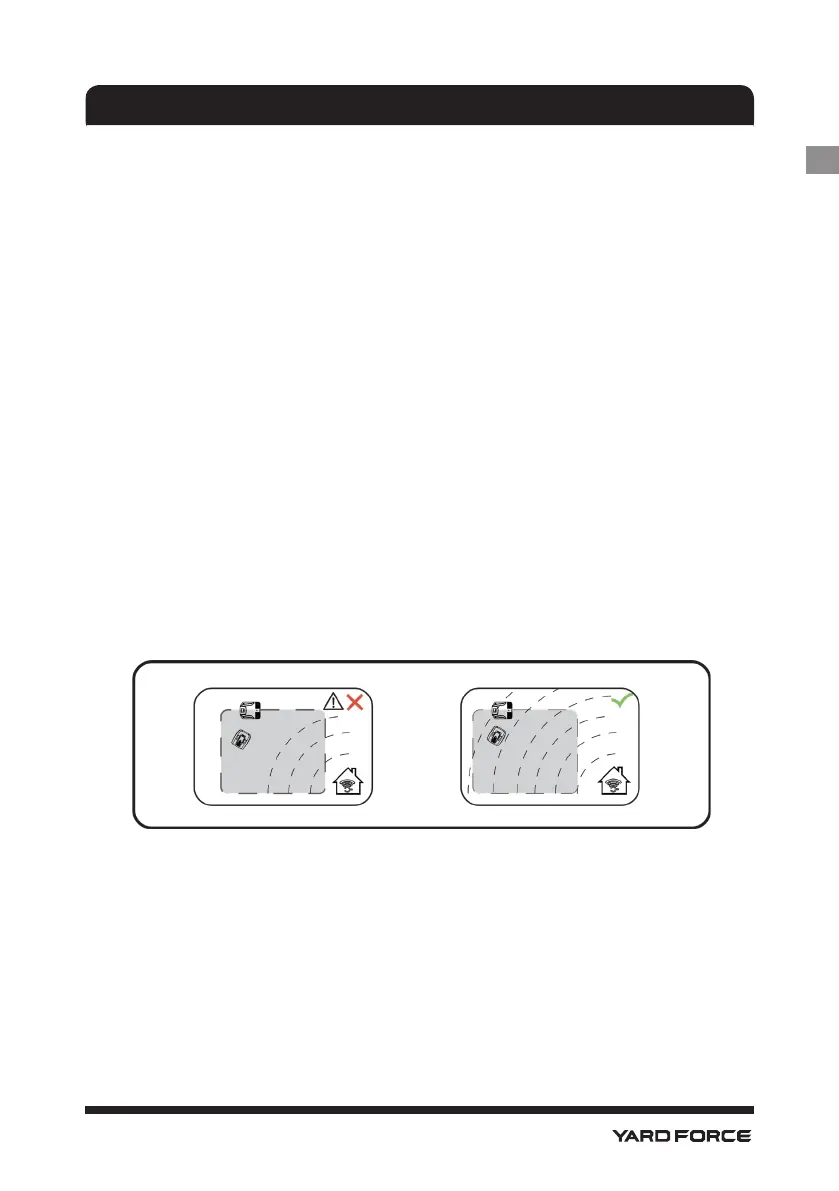
3. If you use a WiFi supported device, before you set up the connection,
please check your docking station location, we recommend that the
docking station should be well covered with your house router signal,
reference diagram below:
CLOUDHAWK
GB






 To Next Page