Android Home Screen
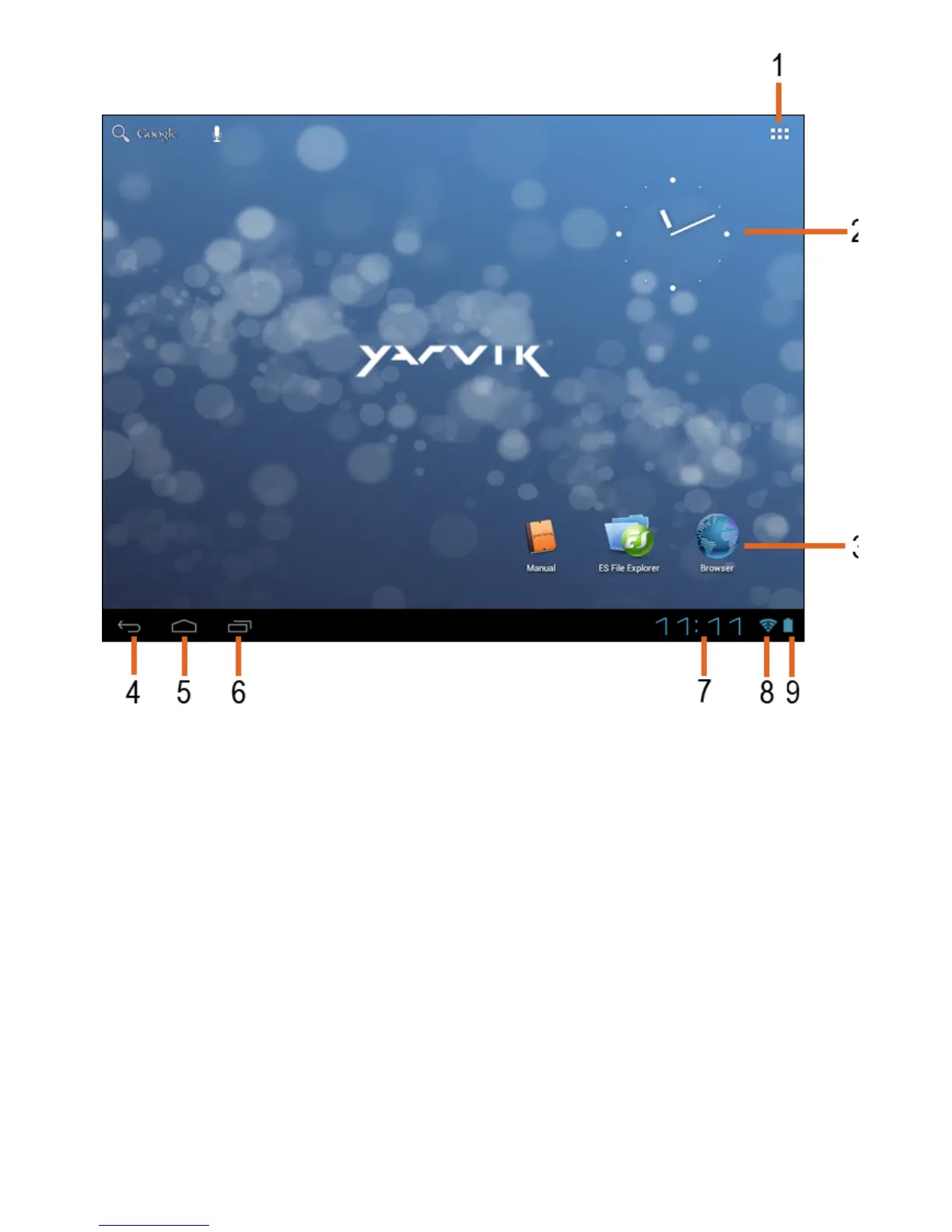
On the bottom of the GoTab’s screen you can always find the status bar.
The status bar contains both system information and function buttons.
1 - App and widget menu
2 - Widget (analog clock)
3 - App Shortcuts
4 - Back button - brings you back to the previous screen, or previous website when using the
Browser
5 - Home - brings you back to the Android Home Screen
6 - Multitask button
7 - System Time
8 - Wi-Fi Signal Indicator
9 - Battery Level Indicator
The home screen consists of multiple pages which can be accessed by swiping the home
screen left/right.

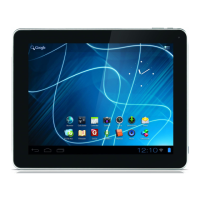

 To Next Page