S-Series Extension User Guide
7
DND: Do not Disturb. When DND is enabled for the extension, the extension will be
unavailable.
Call Waiting: check the option if the extension should have Call Waiting capability. If the
option is checked, the “When Busy” call forwarding options will be unavailable.
1.2.2 Blacklist/Whitelist
Blacklist is used to block an incoming/outgoing call. If the number of incoming or outgoing call is
listed in the number blacklist, the caller will hear the following prompt: “The number you have dialed
is not in service. Please check the number and try again”. The system will then disconnect the call.
Whitelist is used to allow incoming/outgoing numbers.
The system supports to block or allow 3 types of numbers:
Inbound: the number would be disallowed or allowed to call in the system.
Outbound: users are disallowed or allowed to call the number out from the system.
Both: both inbound and outbound calls are disallowed or allowed.
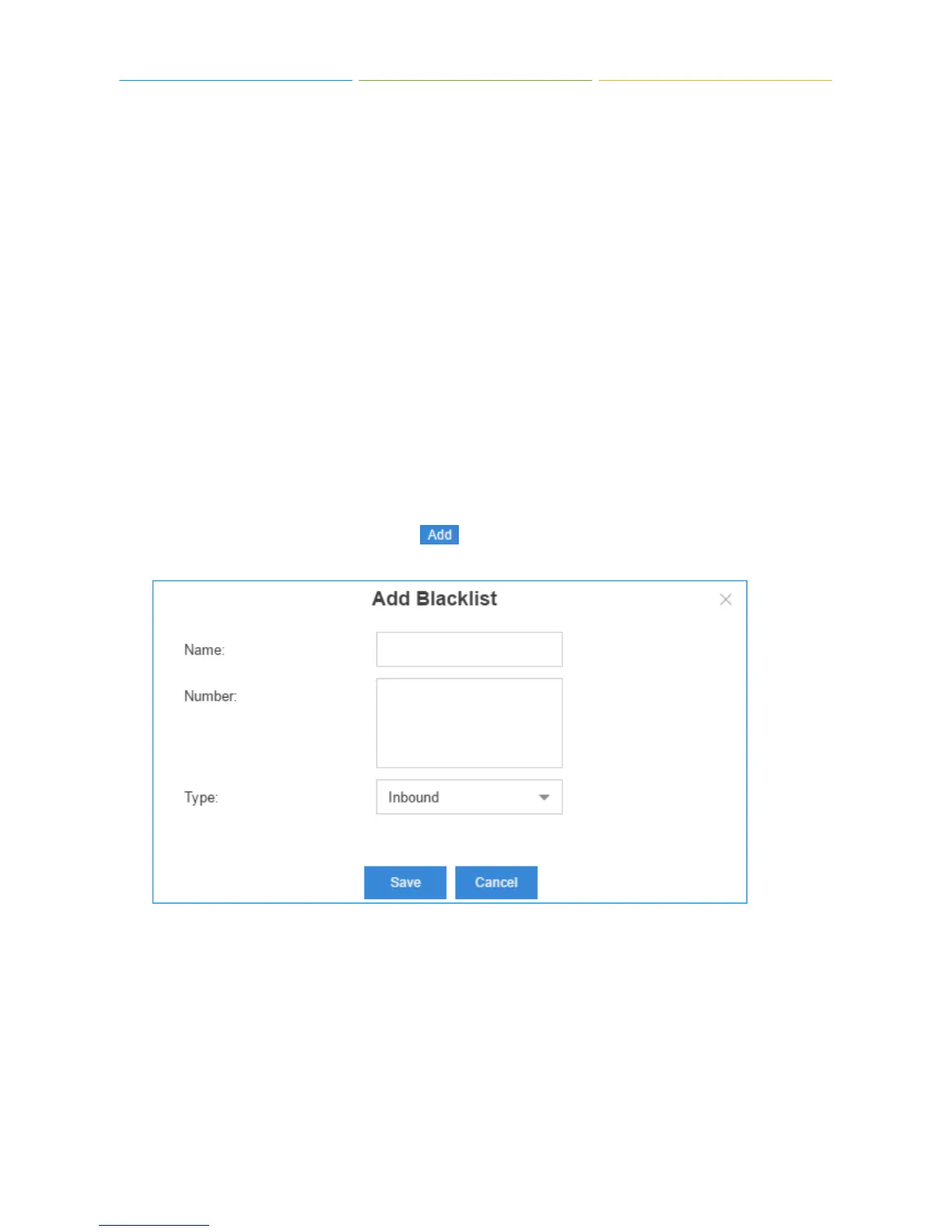
1) Add Blacklist/Whitelist
Select Blacklist or Whitelist tag, click to add a number to Blacklist or Whitelist.
Name: give a name for the blacklist/whitelist.
Number: enter the numbers, one number per row.
Type: choose the type.











 To Next Page