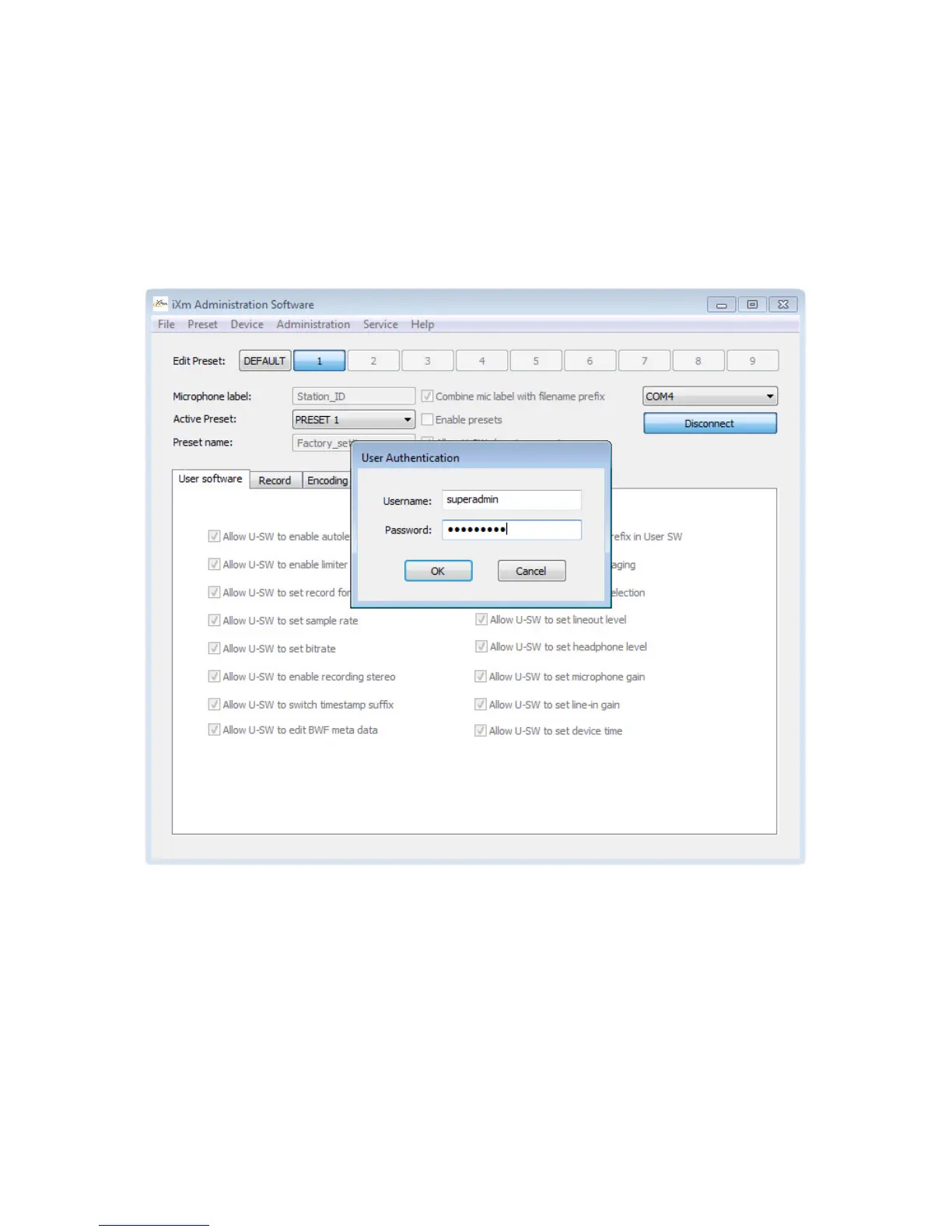
Initial credentials for the Admin So!ware
The Admin So!ware (other than User So!ware) does require a password. Pressing Connect in
Admin So!ware will result in a pop-up window asking for username and password. The initial
password for ‘admin’ and ‘superadmin’ is qwe123asd. The ‘superadmin’ can add or remove
users, set (or change) passwords and initiate Firmware Updates.


 To Previous Page