5
Declaration of Conformity for m!ka Studio Light:
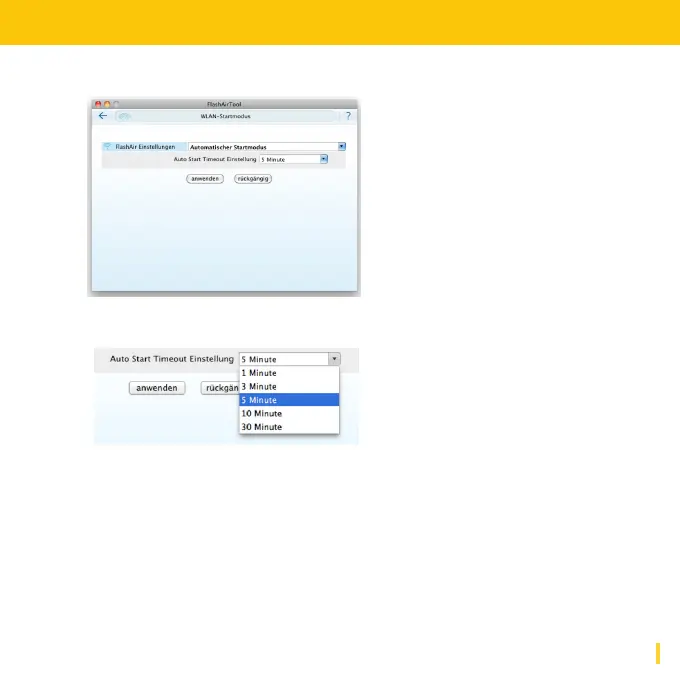
6. Set WLAN Start Mode "Automatic Start Mode"
In this mode FlashAir™ is activated automatically, if inserted.
The timer indicates the timespan after that the card will be deactivated
if your device does not access it. To restart WLAN function simply restart
your device with FlashAir™ card inserted.
WARNING: Do not remove the card during the restart! Doing so may
cause the loss of data!
PLEASE NOTE: "Manual Start Mode" is not supported!


 To Next Page