iXm Getting Started.
Yellowtec 10
-
2009.
Page
4
of
6
Playback
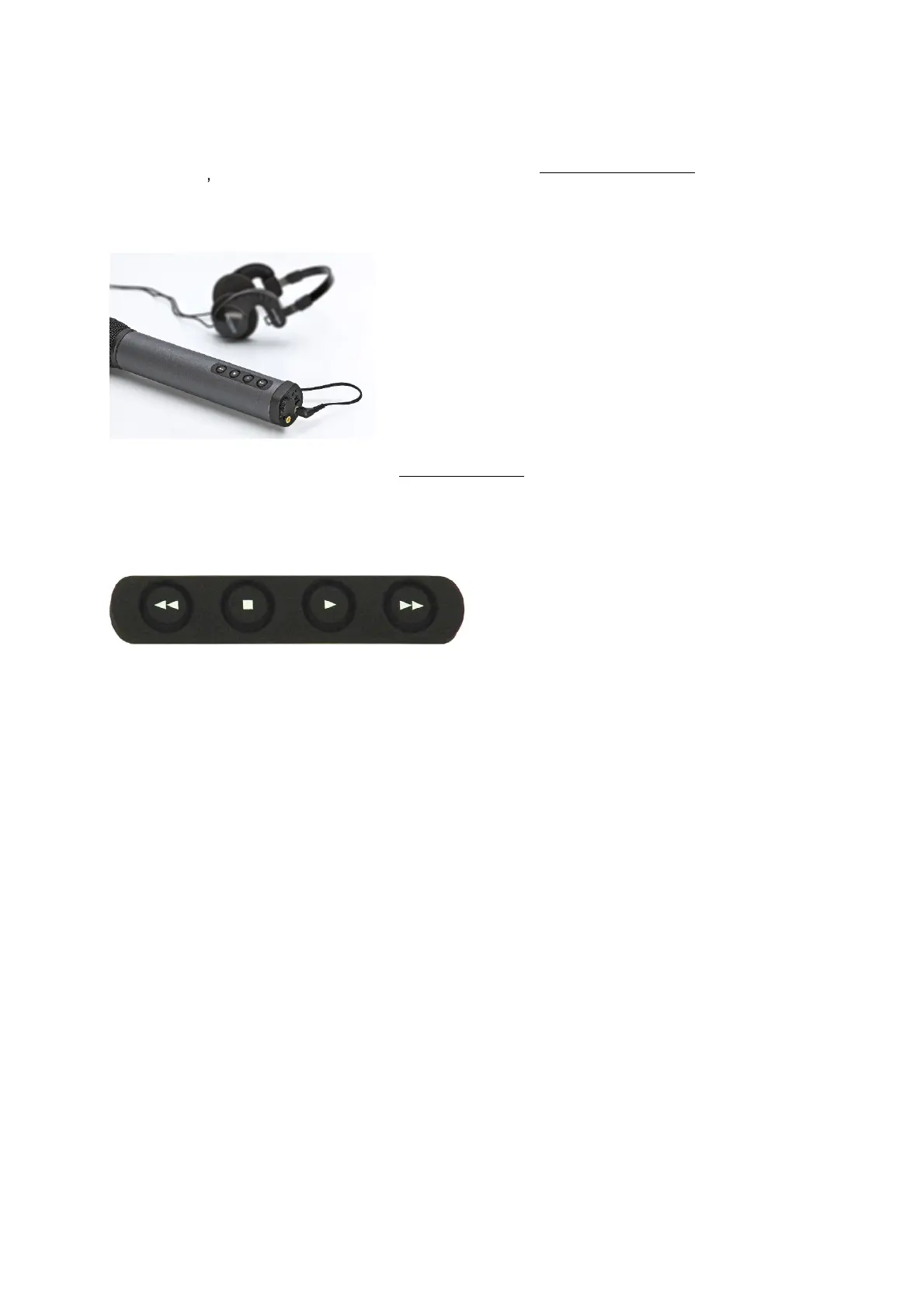
In case you want to monitor record files, you will need
to
plug
-
in a headphone
with 3.5mm
jack in
to
iXm s
green
HP
socket
. The playback keypad does
allow
for
easy
navigation
through multiple audio files.
Press PLAY to play back the lastly recorded file. Press STOP to
end the playback.
Attention!
Please make
sure that the
headphone
level
is set to an appropriate value
in order
to avoid temporary or permanent ear
damage
. We
strictly
recommend
the use of
h
eadphone
s
with integrated volume knob
s
.
RWD
STOP
PLAY
FWD
Pressing
buttons
when
device is ready
to record
RWD
Moves
locator to previous file
STOP
Plays
message of
the current
locator position
PLAY
Starts playback of audio file
from locator position
FWD
Moves
locator to next file
Pressing buttons
when
device is playing back
RWD
Will jump to previous marker when
shortly pressed
RWD
Will cue
backward
when pressed and held
STOP
S
tops play
back
PLAY
No action (c
ontinues playback
)
FWD
Will jump to next marker when shortly pressed
FWD
Will cue
forward
when pressed and held
Pressing buttons when
device is
recording
will not cause any action.


 To Next Page