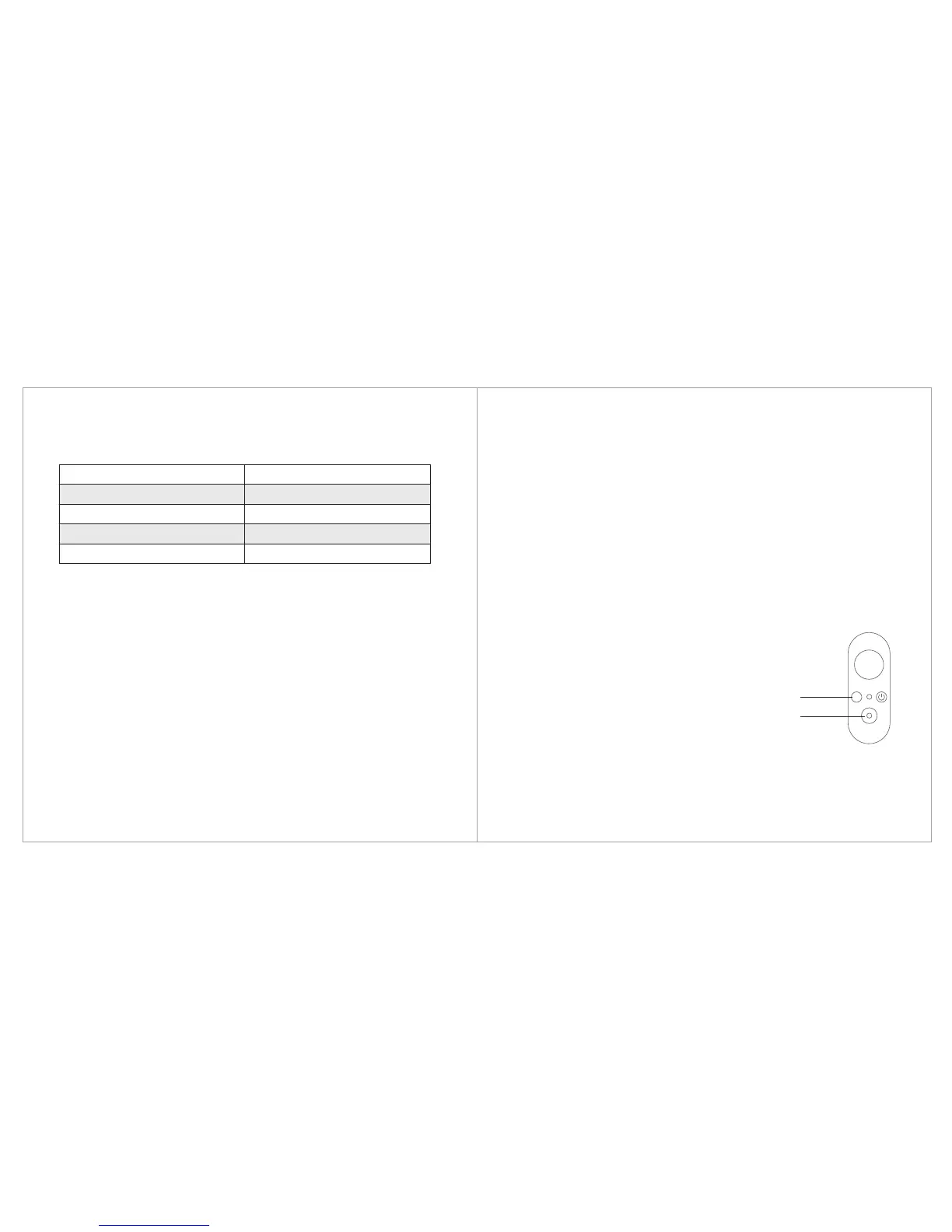
Modes/Status
Low battery/charging
Battery is extremely low/Severe error
Working
Gimbal in calibration
3. Calibration
1. The tilt and roll angle is horizontal.
2. Under the lock mode, the panning angle drifts.
Gimbal calibration may be required in the following circumstances:
Do not connect with USB cable when calibrating.
Offline Calibration
Turn on the gimbal, keep gimbal vertical and still then press and
hold Mode and Shutter Button at the same time, for 2 seconds to
enter calibration mode, then the gimbal will automatically
complete calibration.
Accelerator calibration: the indicator will flash blue and green
alternately, after it’s complete, the blue indicator will remain on for
3 seconds.
Gyroscope calibration: the indicator will flash blue and green
alternately, after it’s complete, the blue indicator will remain on for 5
seconds and enter Pan Mode.
Indicator Status
Slow flash
Fast flash
Constant on
Blue and green light flash alternatively
M
Mode Button
Shutter Button
9) Indicator


 To Next Page